Smishing? Text Message Scams
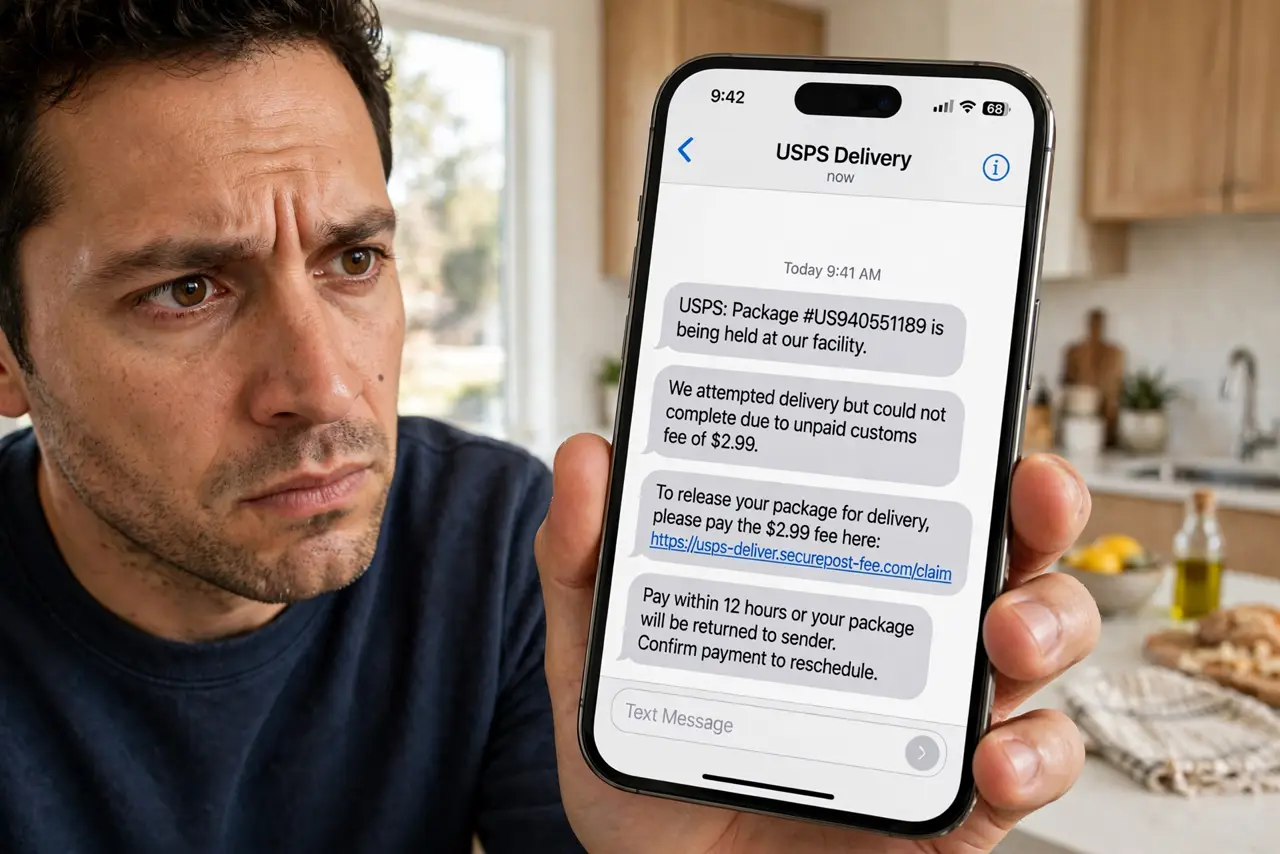
The text says your package is held, your toll is unpaid, or your bank account is locked — with a handy link to fix it. That is smishing: phishing by SMS, and it works because texts feel personal and urgent. The playbook is the same as email phishing, shrunk to a phone screen. Here is how to spot the fakes before you tap.
TL;DR / Quick Fix
Quick fix: smishing texts fake package delays, unpaid tolls, or bank alerts to rush you into tapping a link. Never tap links in unexpected texts — open the company's app or site directly instead. Don't reply, even 'STOP,' to unknown senders. Report it, then delete and block the number.
Follow these steps
- Recognize the classic lures. Undelivered package, unpaid toll, bank security alert, prize win, wrong-number-turned-chat — the themes rotate but urgency is constant. A fake toll text is the current champion in many countries. If a text demands immediate action via a link, assume smishing first.
- Never tap the link. The link leads to a credential-harvesting fake site or a malware download. Even 'track your package' curiosity is the trap. If you are genuinely expecting a package, open the carrier's app or site yourself and check there.
- Don't reply — not even STOP. Replying confirms your number is live and monitored, inviting more scams. 'STOP' only works for legitimate subscriptions you actually joined. For unknown senders, silence plus block is the move.
- Verify through official channels. Got a bank alert? Open your banking app directly — never via the text. Toll notice? Visit the toll authority's real website. The real status is always checkable without the text's link, which is exactly why the scammers include one.
- Report it. Forward the message to 7726 (spells SPAM) — most carriers accept reports there. iPhone and Android also offer 'Report Junk' on unknown senders. Reports feed the filters that protect everyone, including you next time.
- Block and delete. After reporting, block the sender and delete the thread. On iPhone, tap the number → Info → Block this Caller; on Android, long-press the conversation → Block. Then tell less tech-savvy relatives — they are the prime targets.
What NOT to do
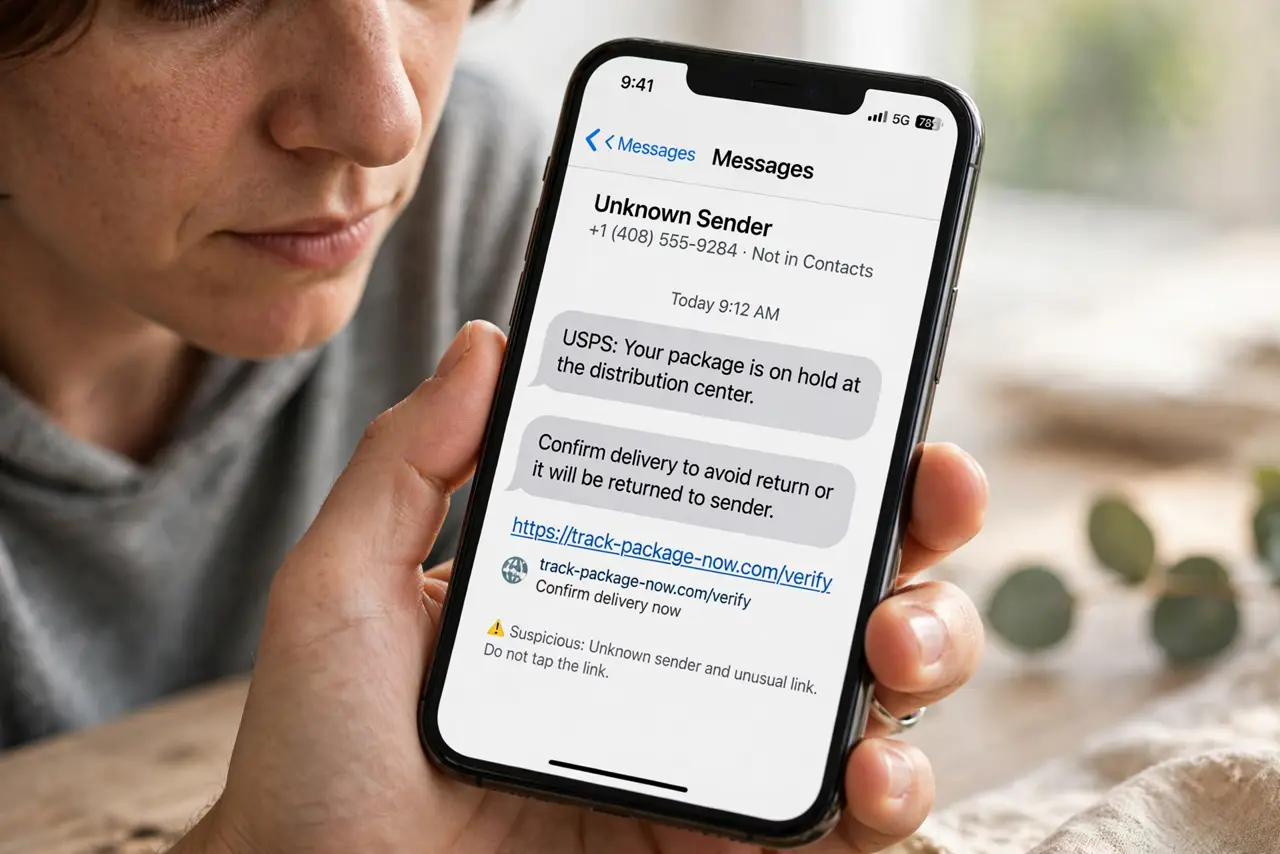
- Do not tap the link 'just to see.' Modern smishing sites can fingerprint your device or trigger a download — curiosity is the attack vector.
- Do not call the number in the text. Like phishing emails, the callback number reaches the scammers — look up the real number independently.
- Do not trust a text because it knows your name. Leaked databases hand scammers names, addresses, and order details — personalization proves nothing.
- Do not pay a 'toll' or 'customs fee' from a text link. Real toll and customs agencies do not collect surprise fees via SMS links.
Frequently asked questions
I tapped the link — what now?
Close the page immediately and do not enter anything. If you typed credentials, change them on the real site and enable two-factor authentication. If you downloaded anything, delete it and run a malware scan — same drill as clicking a phishing link.
Why am I getting these suddenly?
Your number likely appeared in a leaked database or was auto-dialed in bulk. It is rarely personal — smishing is a numbers game, and a fresh wave means a fresh leak made the rounds.
Can my carrier stop these?
Partially — carriers filter known smishing, and reporting to 7726 improves it. But new numbers spin up constantly, so your own skepticism remains the main defense.
What to read next
- Phishing Red Flags? Know Them
- Fake Toll Road Text?