Vishing? Phone Call Scams
The caller says they are from your bank's fraud department, the IRS, or tech support — and they sound completely professional. Vishing is phishing by voice call, and it works because a confident human on the line bypasses the skepticism you apply to emails. They want passwords, codes, or remote access to your computer. Here is how the calls work and the one rule that defeats them.
TL;DR / Quick Fix
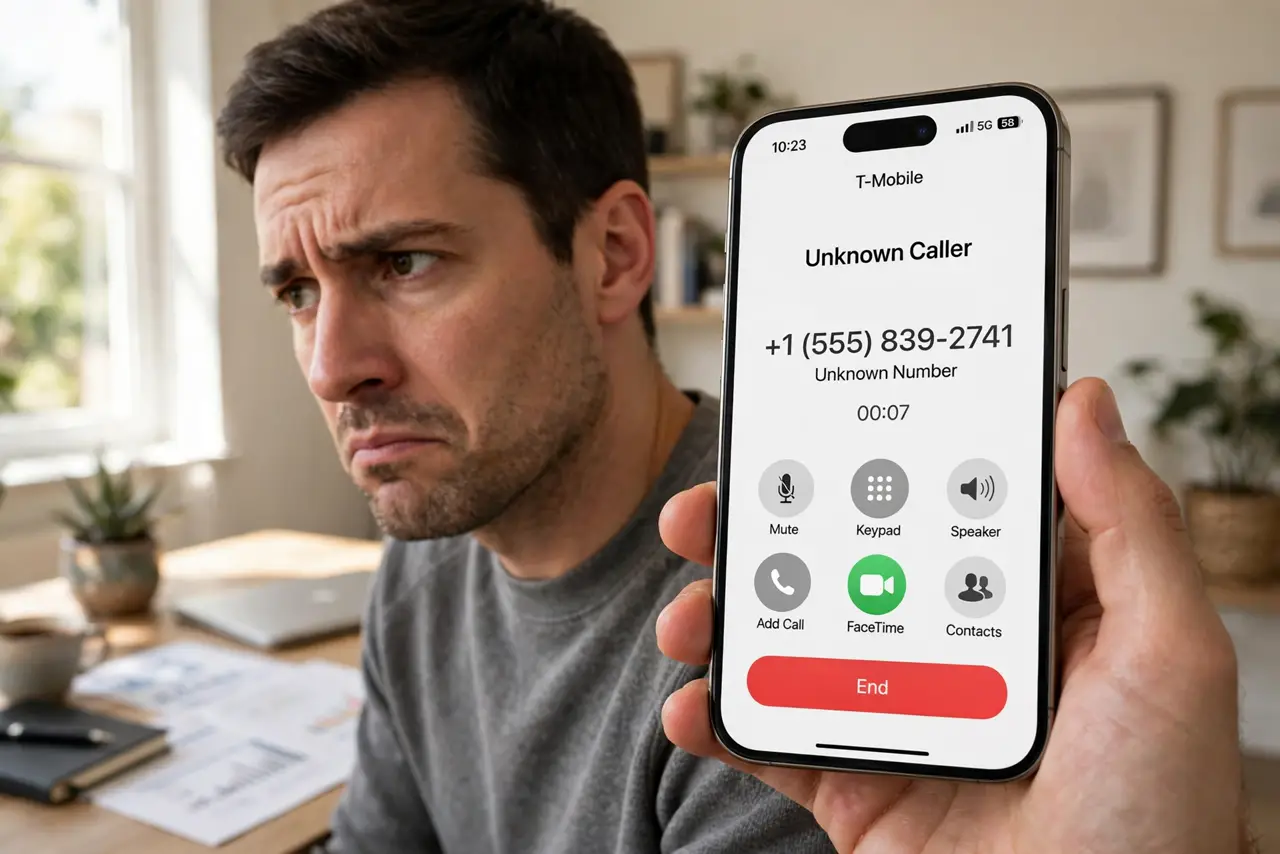
Quick fix: vishing is phishing by phone — fake bank, tax, or tech-support callers manufacturing urgency. Hang up, then call the company back on its real published number. Never give passwords, codes, or remote computer access to an inbound caller. Real companies don't demand action or gift cards by phone.
Follow these steps
- Recognize the scripts. Bank fraud department, IRS or tax authority, tech support spotting 'viruses,' prize winnings with a fee — the scripts are polished and the caller ID may even be spoofed. Urgency plus authority is the formula, just like email phishing with a voice.
- Hang up — politely is optional. You owe an unsolicited caller nothing. Say 'I'll call back on the official number' and hang up. Scammers rely on keeping you on the line; breaking contact breaks the spell. A real agent will understand.
- Call back on a number you find yourself. Look up the company's real number on its website or your card — never the number the caller gave you. If the call was legitimate (rare), the real department will confirm. This single habit defeats nearly all vishing.
- Never share codes or passwords. No legitimate caller needs your password, PIN, or the two-factor code just texted to you. Anyone asking for a code is mid-attack — that code is the key to your account. Hang up immediately.
- Never grant remote access. 'Tech support' asking to install remote-access software is setting up full control of your computer. Real Microsoft, Apple, and Google never cold-call about your device. Close the door: hang up.
- Report the number. Block it on your phone, report it to your carrier, and in the US report to the FTC. Silence Unknown Callers and carrier spam filters cut most of these before they ring. Warn older relatives — they are the prime targets, just as with smishing.
What NOT to do
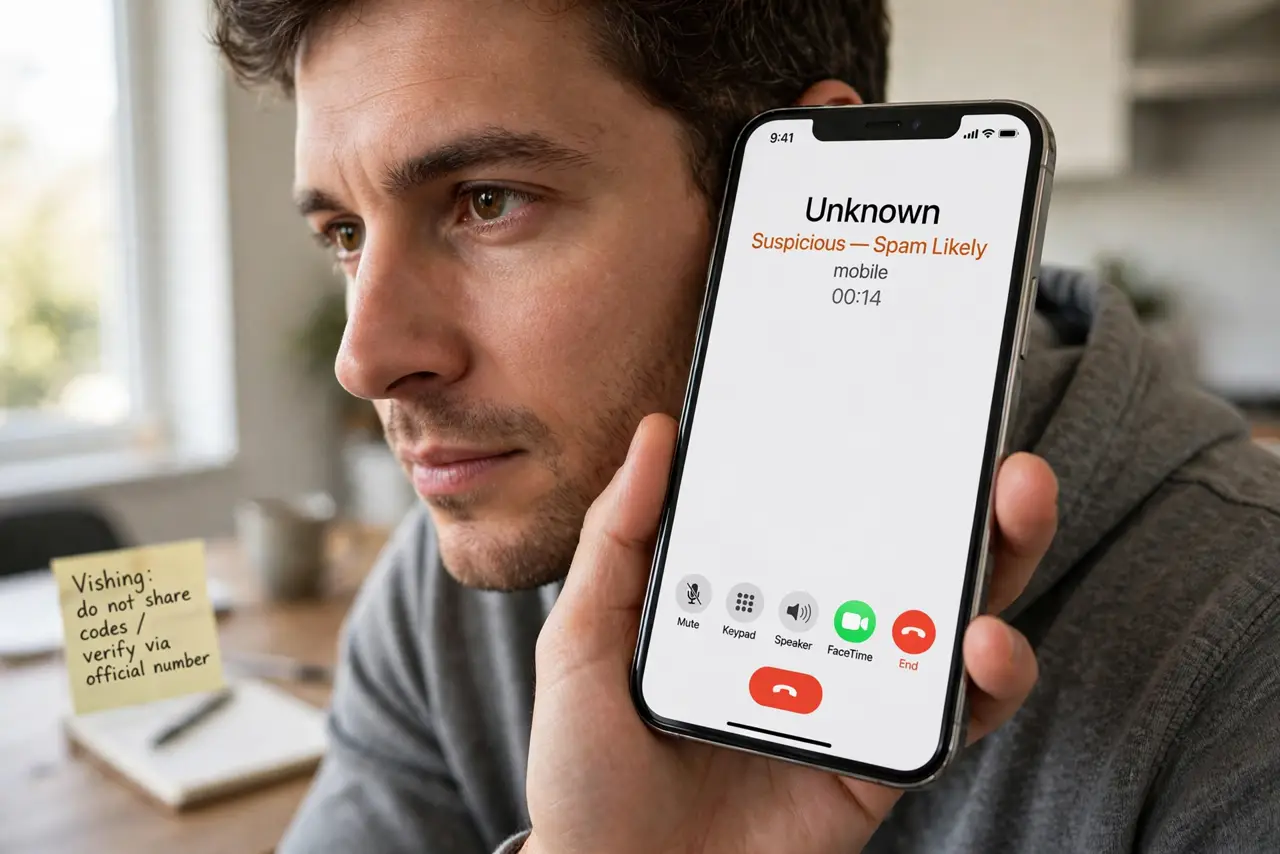
- Do not stay on the line to 'waste their time.' Engaging confirms your number is live and can escalate to more aggressive callbacks.
- Do not trust caller ID. Spoofing a bank's real number takes seconds — the display proves nothing.
- Do not pay anyone in gift cards, crypto, or wire transfers. No legitimate organization collects payment this way — it is the universal scam tell.
- Do not let a caller rush you past thinking. 'Act in the next ten minutes' is the pressure tactic — legitimate matters wait for a callback.
Frequently asked questions
What if they knew my account details?
Leaked databases give scammers partial details to sound credible. Knowing your name or last four digits proves nothing — run the callback test regardless.
Can I just not answer unknown numbers?
Yes — let them go to voicemail. Legitimate callers leave messages; scammers rarely do. Silence Unknown Callers automates this on iPhone.
My elderly parent got such a call — what now?
If they shared nothing, just block and move on. If they shared codes or installed software, change passwords, revoke sessions, and scan for remote-access tools immediately.
What to read next
- Phishing Red Flags? Know Them
- Smishing? Text Message Scams