Voice Assistant Privacy?
Smart speakers listen for their wake word — and sometimes a little more. Voice recordings, transcripts, and smart-home patterns flow to company servers, where humans may review samples. You do not have to unplug the speaker; a few settings meaningfully shrink what is kept. Here is the practical privacy setup.
TL;DR / Quick Fix
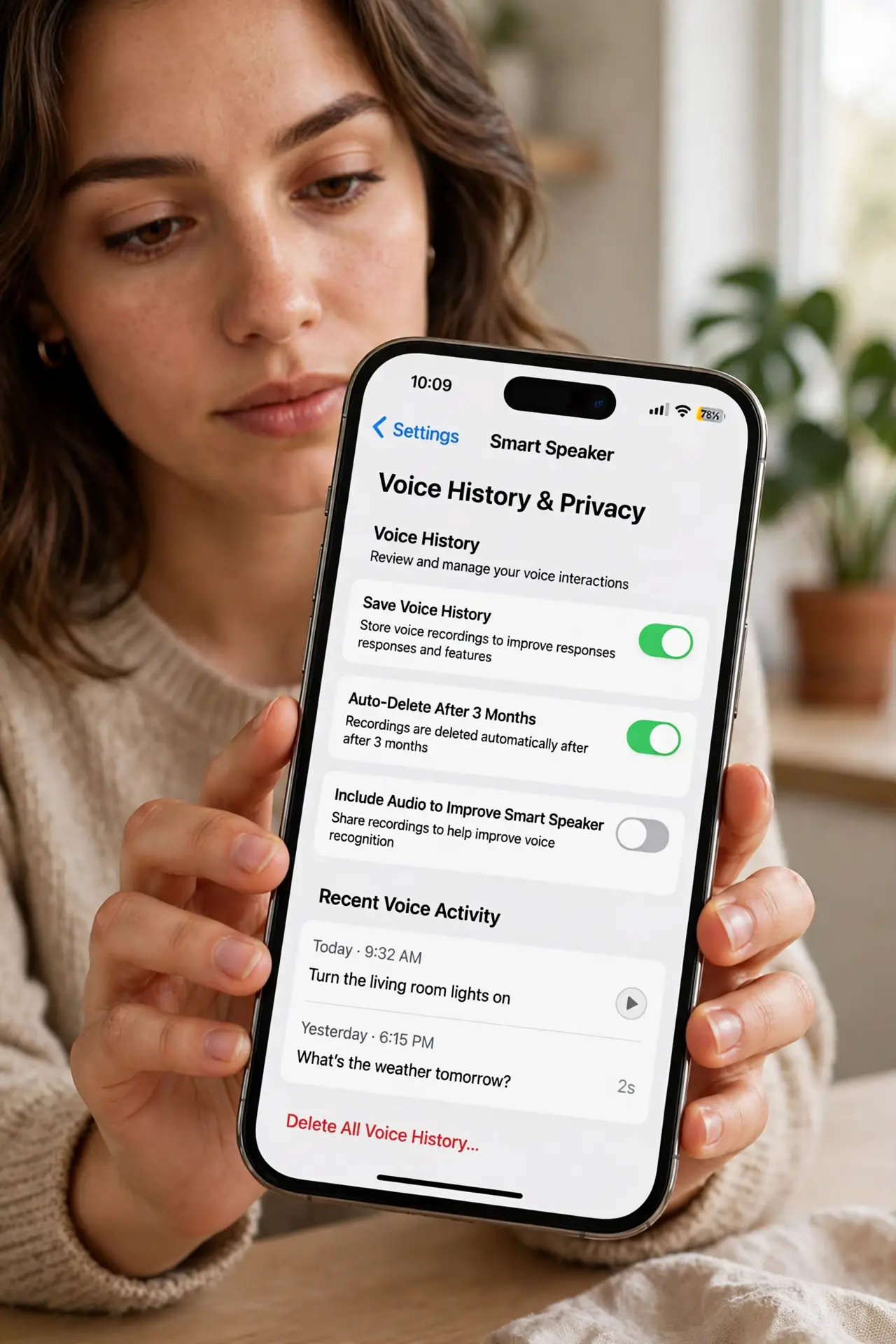
Quick fix: open your speaker's app and turn off human review of recordings, set voice recordings to auto-delete every 3 months, and mute the microphone when not in use. Review and delete stored recordings periodically. The convenience stays; the permanent archive goes.
Follow these steps
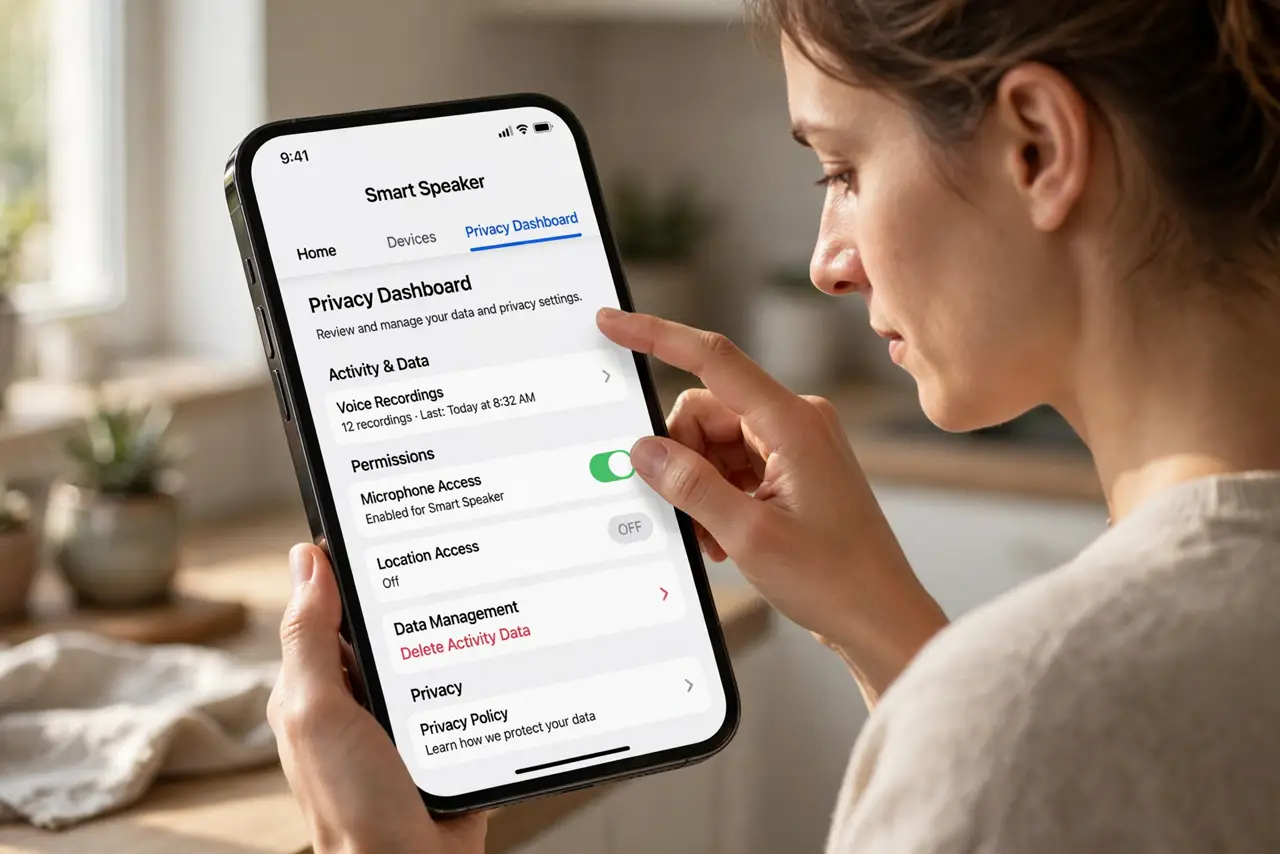
- Find the privacy dashboard. Alexa app > More > Settings > Alexa Privacy; Google Home app > profile > My Activity. Every major assistant has a privacy hub — it is just never advertised.
- Turn off human review. Disable the option letting employees listen to samples for 'quality improvement'. Your clips stop being training data with one toggle.
- Set recordings to auto-delete. Choose the shortest retention — 3 months where offered, or 'don't save' if available. A rolling window beats a permanent archive you will never audit.
- Review and purge history. Skim the voice history for surprises — misfired recordings reveal what the mic caught. Delete in bulk; it is oddly satisfying.
- Mute when it matters. The physical mute button cuts the mic at hardware level — use it during sensitive conversations. A muted speaker cannot mishear, and the smart speaker mute habit is worth building.
- Limit smart-home data sharing. Review which third-party skills and services can see your routines and device states. Prune the ones you tried once — they keep their access until revoked.
What NOT to do
- Do not assume it only records after the wake word. False triggers happen — the history review shows you the truth.
- Do not keep recordings forever by default. Auto-delete is the single highest-value toggle in the whole dashboard.
- Do not grant skills you no longer use. Dormant third-party access is a forgotten open door — revoke it.
- Do not place speakers in bedrooms or offices by default. Bedrooms and work calls deserve the mute button or no speaker at all.
Frequently asked questions
Are smart speakers always listening?
They listen locally for the wake word; only after triggering do they record and upload. False triggers mean occasional unintended uploads — check the history.
Can I use a smart speaker without an account?
Not really — the account ties voice profiles, purchases, and smart home together. Privacy settings are the lever, not anonymity.
Do deleted recordings really get deleted?
Companies state deletion removes them from their systems, though aggregated anonymous insights may persist. Auto-delete plus manual purges is the practical best.