Pause YouTube History? How To
YouTube remembers every video you have ever watched — and uses it to decide what you see next. That is great until the recommendations get stuck on a topic you researched once, or you share an account and your history becomes everyone's suggestions. Pausing watch history stops the diary without breaking the app.
TL;DR / Quick Fix
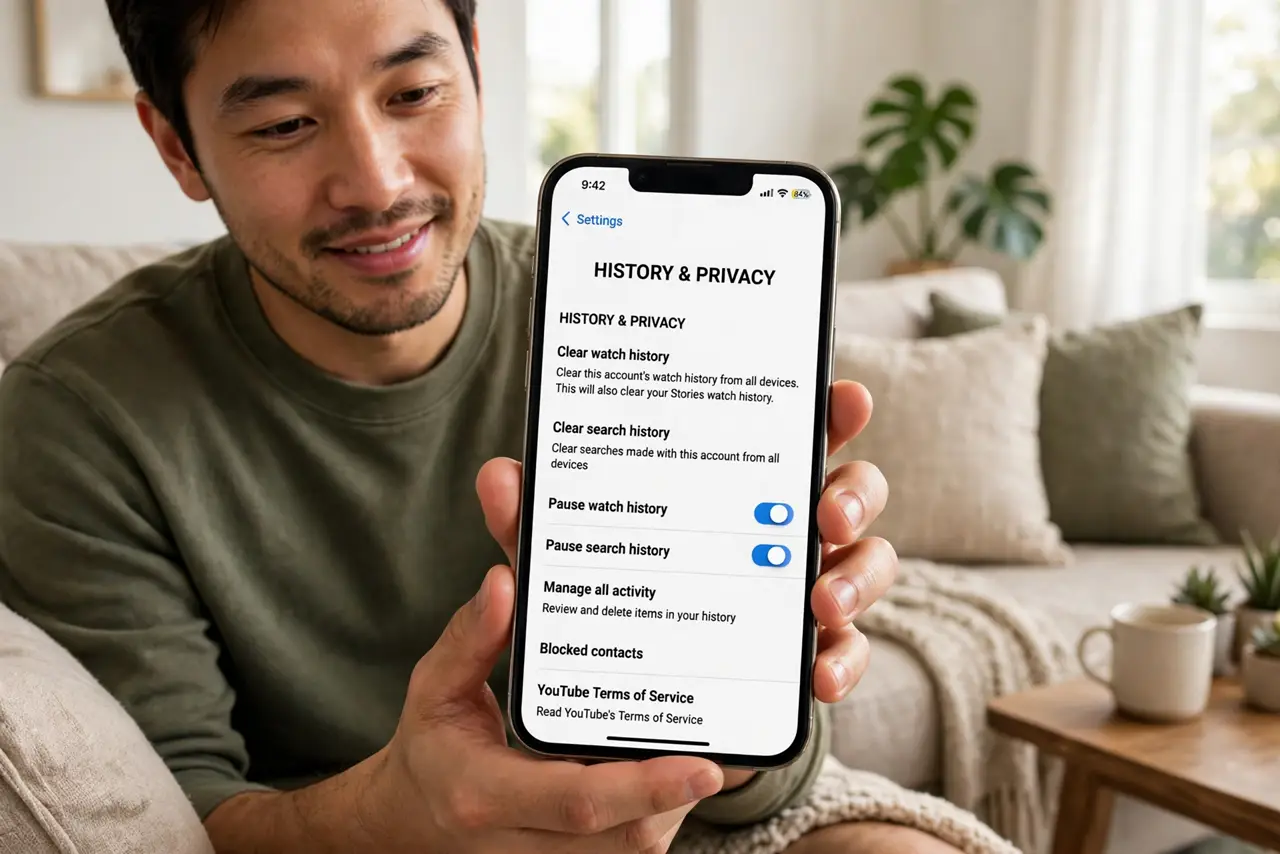
Quick fix: pausing YouTube watch history stops new videos from being recorded and resets the recommendation engine to general suggestions. Find it in the YouTube app under Settings > Manage all history, or your Google account's YouTube History controls. Delete old entries too if you want a clean slate.
Follow these steps
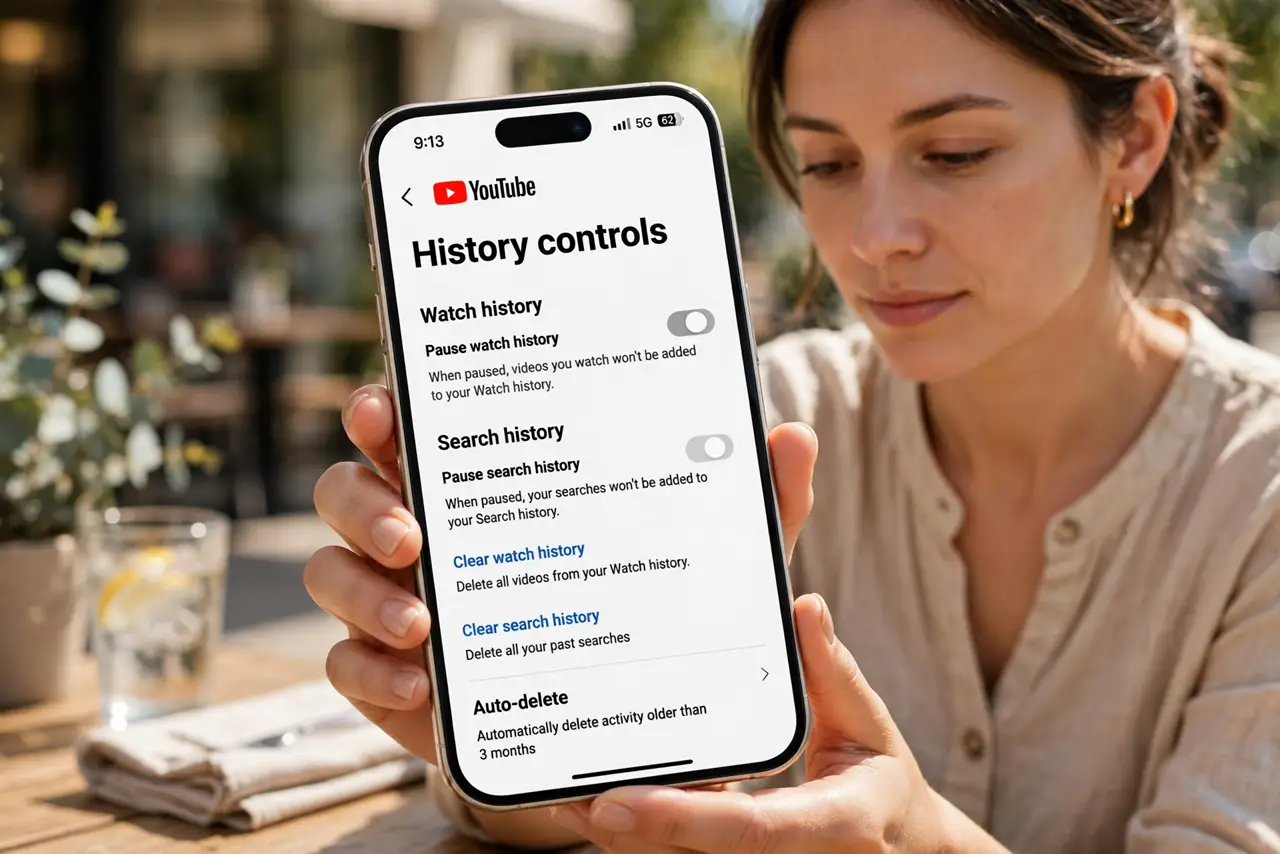
- Open YouTube's history controls. In the app, go to Settings, then Manage all history — or open your Google account's YouTube History page on the web. Both lead to the same switches.
- Pause watch history. Flip the Watch History toggle to paused. From this moment on, watched videos stop being recorded — the recommendation engine starts running on fumes instead of your diary.
- Pause search history too. YouTube logs searches separately from watches. Pause Search History on the same page, or your typed queries keep feeding suggestions you thought you stopped.
- Delete the backlog if you want. Pausing stops the future; the past stays. Use the delete controls to clear watch and search history — all of it, or just older than a few months.
- Know what changes in the app. Recommendations get more generic and the home feed less eerily personal. Search, subscriptions, and playback are completely unaffected.
- Unpause selectively when useful. Researching a topic for a week? Unpause, let it learn, then pause and delete again. The switch is meant to be flipped, not set once forever.
What NOT to do
- Do not confuse pausing with deleting. Paused history still sits there influencing nothing new — delete it if you want it gone.
- Do not expect signed-out viewing to be private. It skips your account history but your network and device still see the traffic.
- Do not forget shared devices. Anyone signed into the same account on the TV keeps feeding the same history — pause it at the account level, not per device.
- Do not assume Kids profiles are covered. Supervised accounts have their own history settings — check them separately.
Frequently asked questions
Will pausing break my subscriptions?
Not at all. Your subscribed channels, playlists, and library are separate from history. The Subscriptions tab works exactly as before.
Why are recommendations still weird after pausing?
Old history still influences suggestions until you delete it, and liked videos plus subscriptions still shape the feed. Clear the backlog for the full reset.
Does pausing stop ads from targeting me?
It weakens video-based ad targeting, but Google uses many other signals. For broader control, also manage ad personalization.