Shared Computer Browser History Visible? Hide It
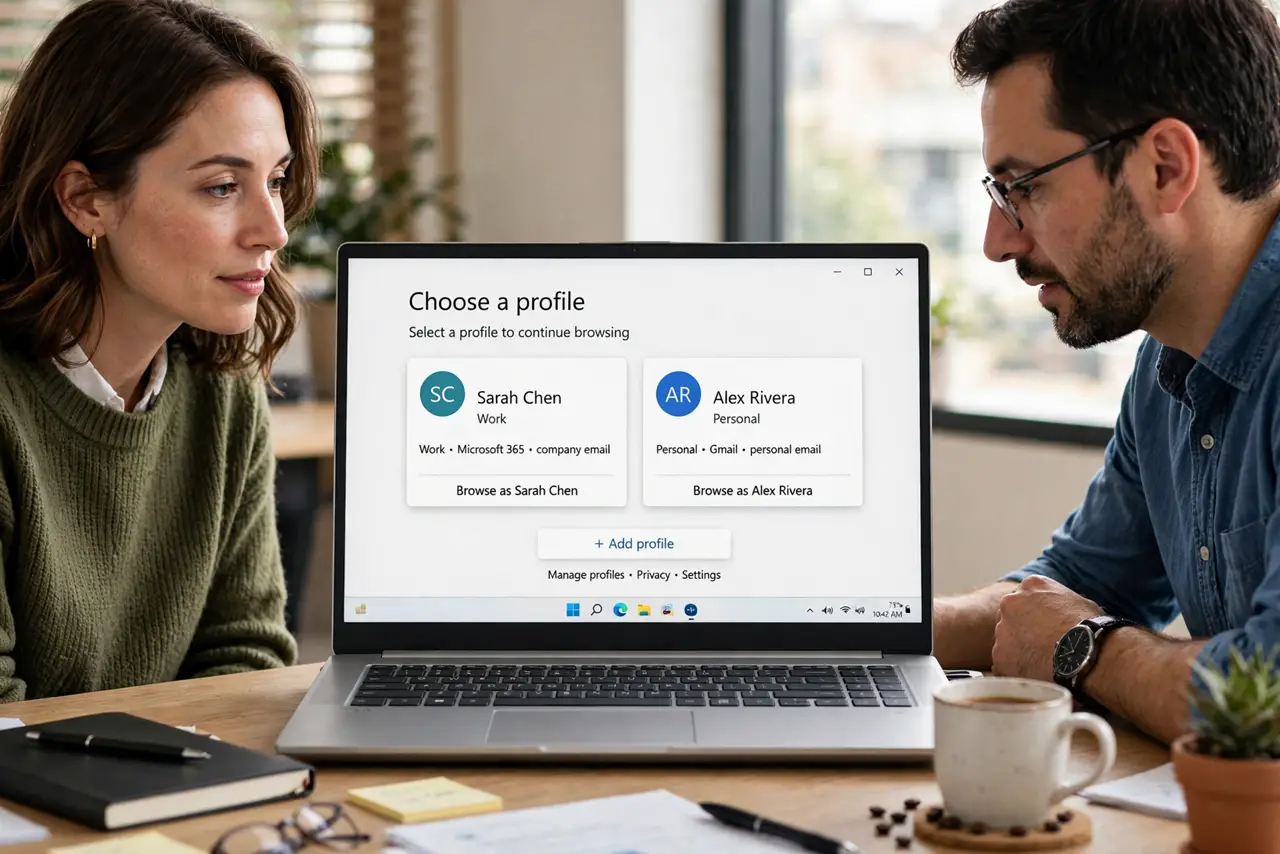
On a shared computer, one browser profile means everyone sees everyone history, saved logins, and suggestions. Separate profiles, signing out, and clearing history when needed give each person privacy without hiding anything improper.
TL;DR / Quick Fix
Quick fix: create a separate browser profile for each person, sign into your own accounts only in your profile, and sign out when you finish. Clear history and saved logins from shared or guest sessions, and never save passwords on a shared profile.
Follow these steps
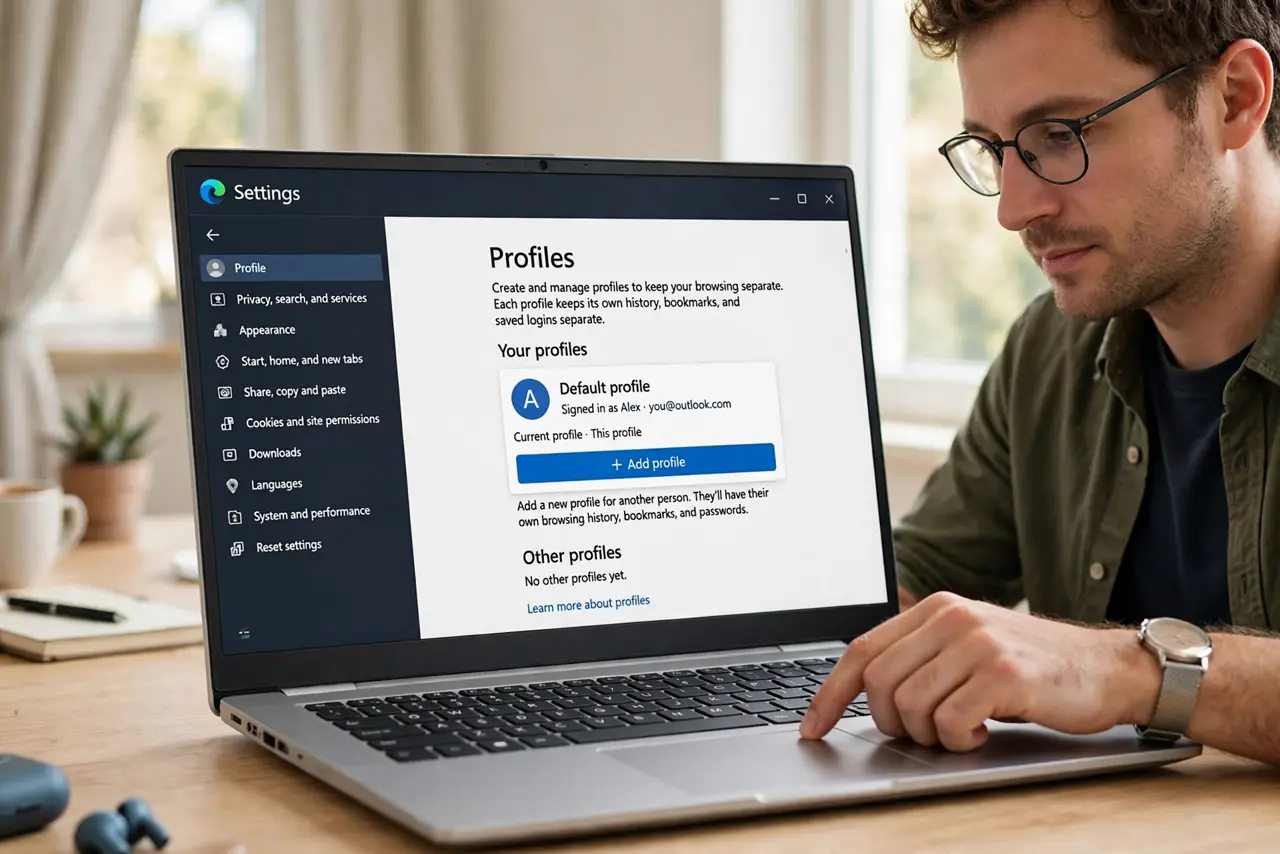
- Create a separate browser profile. In browser settings, create a profile for each person who uses the computer. Each profile keeps its own history, bookmarks, and saved logins separate.
- Sign in only in your own profile. Sign into email, banking, and social accounts only inside your own profile. Never sign into personal accounts in a shared or guest profile.
- Use a guest profile for visitors. For a visitor, open a guest window or guest profile. Guest data clears when the window closes, so nothing of theirs, or yours, lingers.
- Sign out when you finish. Sign out of accounts, and close the browser, when you step away. An open session is an open door, even with separate profiles.
- Clear history on shared profiles. If you must use a shared profile, clear browsing history, cookies, and saved data when you finish. Do not rely on others to clear it for you.
- Never save passwords on a shared profile. Decline save password prompts on shared profiles, and delete any saved passwords already there. Use your own profile, with its own sign-in, for saved logins.
What NOT to do
- Do not use private browsing as a substitute for separate profiles. Private mode hides history locally, but saved logins and sessions in the main profile remain.
- Do not stay signed into email or banking on a shared computer, even if you trust the other users. Accidental clicks happen.
- Do not save passwords in a shared browser to save time. Time saved is not worth account access for the next user.
- Do not clear another person history without asking. Clear only your own sessions, and use profiles to keep boundaries clean.
Frequently asked questions
Is a separate profile enough privacy?
For everyday sharing, yes. Profiles separate history and logins, though a determined person with full computer access could still find traces. For sensitive work, use your own device.
What if the computer has only one profile?
Create profiles now; it takes minutes. Until then, sign out after each session and clear history and cookies when you finish.
Should I use private browsing too?
Private browsing helps for a quick session on a shared profile, since it leaves less behind. It does not replace a personal profile for regular use.