Shared Computer Shows Saved Passwords? Lock It Down
When anyone who sits at a shared computer can open the browser and see your saved passwords, that computer is not really shared safely. The fix is to separate accounts, lock the screen every time, and remove logins that should never have been saved there. A password manager keeps your logins in one locked place instead of loose in the browser.
TL;DR / Quick Fix
Quick fix: Sign out of the browser profile. Use a separate account for each person. Then work through the remaining steps in order, checking one change at a time, and stop for a technician if you see damage, swelling, or a burning smell.
Follow these steps
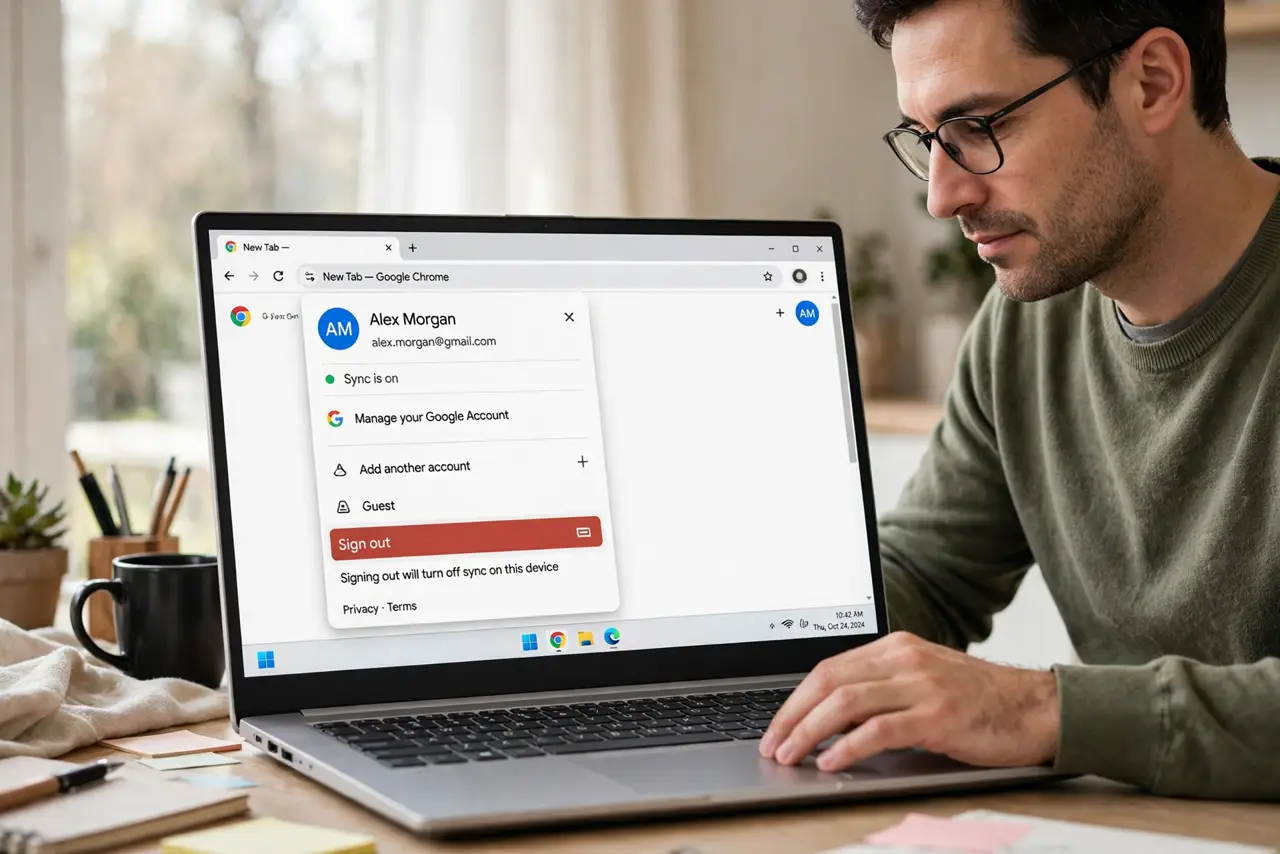
- Sign out of the browser profile. Open the browser, open the profile menu, and sign out of your profile before anyone else uses the computer. Signing out stops the next person from opening your saved passwords and your signed-in sites.
- Use a separate account for each person. Ask the computer owner to create a separate user account for you, and use only that account. Separate accounts keep browser profiles, files, and saved passwords apart, which is the real fix for a shared computer.
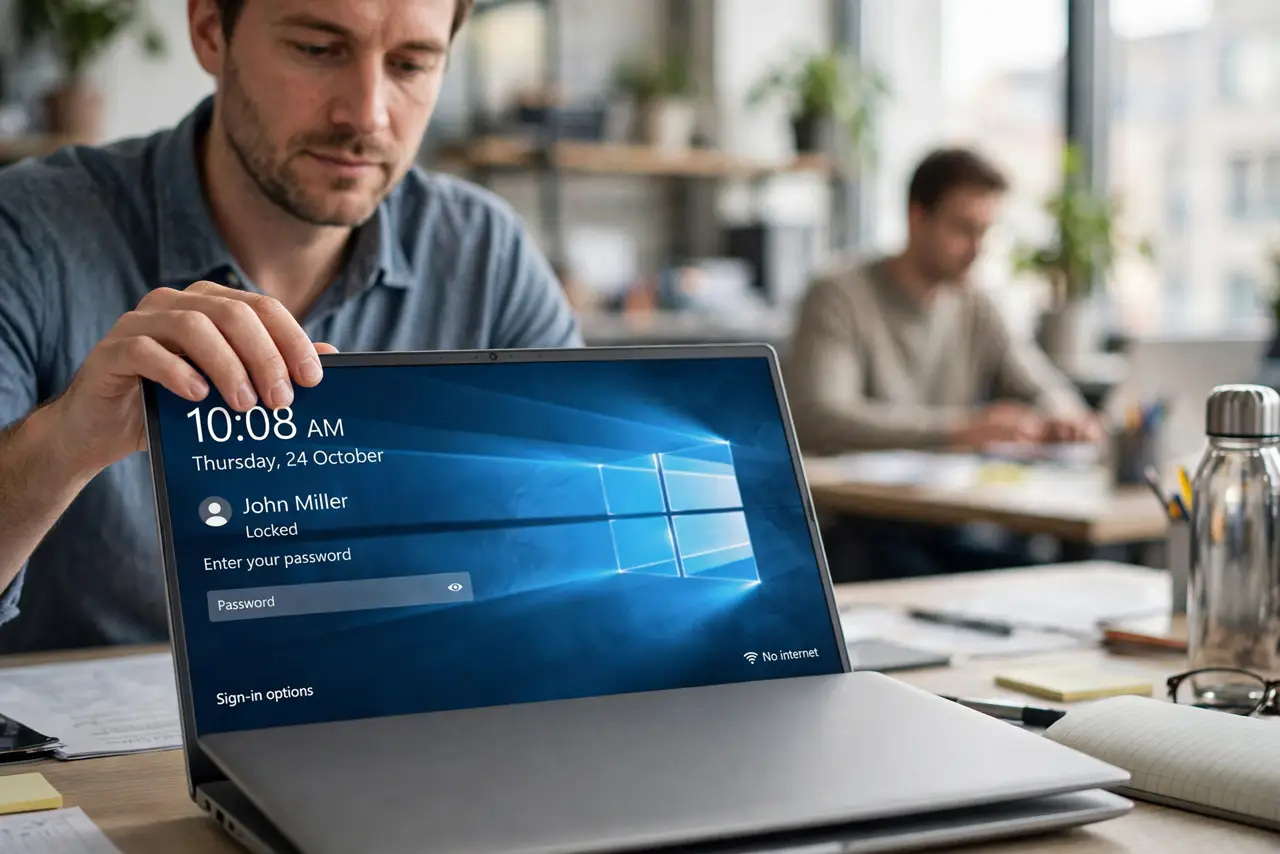
- Lock the screen every time you walk away. Press Windows and L whenever you stand up, even for a minute. A locked screen asks for your password or PIN, so a passerby cannot open your saved passwords while you are gone.
- Remove saved passwords you do not need there. In browser settings, open Passwords, and delete any login that belongs to email, banking, or work. Keep only logins you are willing to lose if someone else opens that browser.
- Turn off the offer to save passwords on that computer. In the same Passwords settings, turn off the option to offer saving passwords. That stops the browser from quietly saving the next login you type on a computer other people use.
- Check what is still signed in, then sign out. Open the browser settings for signed-in sites and accounts, sign out of anything you do not recognize, and change the password of any account that was left signed in on a shared computer.
What NOT to do
- Do not share one browser profile with other people. A shared profile means shared saved passwords, no matter how careful you are.
- Do not leave the computer unlocked while you fetch something. Most snooping happens in those short, unguarded minutes.
- Do not write passwords on paper stuck to the monitor. That is just as visible as a saved password list, and anyone in the room can read it.
- Do not save work or banking passwords on a computer you do not control. Use your own device for those accounts, and keep the shared computer for low-risk tasks.
Frequently asked questions
Can other users on the same computer see my saved passwords?
Not if each person has a separate account and you lock your screen. On a shared account, anyone using it can open the browser password list.
Is deleting saved passwords enough?
It helps, but only with separate accounts and a locked screen does the fix last. Otherwise the next saved login recreates the same problem.
What if I already saved a banking password there?
Delete it from the browser, sign out everywhere, and change that password from your own device. Treat it as exposed until you change it.