Audit Who Can See a Shared Folder
Shared folders collect access over time: former teammates, old clients, and anyone-with-the-link URLs floating in inboxes. A periodic audit of who can see what takes minutes and closes doors you forgot were open.
TL;DR / Quick Fix
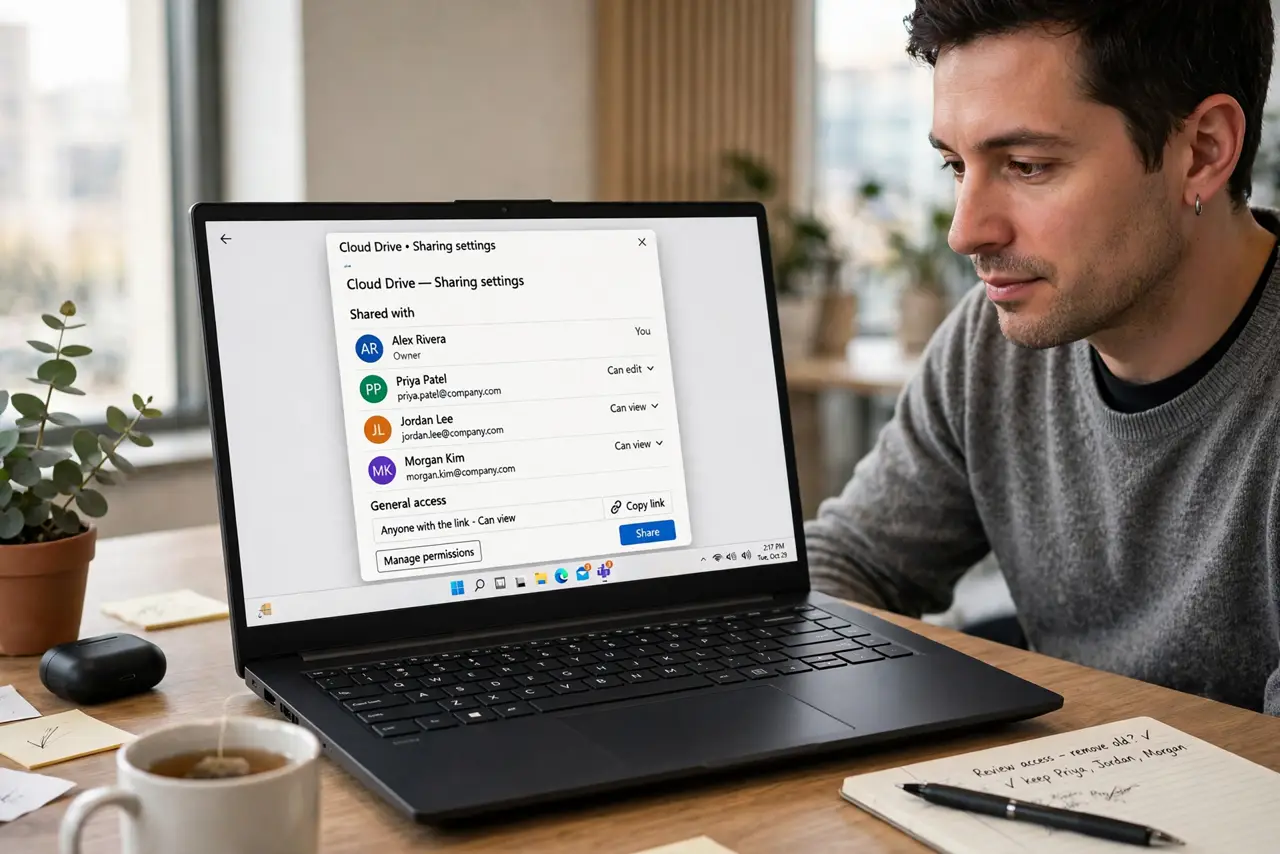
Quick fix: open the shared folder's sharing settings, list everyone with access and their permission level, and remove anyone who no longer needs it. Repeat the audit quarterly, and keep sensitive folders shared with individuals rather than anyone-with-the-link, since link sharing spreads further than most people realize.
Follow these steps
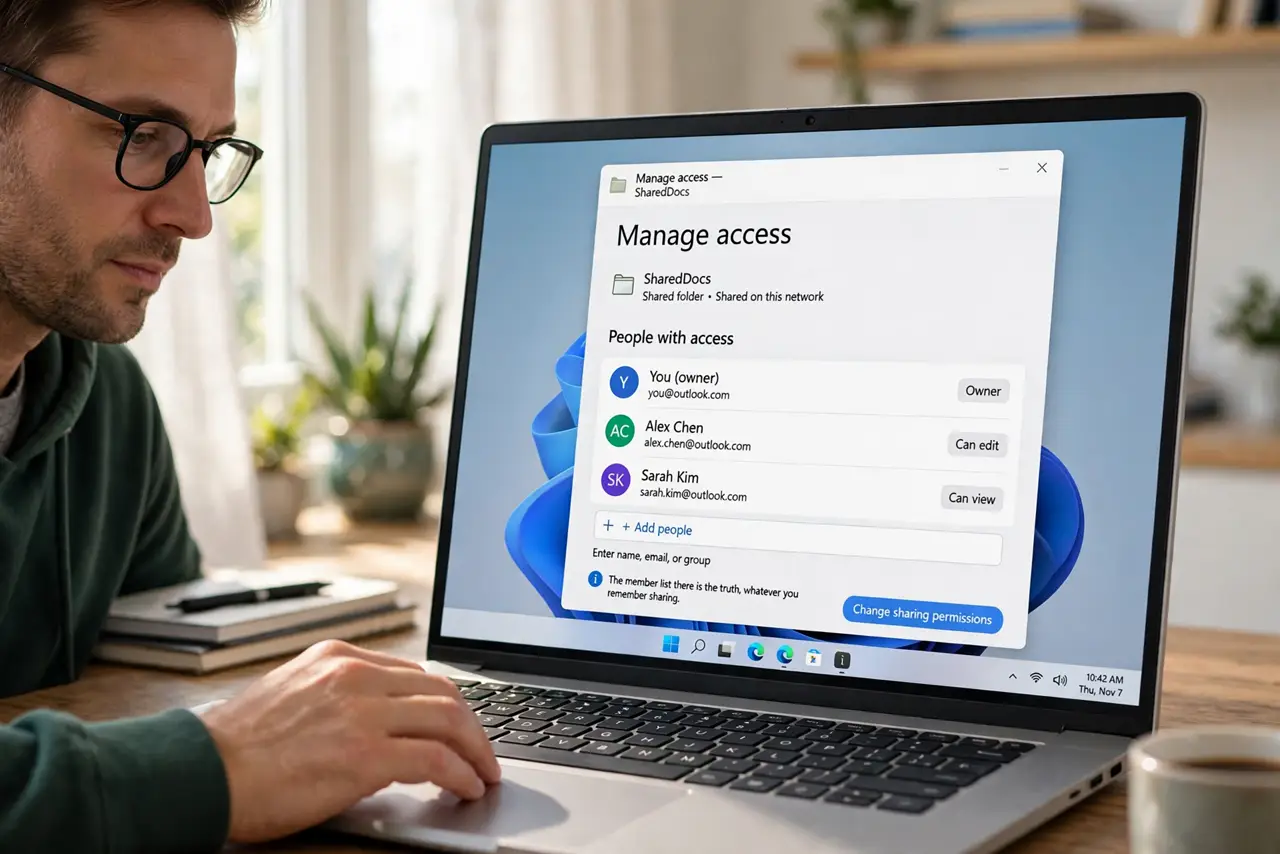
- Open the folder's sharing settings. Right-click the shared folder and open its share or manage-access panel. The member list there is the truth, whatever you remember sharing.
- List every person and their level. Write down who has viewer, commenter, or editor access. Editors can share further, so an editor you forgot about is a door you left open.
- Remove anyone who no longer needs access. Former teammates, finished clients, and duplicate entries go first. Removing takes seconds and cannot be done too early.
- Replace link sharing with named sharing. Where a folder uses anyone-with-the-link, switch it to specific people. A link can be forwarded forever, while named access ends when you remove the name.
- Check for accidental editors. Someone added as an editor for one quick fix often stays an editor for years. Demote them to viewer unless they truly need to change files, since an editing link shared by mistake spreads fast.
- Repeat the audit quarterly. Put a recurring reminder on the calendar. Access rots over time as people join and leave, so the audit is maintenance, not a one-time fix.
What NOT to do
- Do not assume you know who has access. Memory says five people, the member list says twelve, and the list is the one that matters.
- Do not leave former teammates with editor access out of politeness. Removing access is routine hygiene, not a personal statement.
- Do not share sensitive folders with anyone-with-the-link. One forwarded link undoes every other precaution you took.
- Do not audit once and declare victory. Teams change constantly, so quarterly audits catch what the last one missed.
Frequently asked questions
How often should I audit shared folders?
Quarterly is the sweet spot for active teams. Monthly is overkill, and yearly lets too much rot accumulate.
What is the riskiest sharing setting?
Anyone-with-the-link combined with editor access. It lets strangers change files, and the link can travel anywhere.
Should former employees keep viewer access?
Usually not. Remove them when they leave, and re-share specific files later if a genuine need appears.