Shortened Link Risks
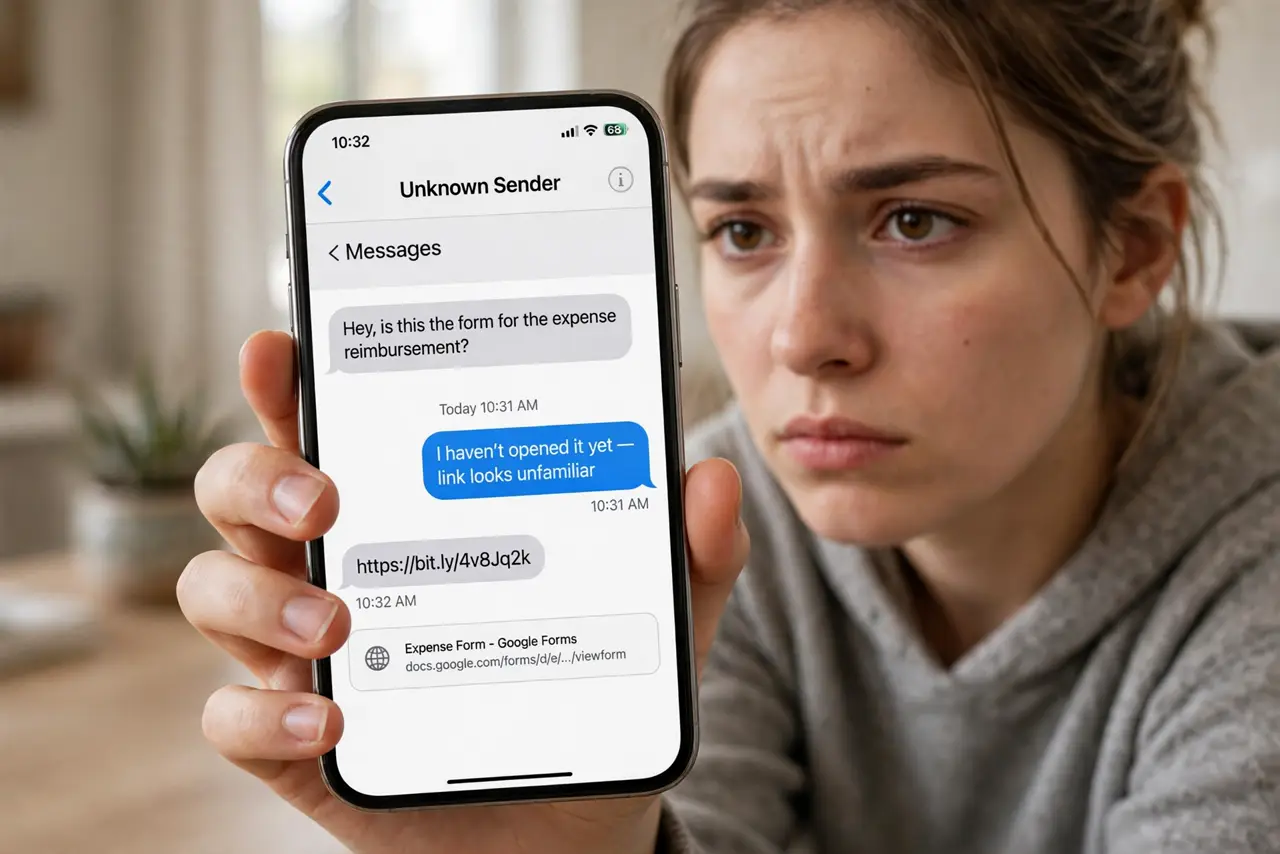
A friend texts a bit.ly link with 'you have to see this.' It could be a funny video — or a fake login page, a malware download, or a scam storefront. Shortened links hide the destination by design, which is exactly why scammers love them. You don't have to fear every short link; you just need the ten-second habit of checking where it goes first.
TL;DR / Quick Fix
Quick fix: shortened links hide the real destination — expand before you click. Long-press on mobile or use a URL expander to preview where it goes, and treat mismatched destinations as hostile. Never enter credentials after following a short link you didn't expect.
Follow these steps
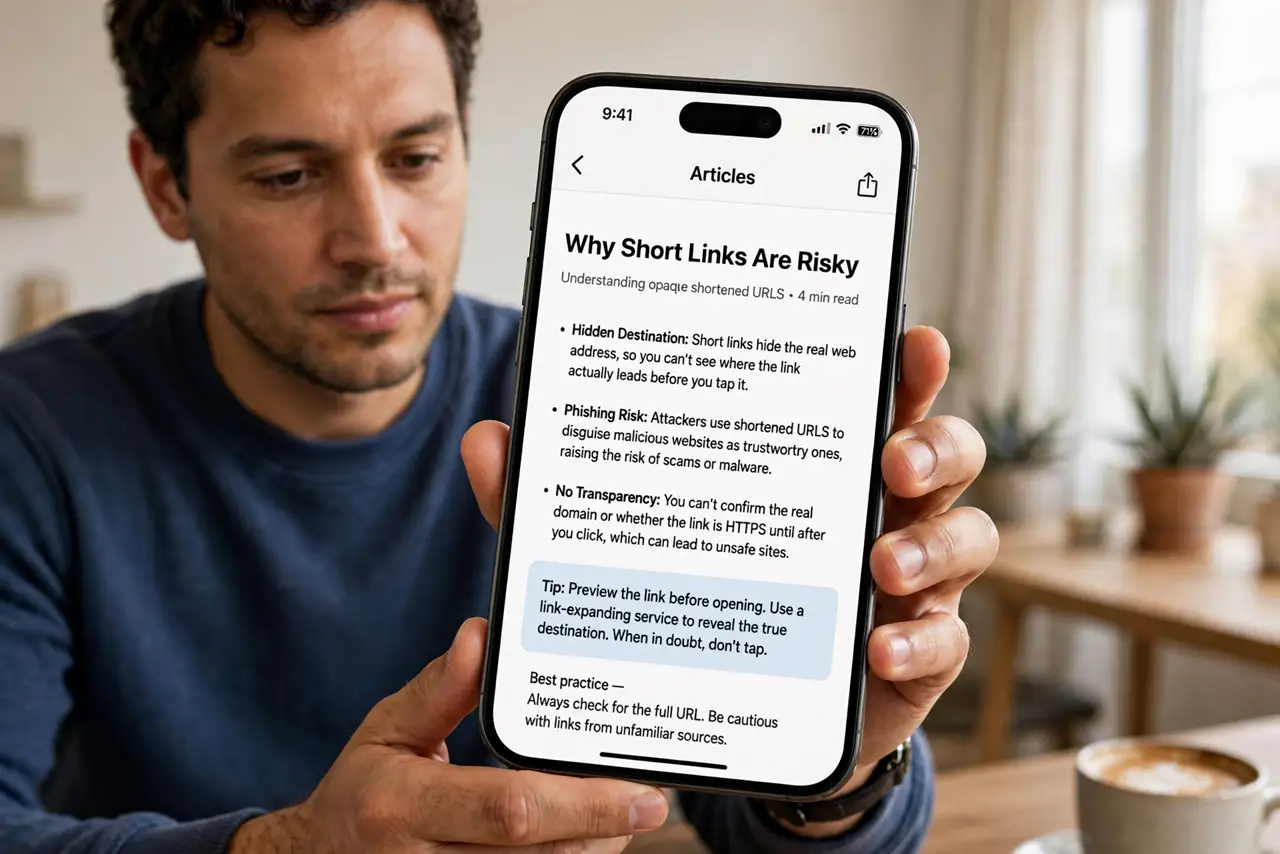
- Understand why short links are risky. A shortened URL replaces the real address with an opaque code — you can't see the domain before clicking. Legitimate services use them for neatness; scammers use them to hide malicious destinations. The hiding is the feature and the danger.
- Preview on mobile with a long-press. On most phones, long-pressing a link shows a preview of the full URL before you open it. Read the actual domain in the preview — if it doesn't match what the message claims, don't tap.
- Use an expander for mystery links. Paste the short link into a URL expander site to reveal the destination without visiting it. Ten seconds of checking beats ten hours of account recovery — especially for links from strangers.
- Watch for the classic scam wrappers. Unexpected prize wins, 'your package couldn't be delivered,' and urgent account warnings all arrive as short links. The message creates urgency; the short link hides the trap. If you clicked one already, act fast.
- Never enter credentials after a short link. A short link that lands on a login page asking for your password is guilty until proven innocent. Close it and navigate to the site yourself — the rule from spotting fake logins applies double here.
- Check shortened links in 'shared with anyone' contexts. A short link set to anyone-with-the-link access can expose files broadly — see the shared-link risks before forwarding sensitive stuff through shorteners.
What NOT to do
- Do not click short links from strangers, period. No preview habit is perfect; unsolicited short links deserve deletion, not investigation.
- Do not enter passwords on pages reached via short links. If the login is real, reaching it yourself costs ten seconds and removes all doubt.
- Do not trust the link text. 'paypal.com' as link text can point anywhere — only the actual destination URL matters.
- Do not forward short links you haven't checked. Passing along an unchecked link makes you the scammer's delivery service.
Frequently asked questions
Are all shortened links dangerous?
No — they're a normal tool. The risk is proportional to trust: expected link from a known person is fine; surprise link from a stranger is not.
Can shorteners track me?
Yes — most log clicks, locations, and devices. Another reason to preview: you're telling the link creator you clicked even if the destination is harmless.
What about QR codes?
Same principle, worse — you can't even see the short URL. Only scan codes from trusted physical sources, and check the domain your browser shows after scanning.