Stop SIM Swap Attacks
Someone calls your carrier pretending to be you, ports your number to their SIM, and suddenly your two-factor codes arrive on their phone. Bank, email, everything — gone in an afternoon. SIM swap attacks are rare but devastating, and the defenses are a phone call and a settings change. Here is how to lock your number down.
TL;DR / Quick Fix
Quick fix: call your carrier and set up a port-out PIN or number lock — this stops unauthorized number transfers cold. Then move important accounts off SMS two-factor to an authenticator app or security key. SMS codes are the prize attackers chase; stop giving it to them.
Follow these steps
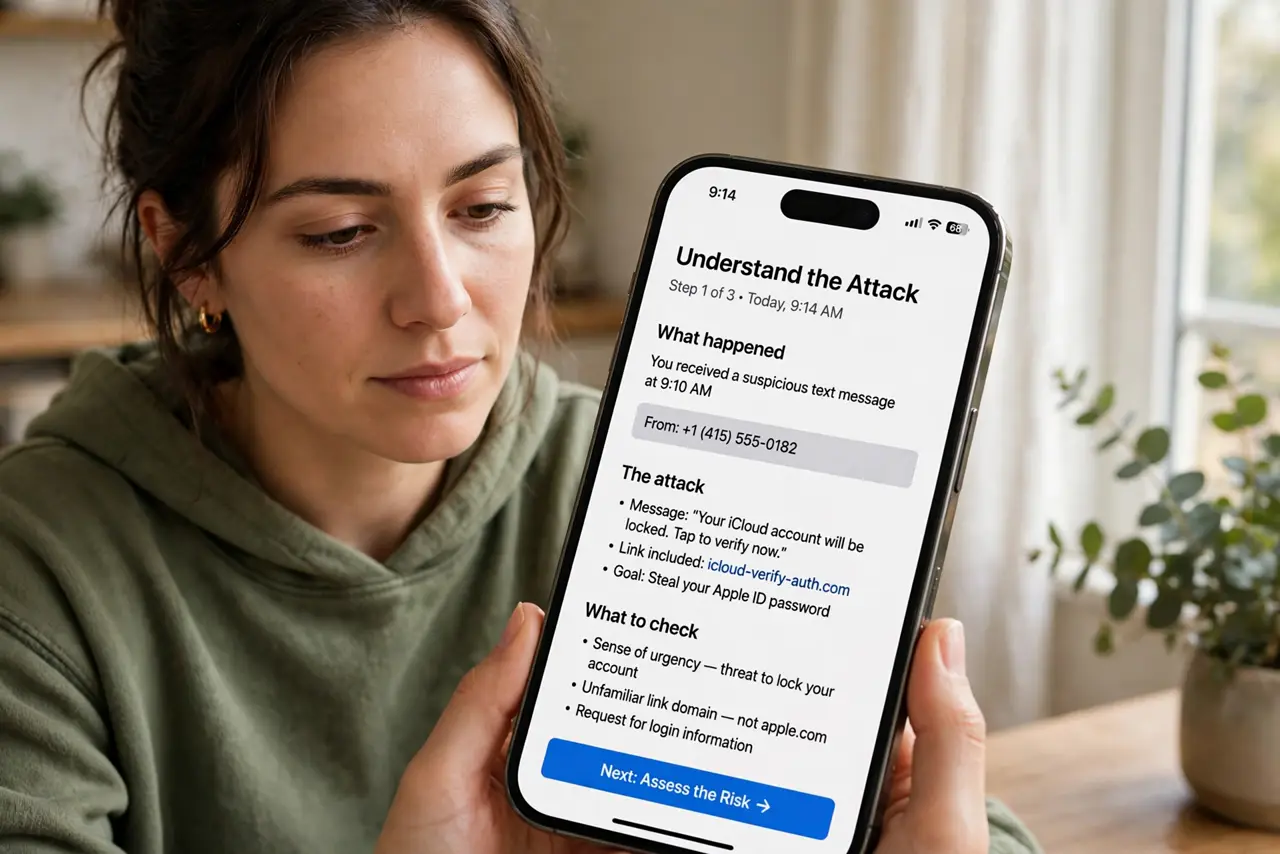
- Understand the attack. The attacker social-engineers your carrier into moving your number to their SIM. Every call and text — including login codes — then goes to them. Your phone just shows 'no service' while it happens.
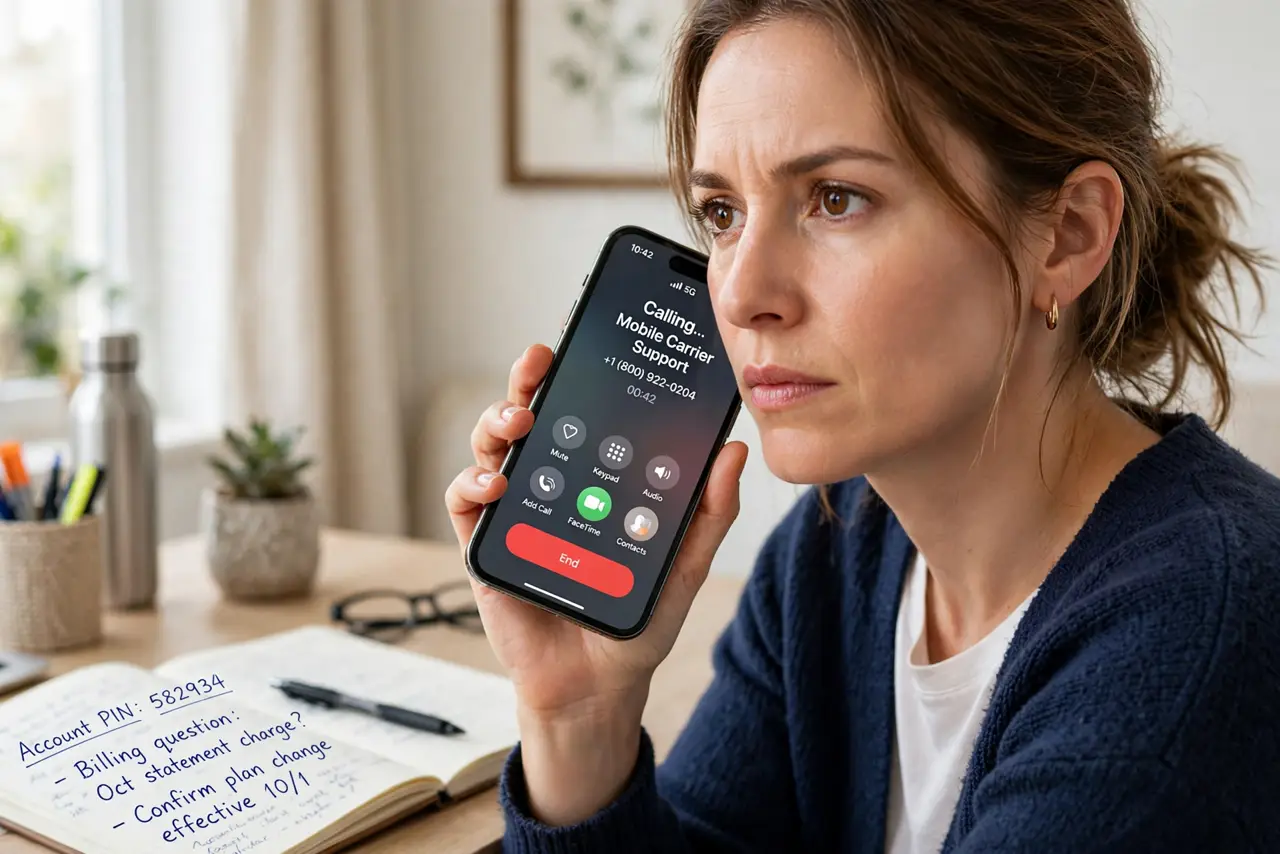
- Set a carrier PIN or number lock. Call your carrier and ask for their port-out protection — a PIN, password, or account lock required before any number transfer. Every major carrier offers this; few customers enable it. This is the single most effective defense.
- Move off SMS two-factor. Switch important accounts from SMS codes to an authenticator app or hardware security key. If codes never travel by text, a swapped SIM wins the attacker nothing.
- Watch for the warning sign. Sudden, unexplained loss of cell service — especially with a phishing text beforehand — can mean a swap in progress. Call your carrier immediately from another phone; speed matters.
- Reduce your number's exposure. Do not post your number publicly or use it as a username anywhere. Attackers start with the number; every public listing is a lead.
- Know the recovery path. If it happens: contact the carrier to reclaim the number, then reset passwords starting with email, using backup codes. Having backup codes stored offline turns chaos into procedure.
What NOT to do
- Do not rely on SMS two-factor for important accounts. SMS is the attack surface — authenticator apps and keys are the fix.
- Do not skip the carrier PIN because it is a hassle. One phone call now versus weeks of account recovery later — the math is obvious.
- Do not ignore sudden 'no service.' It might be an outage, but paired with odd texts it is the swap signature — call the carrier fast.
- Do not reuse the carrier PIN elsewhere. It guards your number; make it unique and store it with your other important codes.
Frequently asked questions
How common are SIM swap attacks?
Rare for average users, common enough for anyone with visible crypto, business, or social media assets. The defenses cost nothing, so everyone should enable them.
Will a carrier PIN slow down legitimate changes?
Slightly — you will provide it when upgrading phones or switching carriers yourself. That friction is exactly what stops the attacker.
Is eSIM safer than physical SIM?
Somewhat — eSIM transfers usually need account access too. But the carrier PIN remains the real defense for both.