SIM Swap Warning Signs
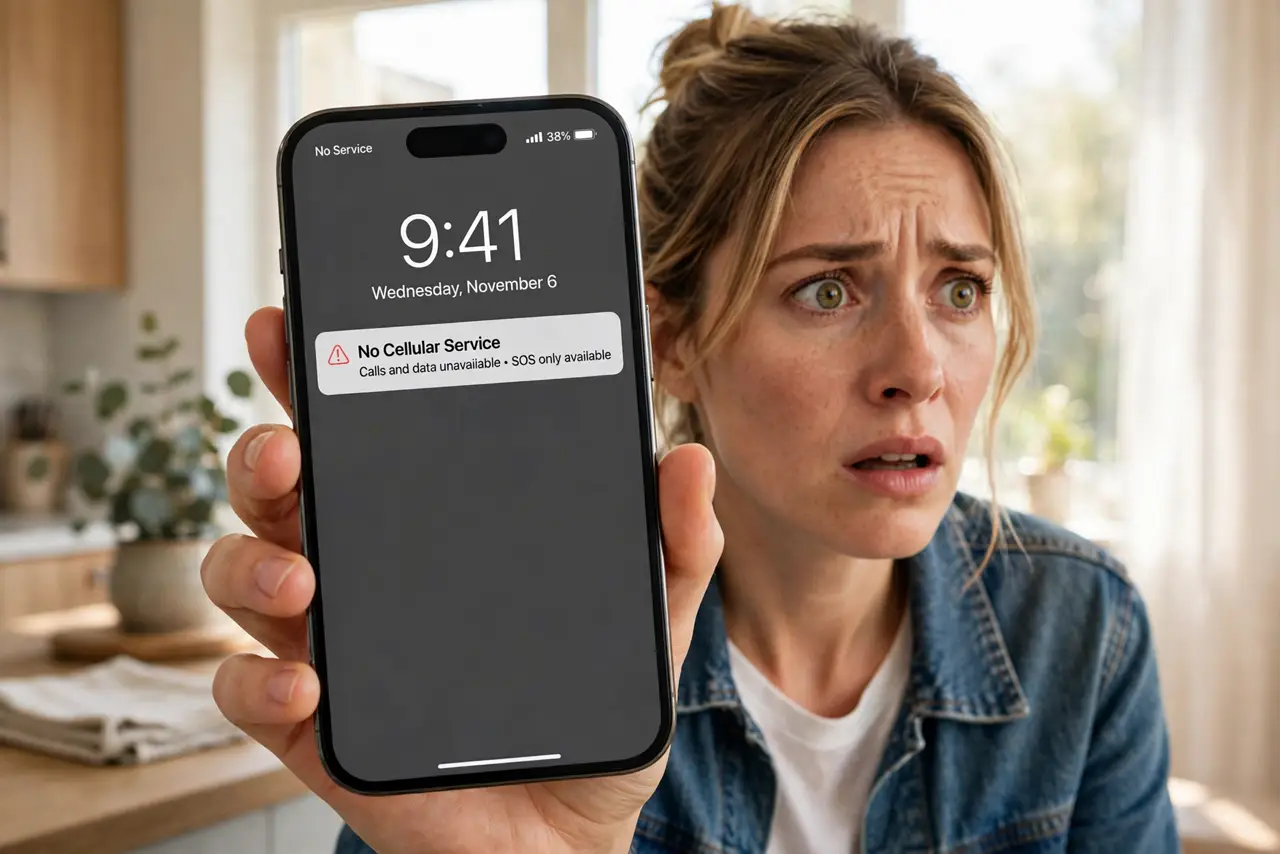
Your phone suddenly shows 'no service' in a place with perfect coverage — and your email starts sending password-reset alerts you did not request. That combination can mean a SIM swap: a scammer convinced your carrier to move your number to their SIM, and now your calls and texts go to them. Here is how to spot it fast.
TL;DR / Quick Fix
Quick fix: sudden 'no service' plus unexpected password-reset emails can signal a SIM swap — a scammer moved your number to their SIM. Call your carrier immediately from another phone, lock the account, and switch important logins from SMS codes to an authenticator app.
Follow these steps
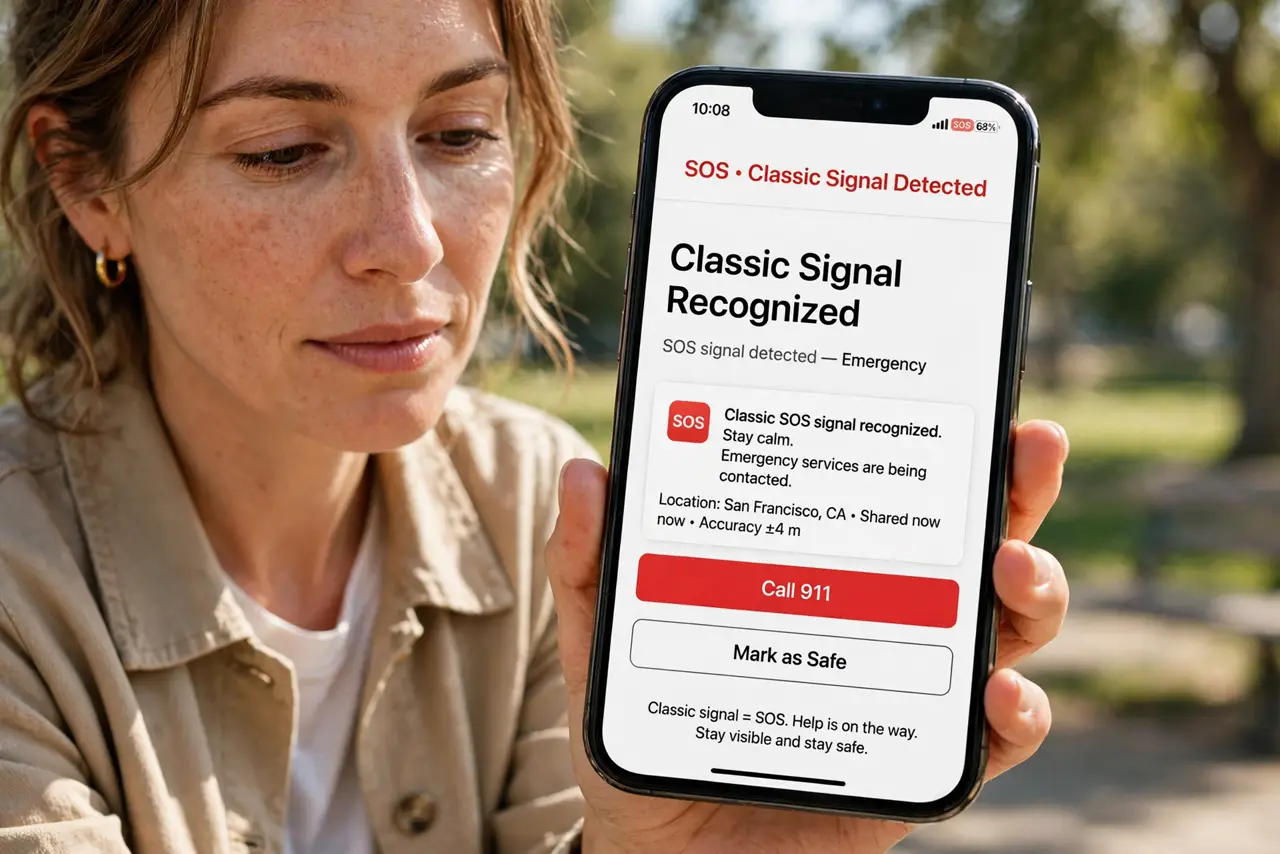
- Recognize the classic signal. Your phone loses service out of nowhere while others around you have bars. Alone it could be an outage — combined with strange account emails, suspect a SIM swap.
- Call your carrier from another phone. Do not wait for service to return. Borrow a phone and call your carrier's fraud line; ask whether your SIM was recently changed or ported.
- Lock down the carrier account. Add a port-out PIN or account passcode so no one can move your number again without it. This is the single most effective prevention.
- Check your email and bank accounts. With your number, attackers reset passwords via SMS codes. Review recent logins and password changes on email, banking, and crypto accounts first.
- Switch important logins off SMS codes. Move to an authenticator app or hardware key for anything valuable. SMS codes are exactly what a SIM swapper wants to intercept.
- Set a SIM PIN on your phone. A SIM PIN stops someone with your physical phone from using the SIM in another device. Small setting, real protection.
What NOT to do
- Do not wait 'to see if service comes back.' Every hour of delay is an hour the attacker holds your number.
- Do not reuse SMS codes for banking after a swap. Assume the attacker saw them — change to app-based codes.
- Do not post your phone number publicly. Swappers start with a number harvested from social media or leaks.
- Do not skip the carrier PIN. Without it, the same attack can happen again next month.
Frequently asked questions
How do scammers pull off a SIM swap?
They gather your personal details, then call or visit the carrier pretending to be you and request a SIM change or number port.
Will my carrier warn me?
Many send a text or email about SIM changes — which is why the attacker also tries to lock you out of email. Check both.
Is eSIM safer?
Somewhat — it cannot be physically stolen, but social-engineering ports still work. The carrier PIN matters either way.