'SMART Failure Predicted'? Act Fast
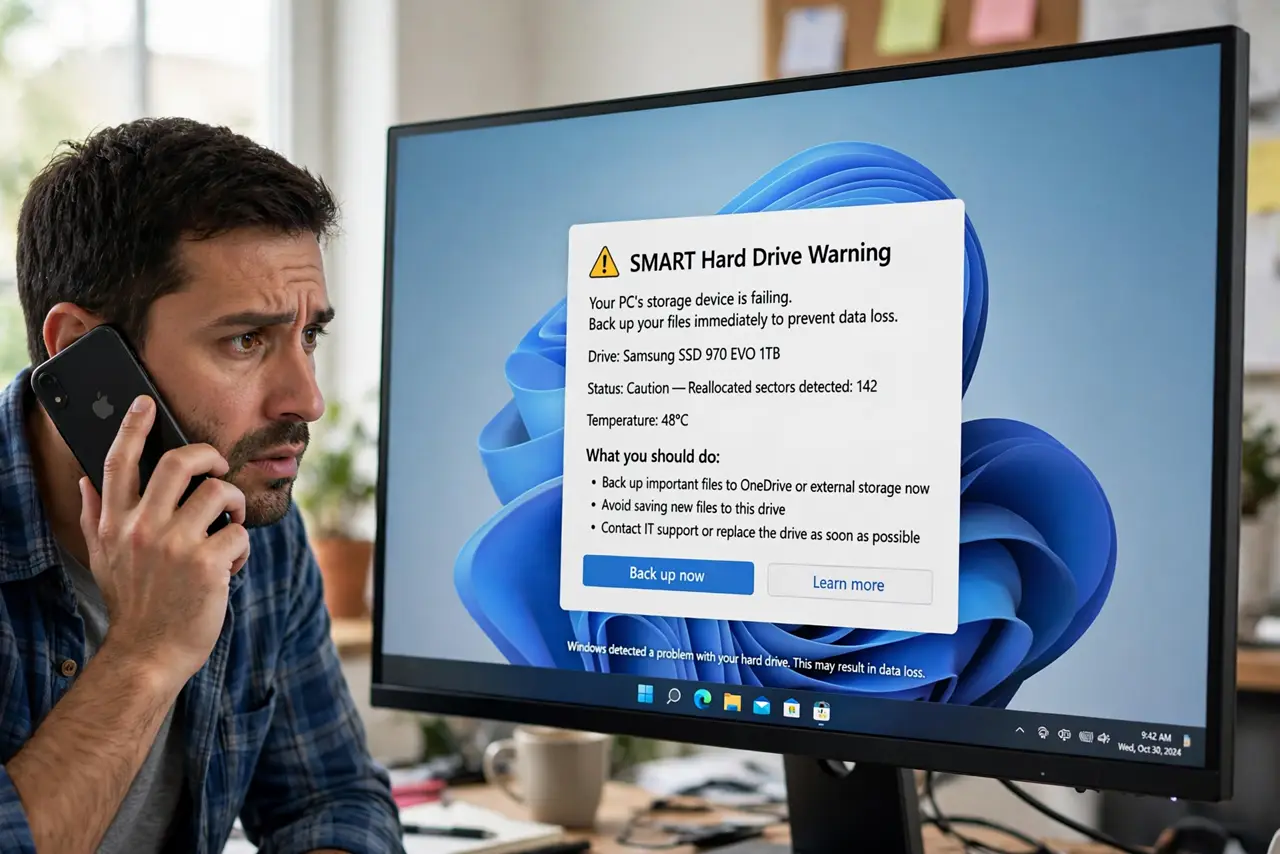
Your computer warns that a SMART failure is predicted on your drive. SMART is the drive's self-monitoring system, and this warning means it has detected signs of impending failure. Take it seriously — but calmly. This guide covers what to do in the first hour.
TL;DR / Quick Fix
Quick fix: back up your important files immediately — the warning means failure is likely, not certain. Check the drive's SMART details to see which attribute is failing, then plan a replacement. Do not ignore the warning; drives that predict failure usually fail.
Follow these steps
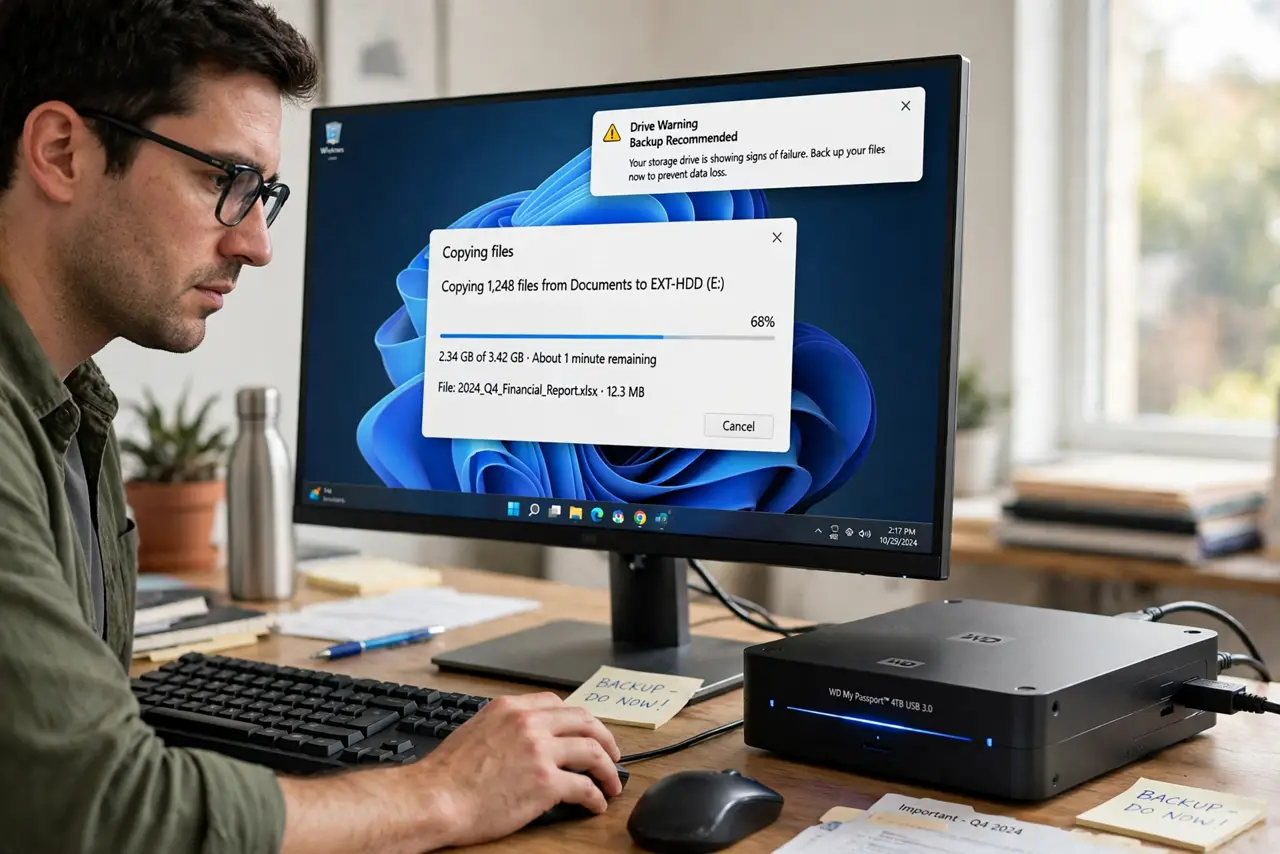
- Back up immediately. Copy important files to another drive or cloud storage now, before any diagnostics. A predicted failure can become a real one at any moment.
- Read the SMART details. Open your drive health tool and look at which attribute is failing — reallocated sectors, pending sectors, or temperature. The specific attribute tells you how urgent this is.
- Check the drive's age and warranty. Find the purchase date. Many drives carry multi-year warranties, and a SMART warning on a covered drive usually means a free replacement.
- Stop writing to the drive if possible. Avoid large downloads, installs, or video editing on the failing drive. Reads are safer than writes on dying media — the same caution as with a clicking drive.
- Prepare the replacement. Buy or order a replacement drive — an SSD if you are upgrading from a spinning disk — and have it ready before the old drive dies completely.
- Clone or reinstall, then verify. Clone the drive or do a fresh install on the replacement, then verify your files opened correctly. Keep the old drive untouched for a week as a fallback.
What NOT to do
- Do not dismiss the warning as a false alarm. SMART false positives are rare; predicted failures usually materialize.
- Do not run intensive disk tests repeatedly. Stress tests on a failing drive can push it over the edge before your backup finishes.
- Do not keep the only copy of important files on the warned drive. One copy is zero copies when failure is predicted.
- Do not wait for a sale to replace the drive. The cost of a new drive is trivial next to the cost of lost data.
Frequently asked questions
What does SMART failure predicted mean?
The drive's built-in monitoring has detected attributes outside safe limits — bad sectors, read errors, or wear — and estimates failure is coming.
Can I fix a SMART warning?
No. SMART warnings reflect physical wear or damage that software cannot reverse. Back up and replace the drive.
How urgent is a SMART warning?
Back up today. The drive might last months or die tonight — the warning gives you a head start, not a schedule.