Do You Need a Smart Home Hub?
Every smart bulb box hints you might need a hub, and every brand sells you theirs. Here's the truth: Wi-Fi and Matter devices usually work hub-free, while Zigbee and Z-Wave devices need one. List what you own before spending a cent — most starter setups don't need a hub at all.
TL;DR / Quick Fix
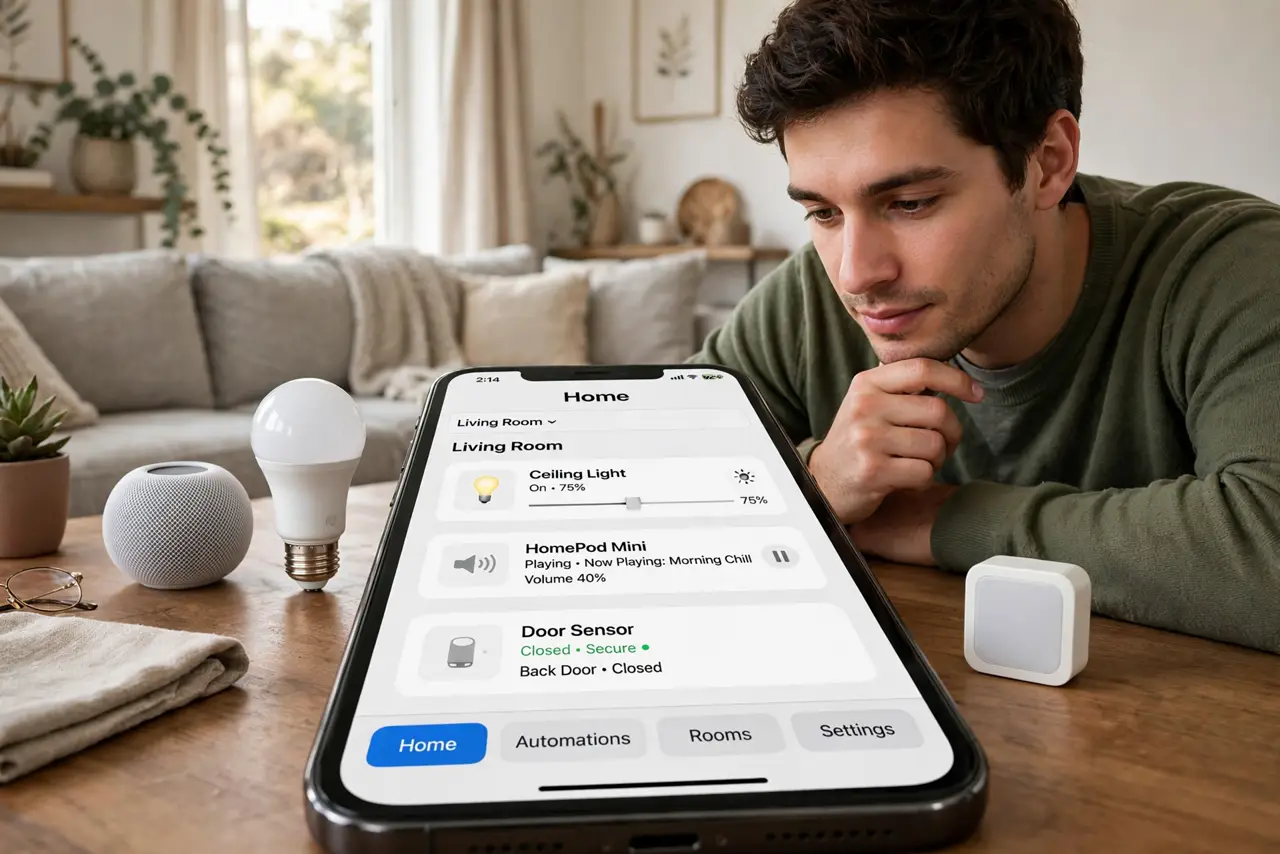
Quick fix: list your devices first — Wi-Fi and Matter gadgets usually work without a hub, while Zigbee and Z-Wave ones need one. If everything you own is Wi-Fi or Matter, skip the hub. Buy one only when your devices require it, or for local control that survives internet outages.
Follow these steps
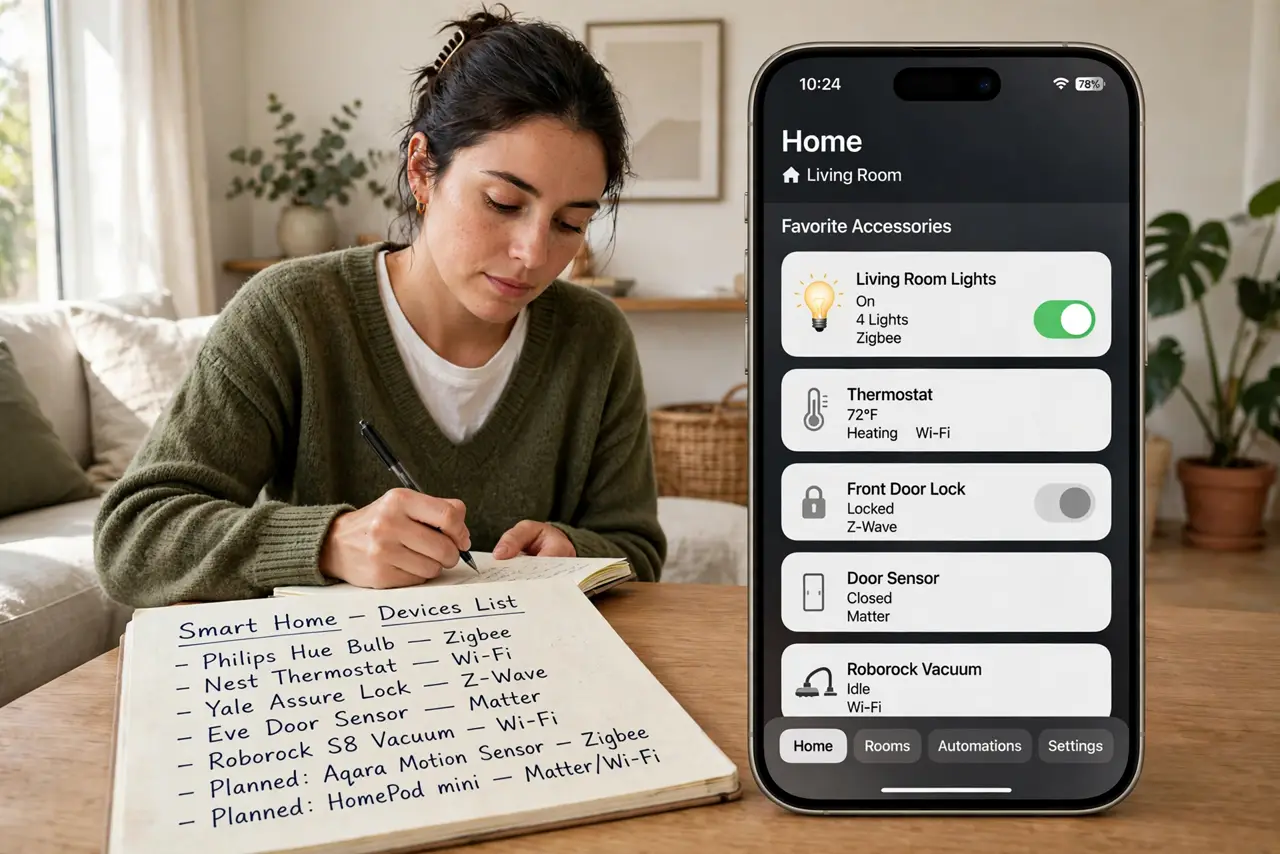
- List every smart device you own or plan to buy. Write them down with their protocol: Wi-Fi, Matter, Zigbee, or Z-Wave. This list — not a salesperson — decides whether you need a hub.
- Know which ones need a hub. Zigbee and Z-Wave devices can't talk to your phone directly — they need a hub as translator. Wi-Fi and most Matter devices connect without one. Compare the two mesh protocols if you're choosing.
- Understand what Matter and Thread changed. Matter lets brands interoperate, and Thread devices use a border router (built into many speakers and hubs) instead of a brand-specific hub. Read the Matter and Thread explainer before buying anything new.
- Buy a hub only when your devices require it. If your list is all Wi-Fi and Matter, skip the hub and save the money. Buy one when you add Zigbee or Z-Wave devices — or when you want automations that run locally.
- Consider local control as the real upgrade. A hub's best trick isn't connecting devices — it's running automations on your network so lights still work when the internet drops. That's the reason enthusiasts buy hubs.
- Keep smart gadgets on their own network. Whether or not you buy a hub, isolate smart devices from your main network. See the separate IoT network guide for the safe setup.
What NOT to do
- Do not buy a hub before listing your devices. Most starter collections of Wi-Fi bulbs and speakers need no hub at all.
- Do not expect Zigbee and Z-Wave to talk to each other. They're different protocols — one hub rarely speaks both unless it says so explicitly.
- Do not pile dozens of gadgets onto 2.4 GHz Wi-Fi without planning. Congested Wi-Fi makes every device flaky — a hub with Zigbee avoids this entirely.
- Do not assume your old hub will gain Matter support. Some do via updates, many don't — check your exact model before counting on it.
Frequently asked questions
Can my smart speaker act as the hub?
Often yes — many speakers now include Thread border routers or Zigbee radios. Check your speaker's specs; it may already be the hub you need.
Is a hub a monthly cost?
No — hubs are one-time purchases with no subscription. Be wary of any 'hub' that demands a monthly fee for basic function.
Will Matter make my hub obsolete?
Not immediately. Matter changes what new devices need, but your existing Zigbee and Z-Wave gear still needs its hub for years.