Smart Speaker Records by Accident? Check
Smart speakers sometimes record when nobody said the wake word — a TV line or a similar-sounding phrase can trigger them. You can review and delete these accidental recordings. This guide shows how on the major platforms.
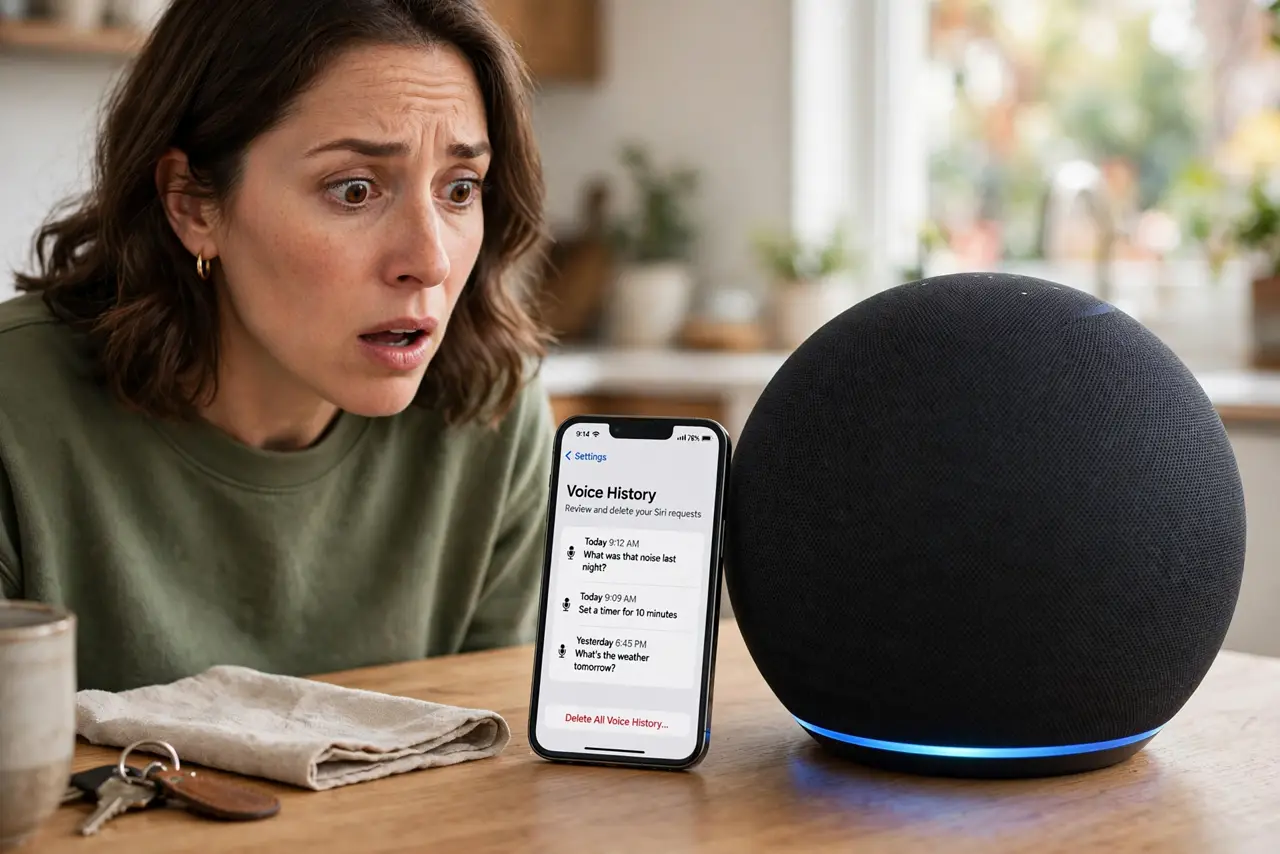
TL;DR / Quick Fix
Quick fix: open your Alexa or Google Home app, review your voice history, and delete recordings you didn't intend — then turn on auto-delete so ones expire. Move the speaker away from the TV to reduce false triggers. If accidental recordings bother you, mute the mic when not in use.
Follow these steps
- Know how false triggers happen. The speaker listens locally for its wake word, and similar sounds — TV dialogue, conversations, even a sneeze — can fool it. A false trigger means it recorded and uploaded a snippet.
- Open your voice history. In the Alexa or Google Home app, open your voice history to see every recording, including the accidental ones.
- Listen and delete. Play back anything suspicious and delete it. Both platforms let you delete individual recordings or wipe by date range.
- Turn on auto-delete. Set recordings to auto-delete after 3 months. This keeps the feature working while preventing a years-long archive of your living room.
- Reduce false triggers. Move the speaker away from the TV and loud conversations, and lower its wake-word sensitivity if the setting exists. Placement fixes most accidental triggers.
- Use the mute button. Every smart speaker has a physical mic mute. Mute it during sensitive conversations — the button is the only guaranteed off.
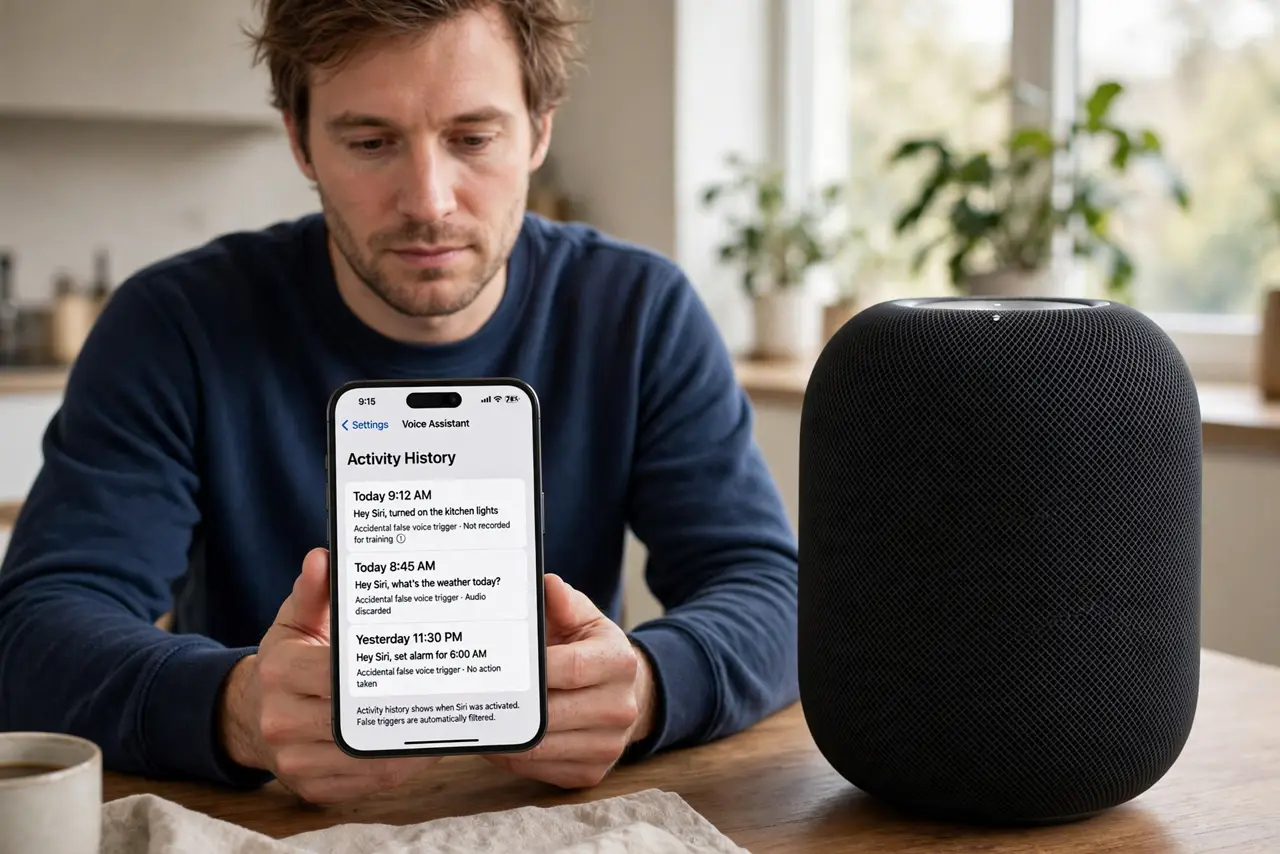
What NOT to do
- Do not assume the speaker only hears the wake word. False triggers are common enough that both companies built review tools for them.
- Do not place the speaker next to the TV. Television is the number-one source of accidental recordings.
- Do not ignore the recordings because 'I have nothing to hide.' Background conversations can capture guests, kids, and sensitive moments.
- Do not forget guests. Visitors did not agree to be recorded — mute the speaker when company is over.
Frequently asked questions
Is my speaker recording everything?
No. It processes audio locally listening only for the wake word, and uploads only after it thinks it heard it. False triggers are the gap in that design.
Can I stop recordings entirely?
You can mute the mic or disable voice history saving, but that reduces what the assistant can do. Auto-delete is the middle ground most people prefer.
Do these recordings include my kids?
If they triggered the speaker, yes. Both platforms offer kid-profile settings worth enabling in a family home.