Smart TV Voice Data Collection On? Turn It Off
Smart TVs with voice remotes can collect voice commands, and many also track what you watch to suggest content. Both are usually controlled in privacy settings that are easy to miss during setup. Find them, turn collection off, and keep the TV working for watching.
TL;DR / Quick Fix
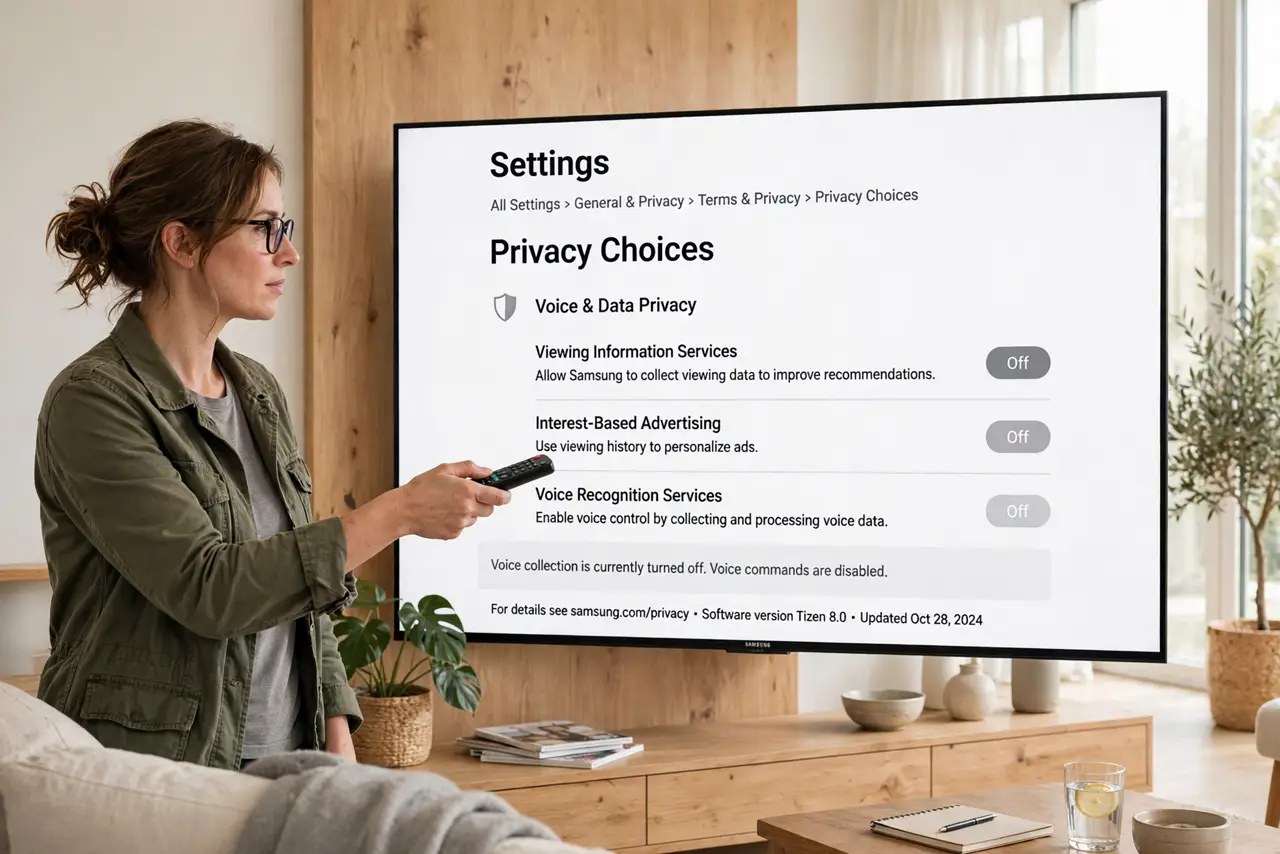
Quick fix: open TV privacy settings, turn off voice data collection and viewing data collection, and decline personalized ads if offered. Use the remote buttons for navigation, and recheck the settings after software updates. Turn collection off, and recheck after updates.
Follow these steps
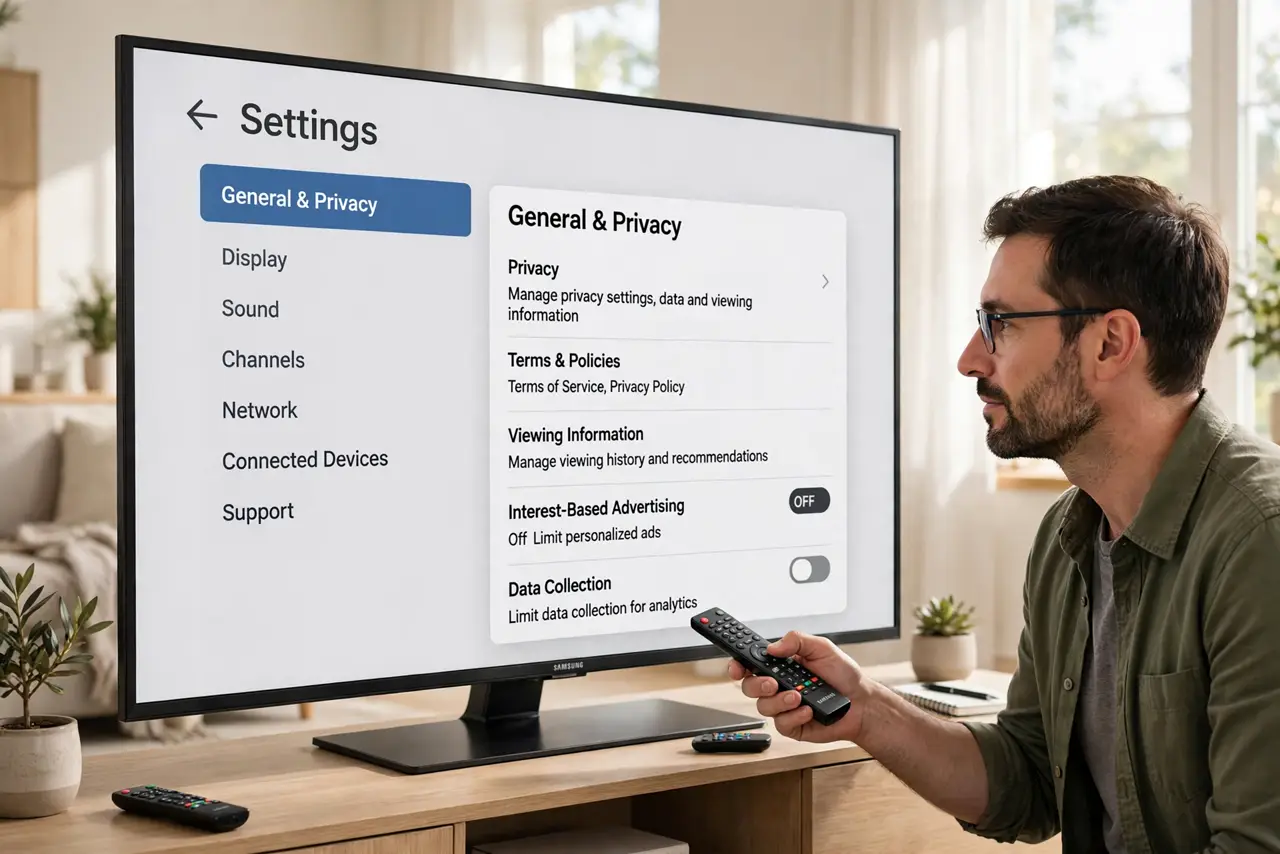
- Open TV privacy settings. Open TV settings, then privacy, terms, or viewing information, depending on the brand. These settings are often buried under a general or support menu.
- Turn off voice data collection. Turn off voice recognition data, voice data collection, or similar options. The remote buttons keep working, and only voice command collection stops.
- Turn off viewing data collection. Turn off viewing information, automatic content recognition, or watch history collection. This stops the TV reporting what you watch for ads and suggestions.
- Decline personalized ads. If the TV offers personalized ads or interest-based ads, turn them off. Ads may remain, but they will no longer be based on your viewing history.
- Disconnect the microphone if you can. If the TV or remote has a microphone switch, turn it off when you do not use voice control. Button navigation needs no microphone at all.
- Recheck after software updates. Recheck privacy settings after TV software updates. Updates can re-enable collection with new wording, and a quick review keeps your choices intact.
What NOT to do
- Do not accept every privacy prompt during TV setup without reading it. Setup is when most collection gets enabled.
- Do not use voice control for sensitive conversations near the TV. A voice remote can pick up more than the command you intended.
- Do not assume turning off one switch covers everything. Voice, viewing, and ads are often three separate settings.
- Do not leave a TV signed into a shared account you no longer use. Sign out old accounts so their history stops accumulating.
Frequently asked questions
Will the TV still work with collection off?
Yes. Channels, apps, and button navigation work normally. Only voice learning, viewing-based suggestions, and personalized ads are reduced.
What if I cannot find the setting?
Search the TV settings for privacy, voice, viewing, or data, or check the maker support pages for your model. The setting exists on most modern TVs, even when well hidden.
Does unplugging the TV stop collection?
Unplugging stops new collection while off, but stored data remains until deleted in settings. Turn collection off and delete history where offered.