Privacy Reset After an Update? Restore It Now
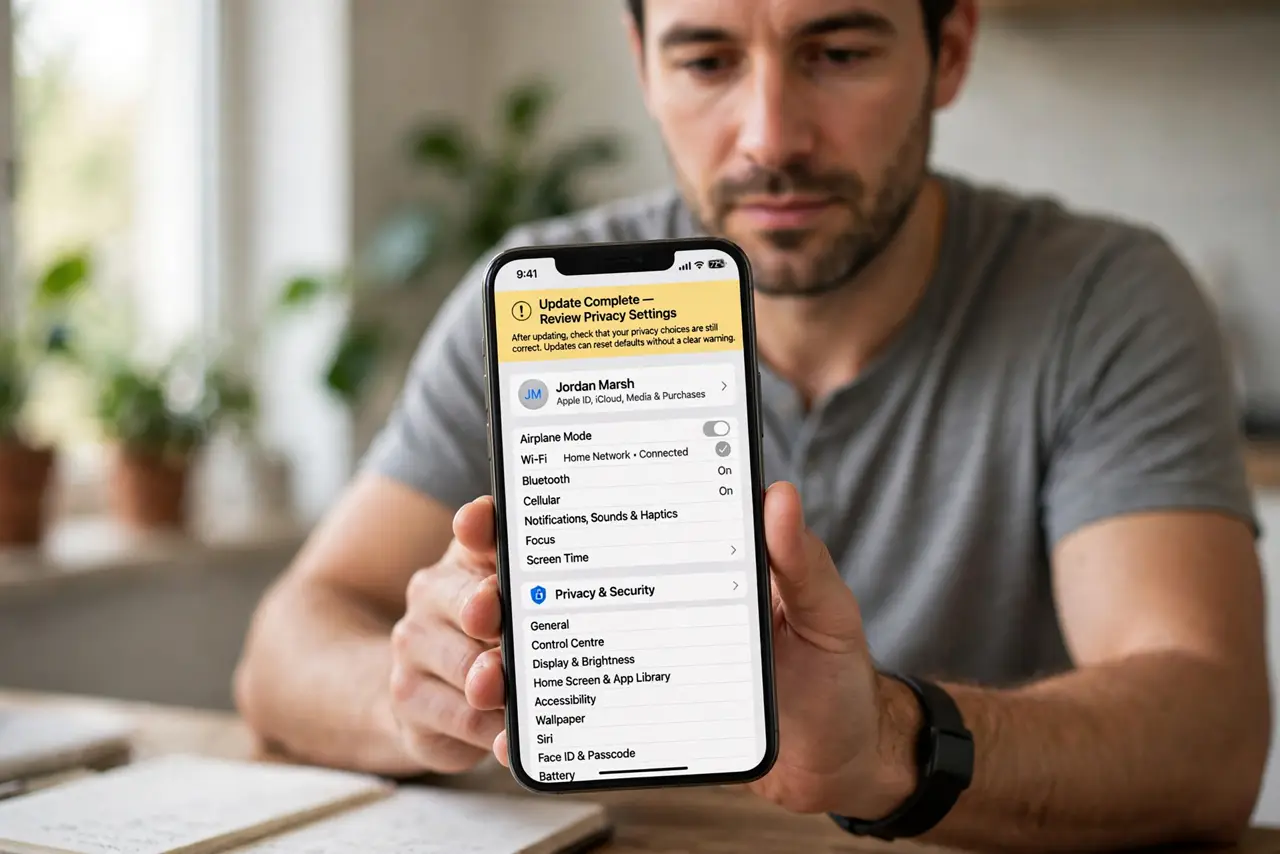
After a major app update, privacy settings sometimes return to defaults that share more than you chose. The fix is a short routine: after every update, open privacy settings and restore your choices before you post again.
TL;DR / Quick Fix
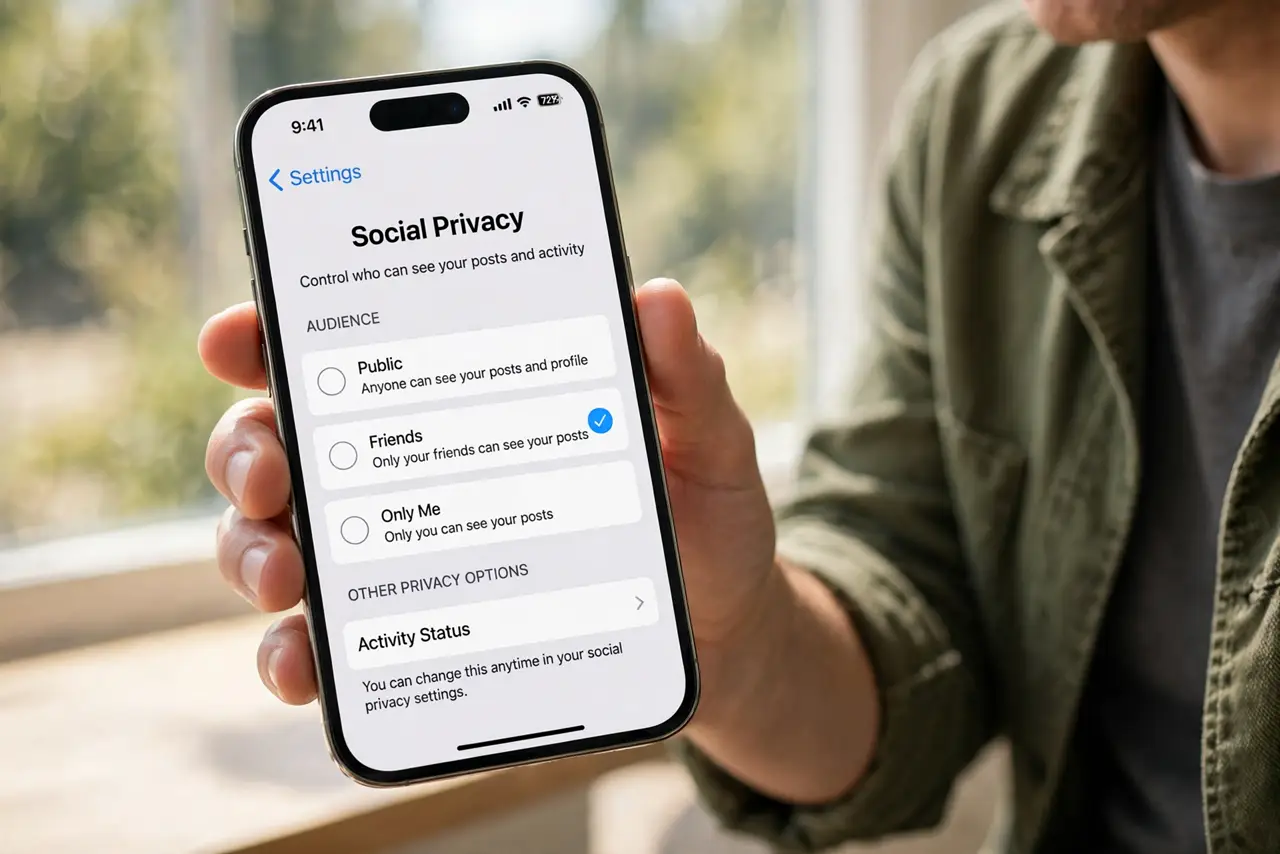
Quick fix: after any social app update, open privacy settings and recheck post audience, tagging, location, and who can contact you. Restore your previous choices, save them, and take a quick screenshot of the settings for next time. Check again after every update.
Follow these steps
- Open privacy settings after the update. After updating, go to settings, then privacy. Do not assume your old choices survived, because updates can reset defaults without a clear warning.
- Recheck who can see your posts. Confirm the default post audience matches what you want, such as friends only. Change it back if the update switched it to public.
- Recheck tagging and mentions. Confirm who can tag you, and whether tagged posts need your approval first. Restore approval if the update turned it off.
- Recheck location sharing. Confirm location is off for posts and for the app, unless you deliberately share it. Updates sometimes re-enable location for new features.
- Recheck who can contact you. Confirm message requests, friend requests, and story replies match your previous choices. Tighten anything the update loosened.
- Save and note your settings. Save each change, then note your choices in a short list or screenshot. Next update, you can compare in seconds instead of guessing.
What NOT to do
- Do not post right after an update without checking privacy first. One public post cannot be fully recalled once it spreads.
- Do not accept every new feature prompt during an update. Read what each one shares before you agree.
- Do not assume a small update cannot change settings. Check after major updates at least, and after any update that mentions privacy.
- Do not leave tagging approval off because it is convenient. Approval is what stops an unwanted tag from appearing on your profile.
Frequently asked questions
Why do updates reset privacy?
New features often arrive with new defaults, and a redesign can move or reset older choices. A post-update check catches both.
What if a post already went public?
Change its audience or delete it at once, and check whether it was shared further. Then restore the setting so it does not happen again.
How often should I check?
After every major update, and whenever the app asks you to review new privacy options. A two-minute check is enough.