Soundbar vs Speakers for a Desk Setup
A soundbar and a pair of speakers both beat laptop audio, but they suit different desks. One saves space with one cable; the other gives real stereo separation — and your desk size plus your ears decide the winner.
TL;DR / Quick Fix
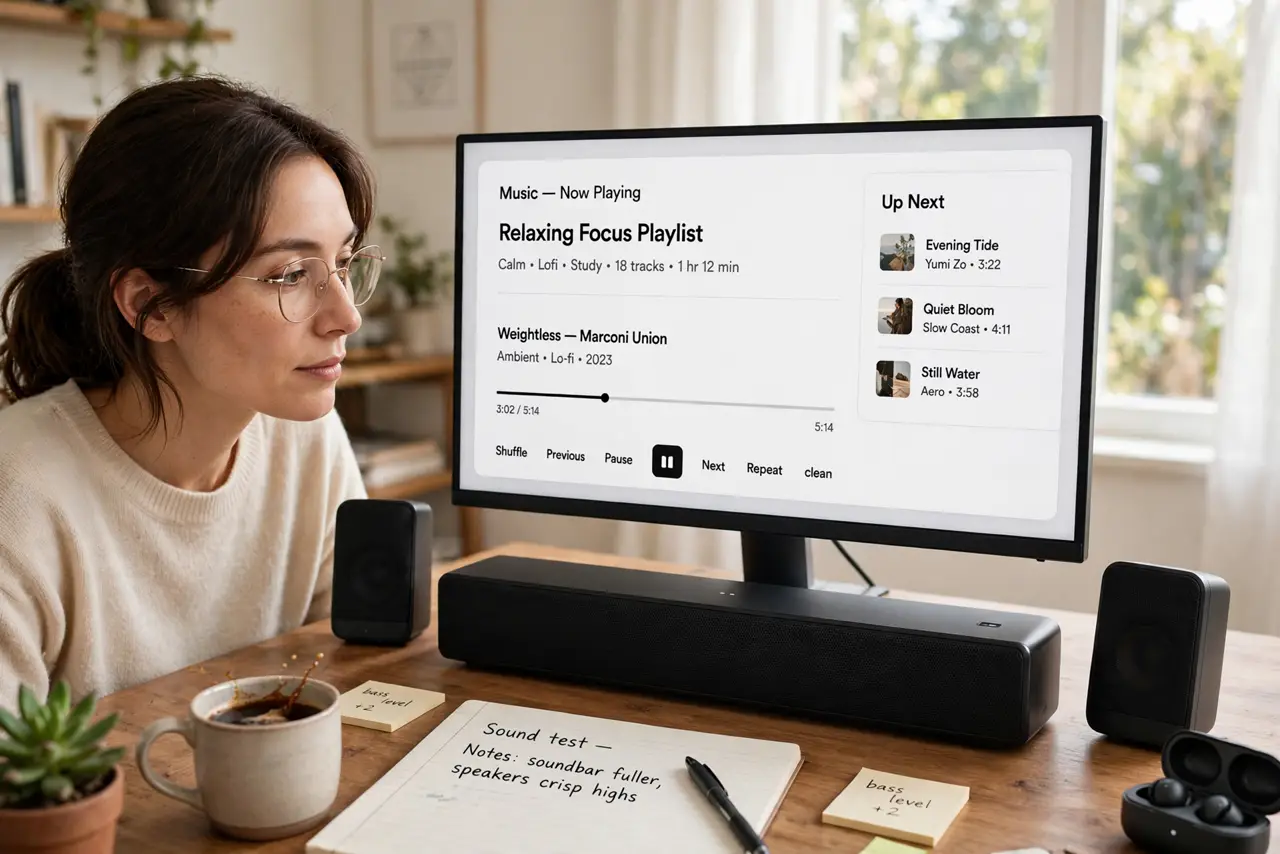
Quick fix: choose a soundbar if desk space is tight and you want one cable and simple setup. Choose a pair of powered speakers if you have room on both sides of the monitor and care about music quality and stereo separation.
Follow these steps
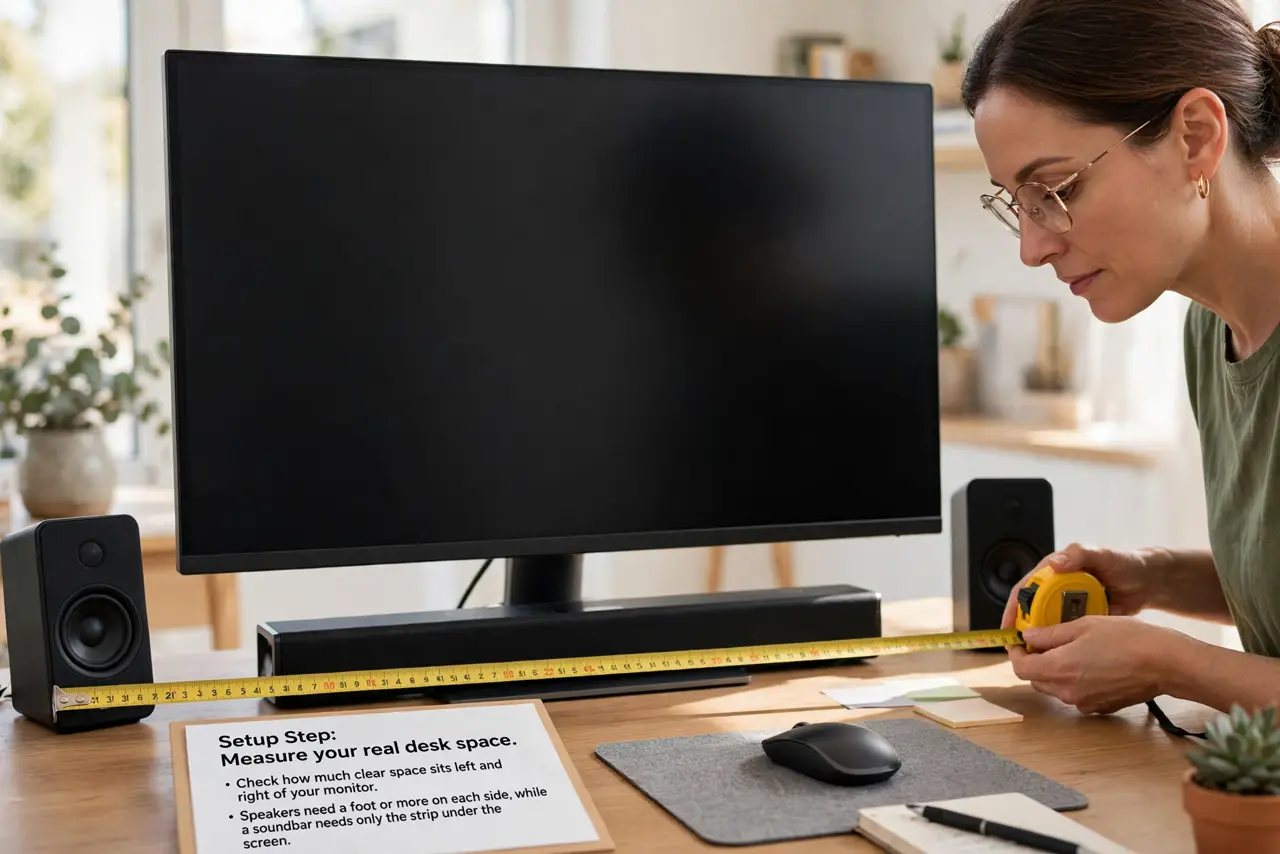
- Measure your real desk space. Check how much clear space sits left and right of your monitor. Speakers need a foot or more on each side, while a soundbar needs only the strip under the screen.
- Understand the soundbar strengths. A soundbar gives one-box simplicity, one cable, and dialogue clarity for video. Its weakness is stereo: everything comes from one narrow bar.
- Understand the speaker strengths. A pair of powered speakers gives true left-right separation and usually better music quality. The cost is desk space, two boxes, and a little more wiring.
- Match the choice to your main use. Pick the soundbar for calls, videos, and casual listening. Pick speakers for music you actually sit and listen to, where stereo separation matters.
- Check the connection options. Confirm the soundbar or speakers connect the way you want — USB, aux, optical, or Bluetooth. A great-sounding box with the wrong input is a return waiting to happen.
- Test placement before committing. Set the boxes where they will live and listen for a day. Speakers too close together sound like a soundbar, and a soundbar shoved in a corner sounds boomy.
What NOT to do
- Do not buy big speakers for a tiny desk. Cramped speakers lose their stereo advantage and just crowd your workspace.
- Do not expect cinema bass from either. Desk setups skip the subwoofer, so judge them on clarity and balance, not room-shaking lows.
- Do not place speakers behind the monitor. Blocked speakers sound muffled, so keep the drivers firing toward your ears.
- Do not ignore a rattling laptop speaker and buy externals to mask it. Check whether the built-in speaker is damaged first, since a rattle can signal a hardware fault.
Frequently asked questions
Is a soundbar good enough for a desk?
For calls, videos, and casual music, yes. For serious music listening, a pair of speakers wins on stereo separation.
Do I need a subwoofer at a desk?
Rarely. A subwoofer adds boom your neighbors may not love, and good desk speakers carry enough low end for most people.
Wired or Bluetooth for desk audio?
Wired for reliability and zero lag on calls; Bluetooth for convenience when you move around the room.