Test Speed the Right Way
You ran a speed test three times and got three different numbers — so which one is real, and is your provider actually delivering? Speed tests are finicky instruments: Wi-Fi, device load, server choice, and time of day all swing the results. Here is how to test properly and read the answer honestly.
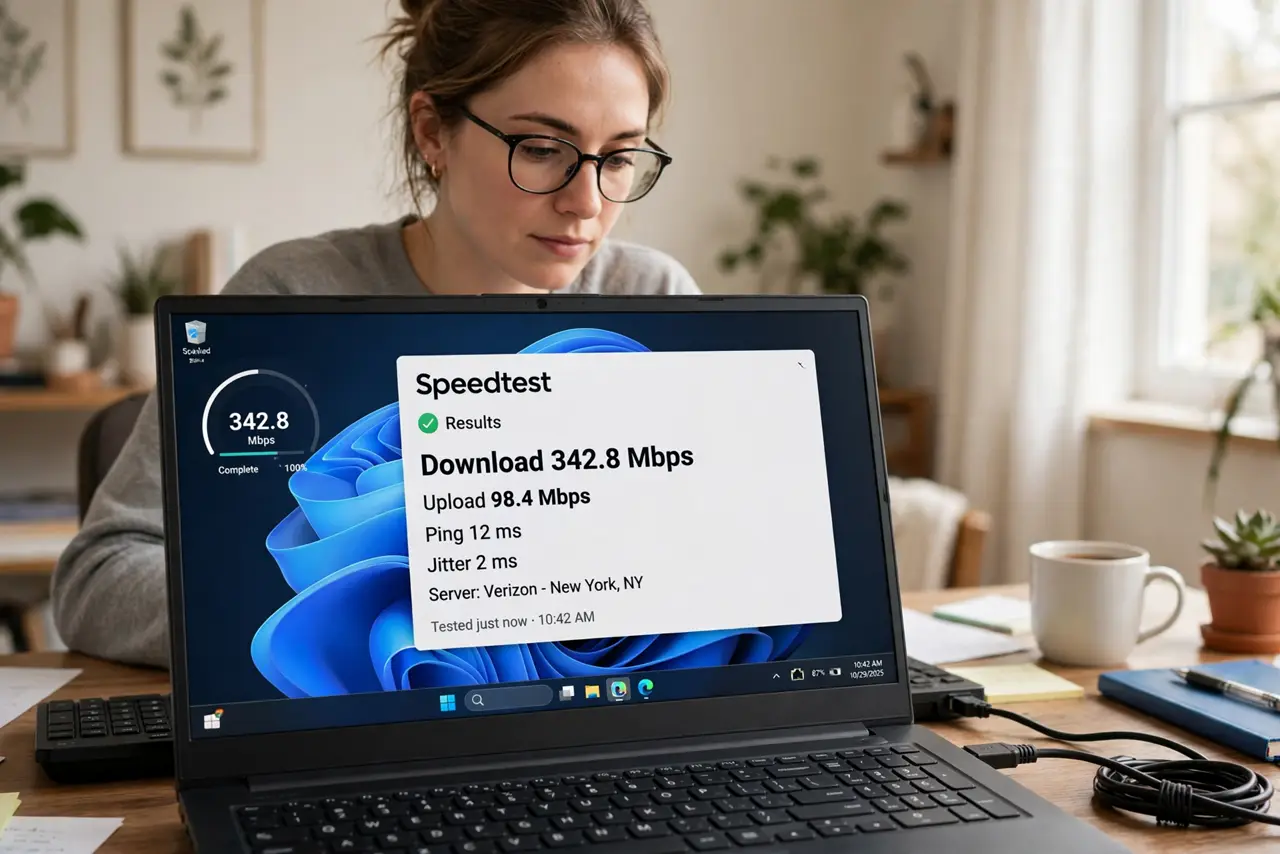
TL;DR / Quick Fix
Quick fix: for a reliable result, test wired — plug a laptop into the router by cable, pause other devices' heavy use, and pick a nearby server. Run three tests and take the middle value. Compare against your plan's speed minus about 10% overhead, testing off-peak too.
Follow these steps
- Test wired, not on Wi-Fi. Wi-Fi adds variables — distance, interference, device limits. A cable to the router measures the plan itself; Wi-Fi measures the plan plus your wireless setup. The right-way guide starts here.
- Close bandwidth competition. Pause cloud backups, streaming, and big downloads on every device during the test. One forgotten backup running can halve your result and send you chasing ghosts.
- Pick a nearby server. Speed test apps usually auto-pick, but verify — a server across the country adds latency and lowers throughput. Nearby servers measure your connection, not the internet's geography.
- Run three tests, take the middle. Single tests catch spikes and dips. Three runs smooth the noise; the median is your honest number — see how to read results for interpreting them.
- Test at different times of day. Evening congestion slows cable and 5G noticeably. A plan that tests full speed at 6am but half at 8pm is congested, not broken — the distinction matters when complaining.
- Compare against the plan minus overhead. Expect roughly 90% of advertised speed wired. Consistently far below that, documented across days, is the evidence a support call needs.
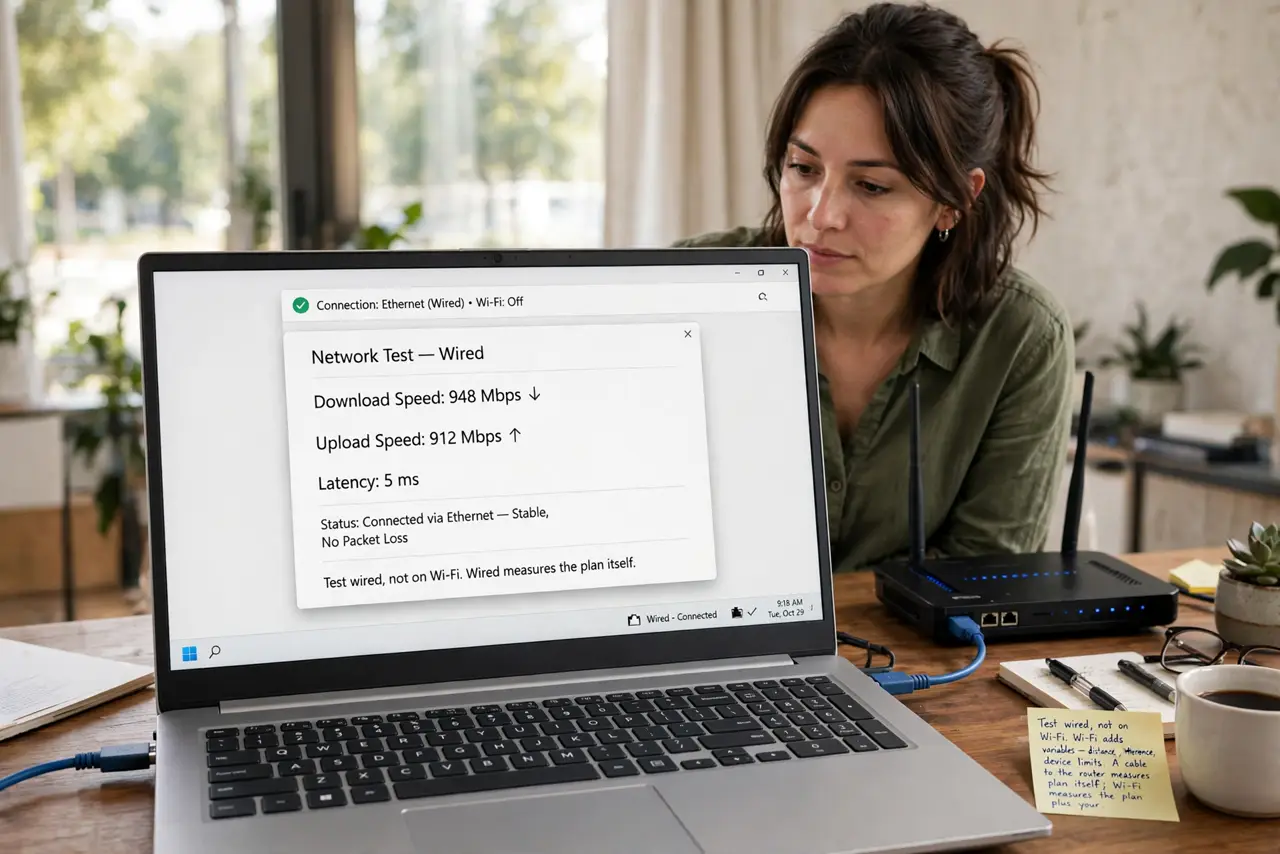
What to avoid
- Do not test on Wi-Fi and blame the provider. Most 'slow internet' complaints are Wi-Fi problems — the wired test separates the two.
- Do not trust a single test. One run is a snapshot of a moment; three runs are a measurement.
- Do not test during a household streaming peak and call it the plan's speed. Test conditions are part of the result — control them.
- Do not compare phone and laptop results directly. Different Wi-Fi radios and processors produce different numbers on the same network.
Frequently asked questions
Why do my results vary so much?
Wi-Fi conditions, server load, device load, and time-of-day congestion all move the needle. Controlled wired tests vary far less.
Which speed test site is best?
The reputable ones agree closely when conditions are controlled — see the site comparison. Consistency of method matters more than choice of site.
My wired test is slow too — now what?
Document several days of results, then call the provider with numbers. 'Consistently 40% of plan, wired, off-peak' gets action; 'internet feels slow' gets a script.