Speed Test Is Fast but Video Still Buffers
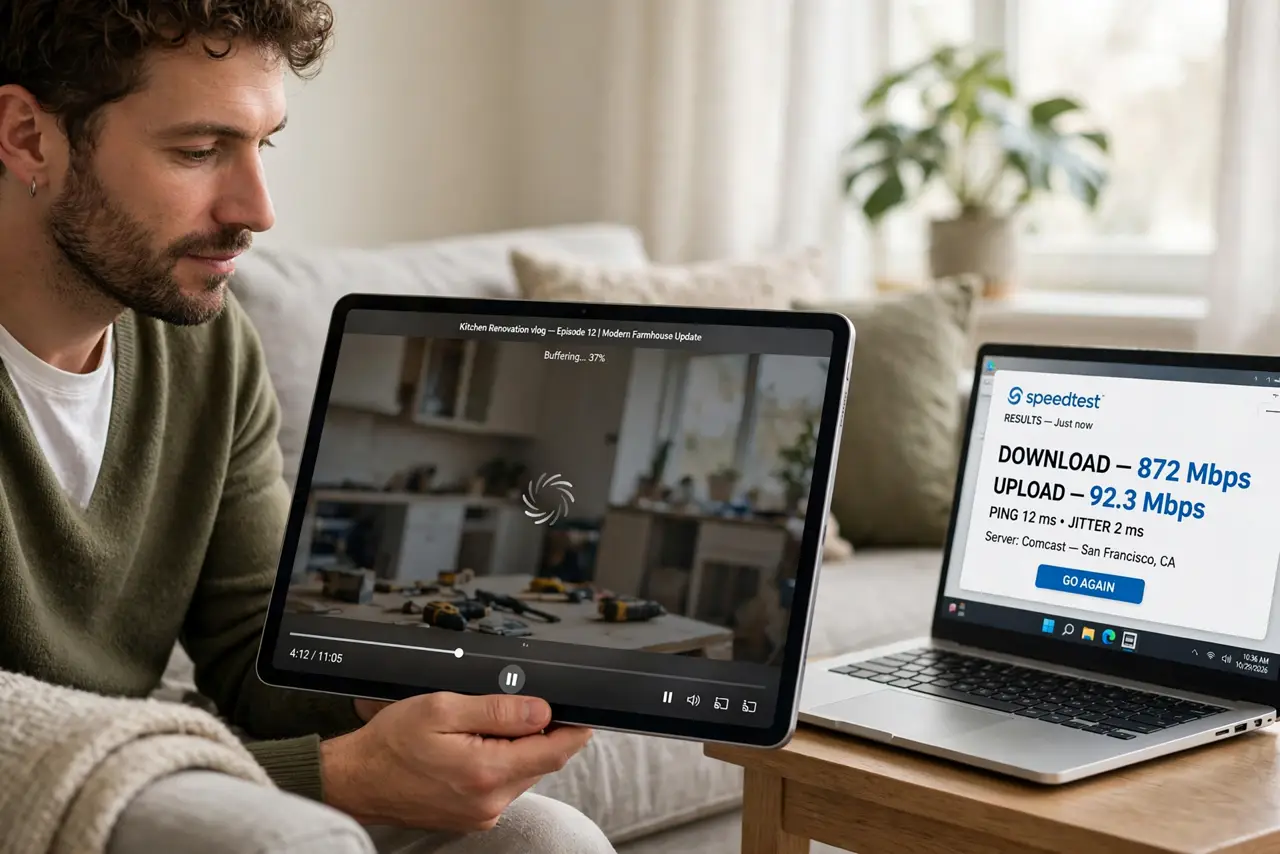
The speed test shows a big number, yet videos pause and spin. A speed test measures a burst to a nearby server, while video needs a steady stream over a longer path.
TL;DR / Quick Fix
Quick fix: run the speed test again while the video plays, and compare the numbers. Then lower the video quality one step, close other streaming devices for a test, and move closer to the router to rule out weak Wi-Fi.
Follow these steps
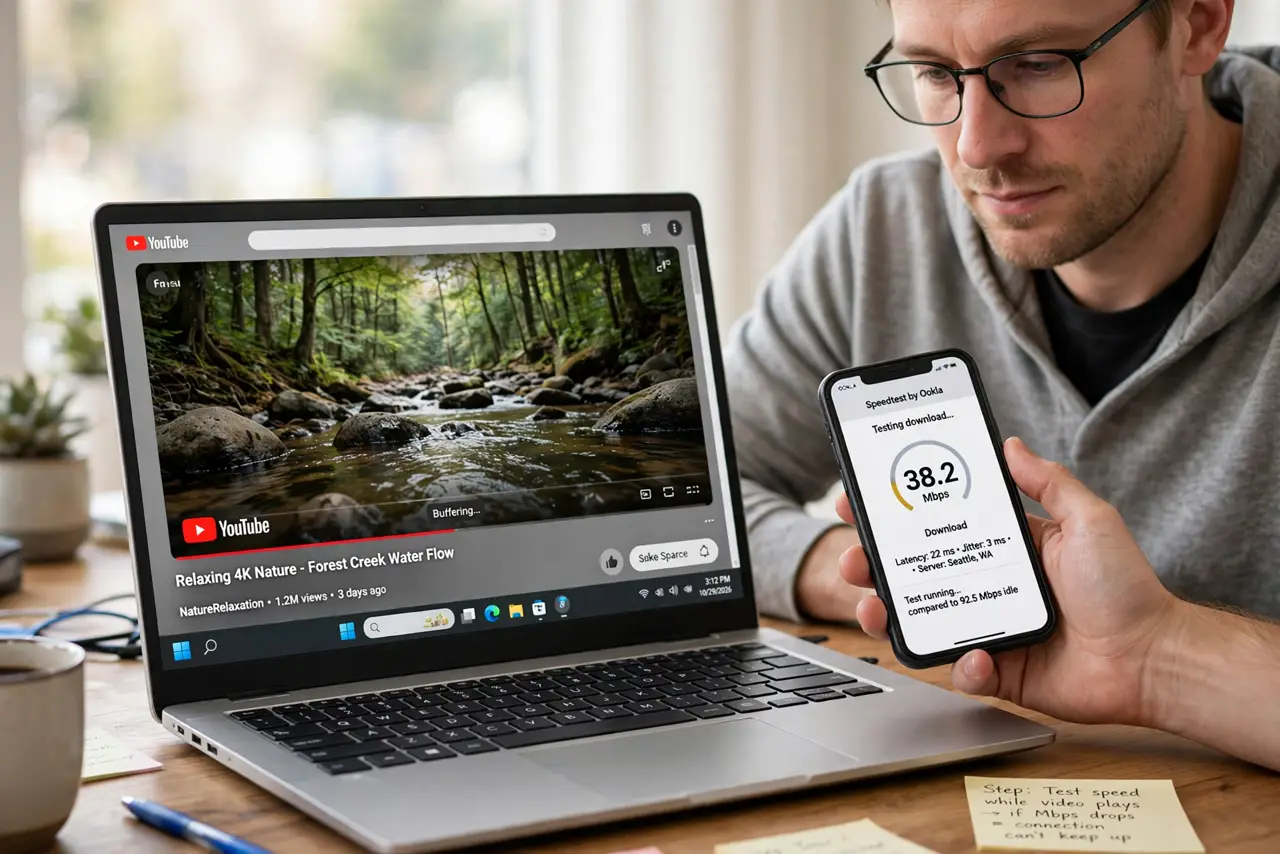
- Test speed while the video plays. Run a speed test on another device while the video buffers. If the number drops during playback, your connection cannot keep up, no matter what an idle test showed.
- Lower the video quality one step. Drop from 4K to 1080p or from 1080p to 720p. One step down often ends buffering while the picture still looks good on most screens.
- Check how many streams run at once. Count every device streaming, gaming, or backing up right now. Each one takes a share of your connection, and the total can exceed even a fast plan.
- Move closer to the router. Watch the video from the same room as the router. If buffering stops there, weak Wi-Fi at your couch is the real problem, not your internet speed.
- Try a wired connection for the test. Plug the streaming device into the router with a cable. If the cable plays smoothly, Wi-Fi is the bottleneck between the router and your screen.
- Restart the router and test again. Restart the router once, then retry the video at the lower quality. A fresh restart clears a stuck router state that can choke long streams.
What NOT to do
- Do not trust one idle speed test. Video needs steady speed over time, and a single burst test can look fast while the stream starves.
- Do not pay for a faster plan before testing. Weak Wi-Fi or too many streams can buffer video on any plan, so test those first.
- Do not watch in 4K on a weak connection out of habit. One quality step down costs little and often fixes buffering completely.
- Do not ignore other devices on the network. A backup or game update running quietly can steal the bandwidth your video needs.
Frequently asked questions
Why does video buffer when my speed is fast?
Because the test measured a quick burst to a nearby server, while video needs a steady stream, and your Wi-Fi or other devices may be the limit.
Does moving closer to the router help?
Often yes. Weak Wi-Fi drops the real speed at your couch, even when the plan itself is fast.
Should I upgrade my plan?
Only after testing. If wired video at a lower quality plays fine, your plan is enough and the problem sits elsewhere.