Spreadsheet Filter Hides Rows for Good? Fix It
A filter rarely deletes rows; it hides them, and they look permanently gone when the filter stays on. Clearing the filter, then checking for manually hidden rows, brings the data back into view.
TL;DR / Quick Fix
Quick fix: clear all filters on the sheet, then check for hidden rows and unhide them. After that, count the rows against your expected total, and only then decide whether any data is truly missing. Last, save the unfiltered view to confirm it.
Follow these steps
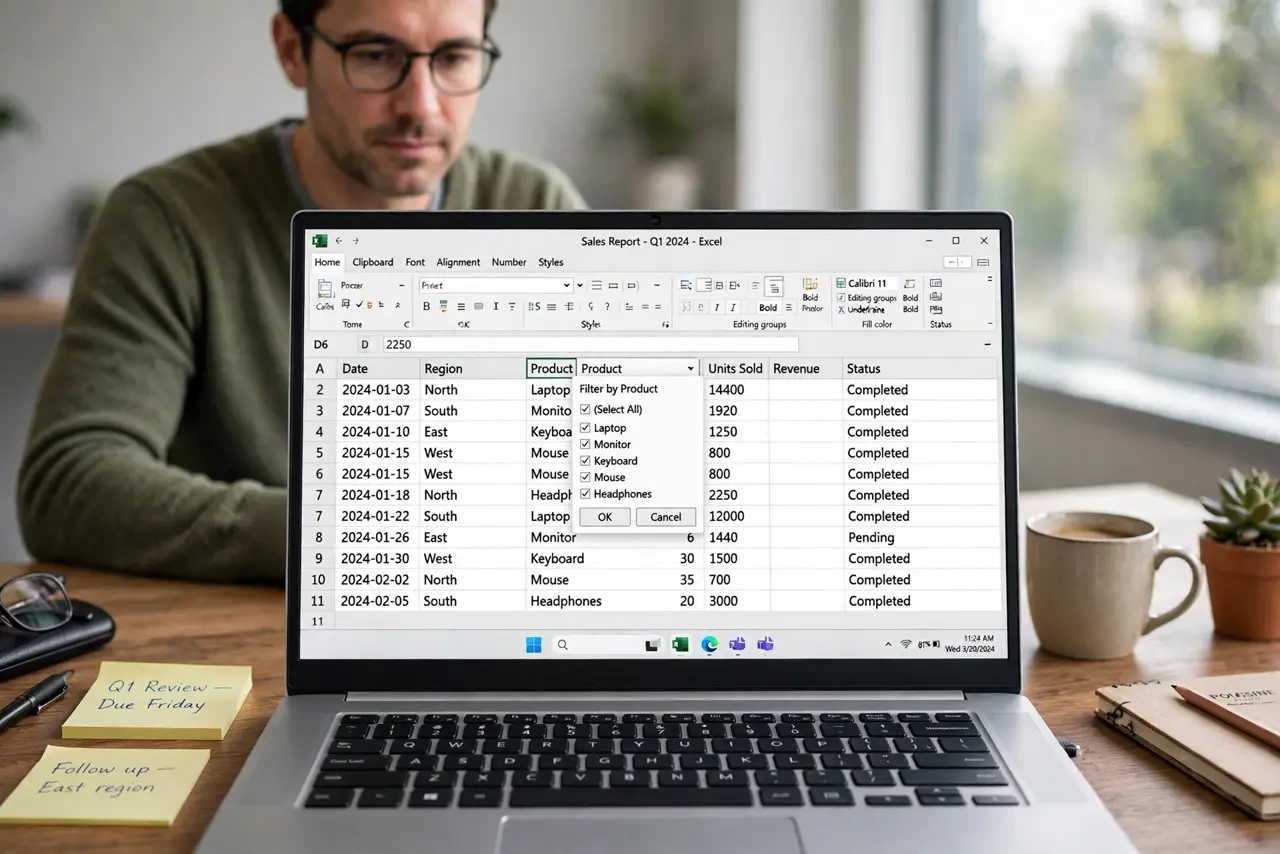
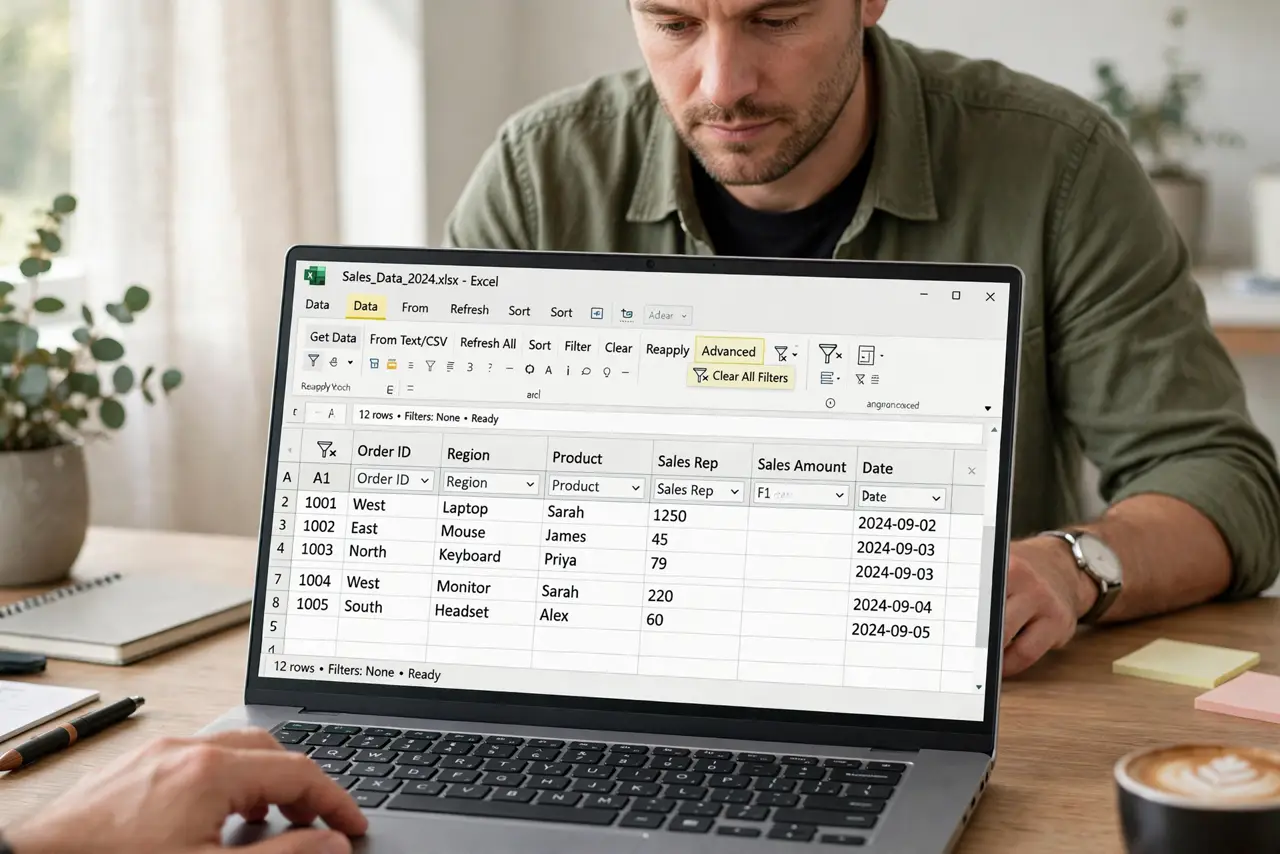
- Clear all filters on the sheet. Open the filter menu and choose Clear filter, or turn the filter off entirely. A filter left on from an earlier task is the most common cause of missing rows.
- Check the row numbers for gaps. Look at the row numbers down the side. Gaps in the numbering show rows that are still hidden, even after the filter is cleared.
- Unhide hidden rows. Select the rows around a gap, right-click, and choose Unhide. Manually hidden rows survive a filter clear, so this step catches what the filter step missed.
- Check for filters on other sheets. If the data spans sheets, check each sheet for an active filter. A filter on a second sheet can hide rows you expect to see in a summary.
- Count rows against your expected total. Count the visible rows and compare with the total you expect. A matching count confirms the data is back, not just partly visible.
- Save the unfiltered view. Save the sheet with filters cleared, or with a clear note about the filter. A saved filter can hide the same rows again next time you open the file.
What NOT to do
- Do not re-enter missing rows before clearing filters. Duplicates appear when the hidden originals return.
- Do not delete the sheet to recover rows. Deleting removes the hidden data along with the visible data.
- Do not assume filtered rows are deleted. Filters hide, they do not delete, so check before concluding data is lost.
- Do not leave a filter on a shared sheet without a note. Colleagues will think rows are missing too.
Frequently asked questions
Does a filter delete rows?
No. A filter only hides rows that do not match. Clearing the filter restores them to view.
Why do rows stay hidden after clearing the filter?
Some rows were hidden manually, and manual hiding survives a filter clear until you unhide them.
How do I tell hidden rows from deleted rows?
Gaps in row numbers signal hidden rows. Deleted rows leave no gap, because the numbering closes up.