Do You Need an SSD Heatsink?
Your new NVMe SSD came with a warning about heat, the motherboard has a metal plate over the M.2 slot, and aftermarket heatsinks cost real money. Do you actually need one? For most drives the answer is no — but for fast Gen4 and Gen5 drives, skipping cooling can quietly erase the speed you paid for. Here is how to decide.
TL;DR / Quick Fix
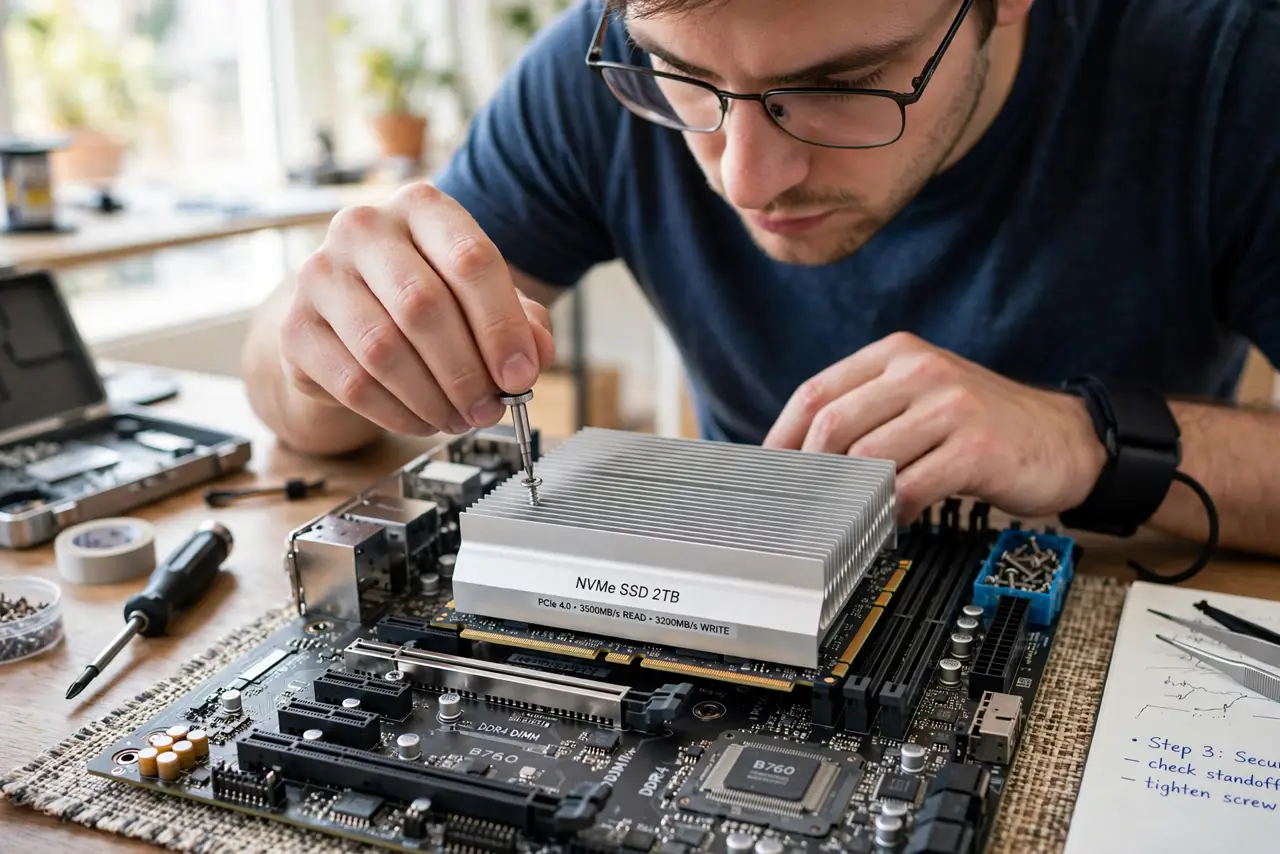
Quick fix: check if your motherboard already includes an M.2 heatsink plate — most do, and that is enough. Fast Gen4 and Gen5 drives need that cooling to hold top speed; mainstream Gen3 drives usually do not. If your drive throttles under long writes, add cooling before blaming the drive.
Follow these steps
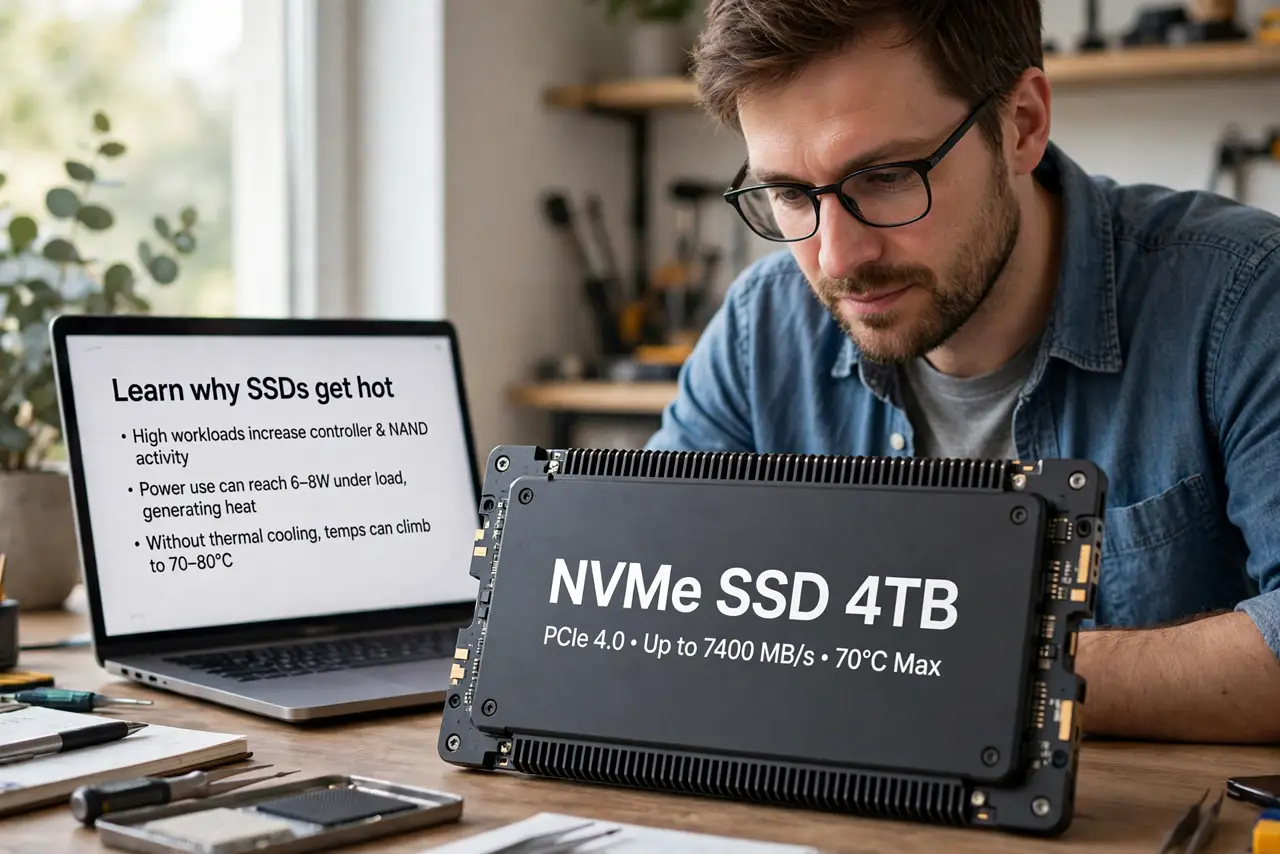
- Learn why SSDs get hot. NVMe controllers work hard during big writes and turn that work into heat. Past a temperature threshold the drive slows itself down — thermal throttling — to protect the chips. Cooling exists to prevent that slowdown.
- Check your motherboard first. Most modern boards ship with a metal M.2 heatsink plate pre-installed over the slot. If yours has one, you already have the cooling — just remember to remove the film and use the included thermal pad when installing.
- Match cooling to drive speed. Mainstream Gen3 drives sip power and rarely throttle — the board plate is plenty. High-end Gen4 and nearly all Gen5 drives are the ones that genuinely need solid heatsinks for sustained speed.
- Watch for throttling symptoms. If long file copies start fast then sag, or the drive feels burning hot, that is throttling. A heatsink is the fix — not a new drive, which would throttle exactly the same way.
- Install the thermal pad correctly. The soft pad goes between the drive's chips and the heatsink — it is the heat bridge. Skipping the pad, or leaving the plastic film on it, makes the heatsink decorative.
- Do not stack cooling. A motherboard plate plus an aftermarket heatsink usually do not fit together. Pick one: the board's plate is fine for most drives; a chunky aftermarket sink suits hot flagship drives.
What NOT to do
- Do not buy a heatsink for a mainstream Gen3 drive. It will not run hot enough to matter — the money buys nothing.
- Do not leave the plastic film on the thermal pad. It blocks heat transfer completely and is the classic installation mistake.
- Do not assume throttling means a bad drive. Heat-induced slowdowns are normal physics — cool the drive before judging it.
- Do not cool the NAND chips excessively. Controllers need cooling; memory chips actually prefer warmth — a full-cover plate is fine, but do not obsess.
Frequently asked questions
Will my SSD die without a heatsink?
No — throttling protects it, so the worst case is slower sustained writes, not damage. Heatsinks buy speed, not lifespan.
Do laptops need SSD heatsinks?
Laptops manage thermals as a system; their SSDs are specced for it. Do not wedge aftermarket heatsinks into a laptop — clearance and airflow were engineered without them.
Is the motherboard plate enough for Gen4?
For most Gen4 drives, yes. Only flagship high-wattage models benefit from bigger aftermarket cooling — check reviews of your exact drive.