Start Menu Will Not Open? Fix It
When the Start menu will not open, you lose the fastest way to launch apps and settings. The cause is often a stuck process, so the fix starts with the simplest restarts and only moves to repair steps if those fail.
TL;DR / Quick Fix
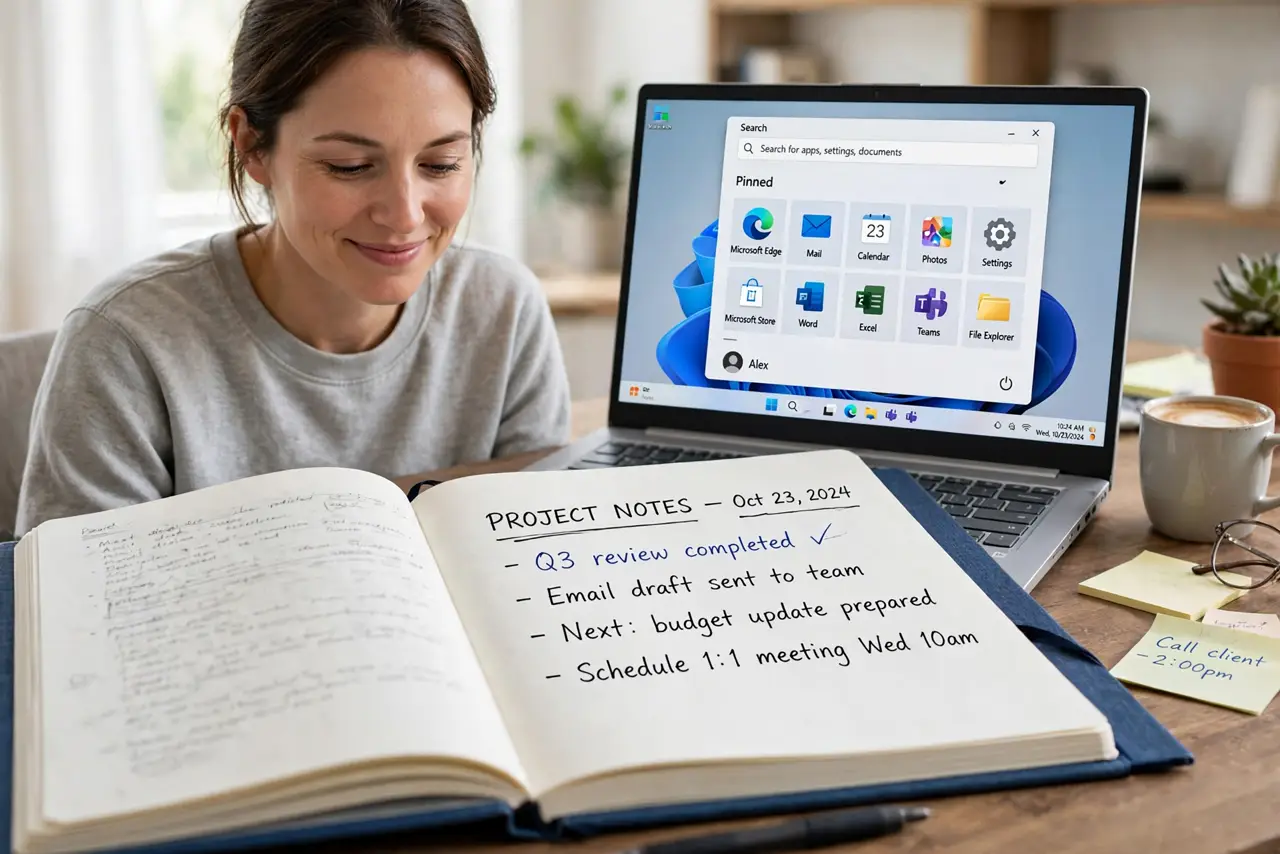
Quick fix: press the Windows key once and wait a few seconds. If nothing opens, restart the computer. If the menu still will not open, open Task Manager, restart Windows Explorer, and test the menu again before trying deeper repairs.
Follow these steps
- Press the Windows key and wait. Press the Windows key once and wait a few seconds. Sometimes the menu is slow, not broken, and clicking repeatedly can make the delay worse.
- Restart the computer. Save any open work, then restart. A restart clears a stuck Start process, and it is the safest first repair for a menu that will not open.
- Restart Windows Explorer in Task Manager. Press Ctrl, Shift, and Esc to open Task Manager. Find Windows Explorer, right-click it, and choose Restart. The taskbar will refresh, then test the Start menu.
- Try the menu from a second user account. Sign in to another account on the same computer if one exists. If the menu works there, the problem is limited to your profile, not the whole system.
- Run the system file check. Open Terminal as administrator and run the system file checker, then restart. This repairs damaged system files that can stop the menu from opening.
- Create a new profile only as a last step. If nothing else works, create a new user account and move your files to it. Keep the old profile until you confirm everything important moved across safely.
What NOT to do
- Do not delete your user profile to fix the menu. You can lose desktop files, documents, and settings that are hard to recover.
- Do not run random registry edits from a forum. A wrong registry change can stop more than the Start menu from working.
- Do not reinstall Windows at the first sign of trouble. A stuck process or a damaged system file is far more common, and far easier to fix.
- Do not keep force-shutting down the computer. Repeated forced shutdowns can damage files and make the next start slower and less stable.
Frequently asked questions
Why does the Start menu open on another account but not mine?
Your user profile may be damaged while the system itself is fine. A new profile is the clean repair in that case.
Is restarting Windows Explorer safe?
Yes. It refreshes the taskbar and Start menu without closing your documents, though open File Explorer windows will close.
What if the Windows key itself is broken?
Try clicking the Start button with the mouse. If neither works, the menu process is stuck, not the key.