Set Up a Stream Deck
A Stream Deck is a little panel of buttons with tiny screens — each one can launch apps, switch scenes, mute your mic, or run a whole chain of actions. Out of the box the buttons do nothing until you assign them, which is why new owners stare at a grid of blank keys. Setup takes twenty minutes and pays off daily.
TL;DR / Quick Fix
Quick fix: install the Stream Deck app from the maker's site, plug the device in, and drag actions onto the keys. Organize with folders and pages, and create separate profiles for streaming, work, and everyday apps. Keep the app running — the keys do nothing without it.
Follow these steps
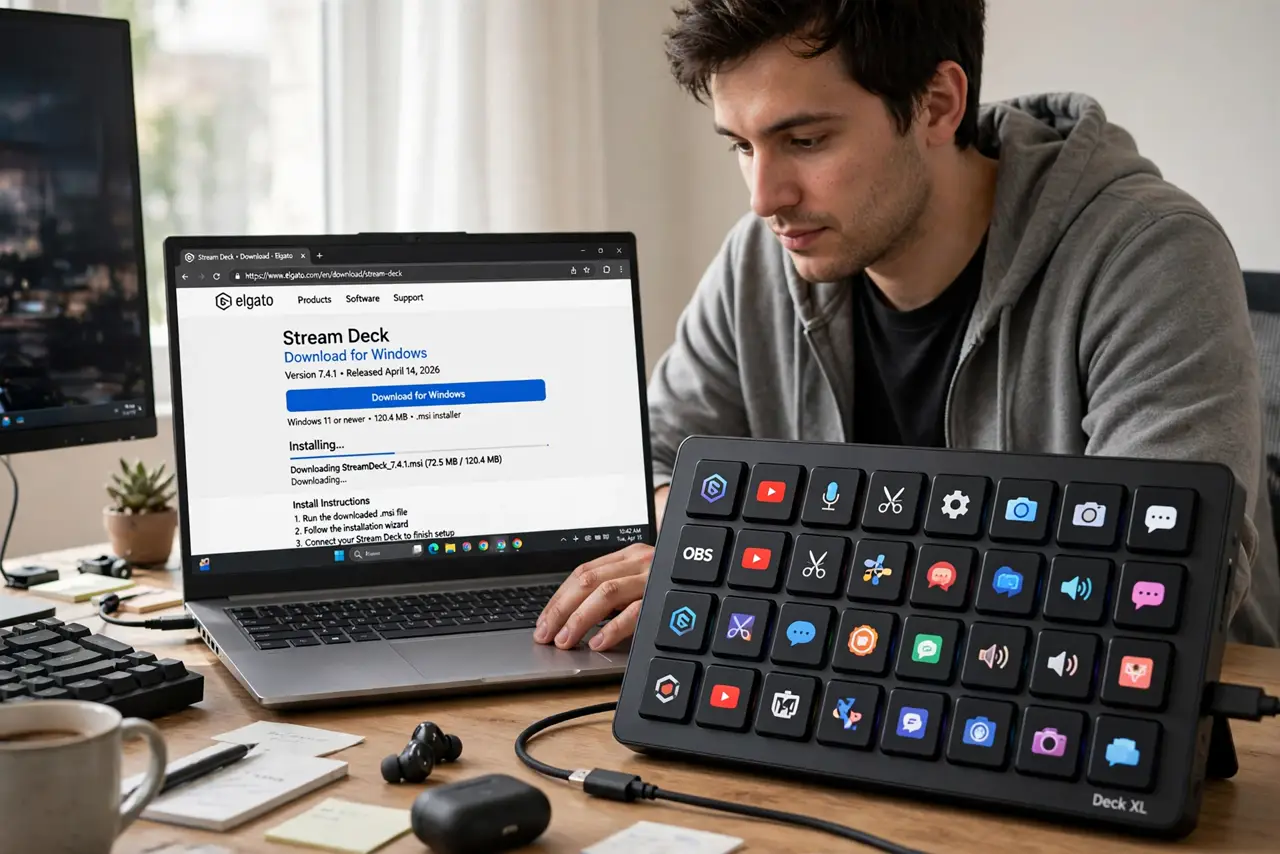
- Install the Stream Deck software first. Download it from the maker's official site for your operating system. The device is a paperweight without the app — the buttons only do what the software tells them.
- Plug the Stream Deck in and let it update. Connect it directly to the computer, not through a flaky hub, and accept any firmware update. Updates fix the 'buttons do nothing' bugs people report on day one.
- Drag actions onto the keys. Browse the action library — app launches, hotkeys, media controls, OBS scene switches — and drag them onto keys. Click a key to customize its icon and label so you can read it at a glance.
- Organize with folders and pages. Put related actions in folders: one for streaming, one for work apps, one for system controls. Fifteen keys multiply fast when folders hold whole workflows.
- Create profiles for different uses. Set up separate profiles for streaming, video calls, and daily work. The deck can auto-switch profiles when you change apps — your keys always match what you're doing.
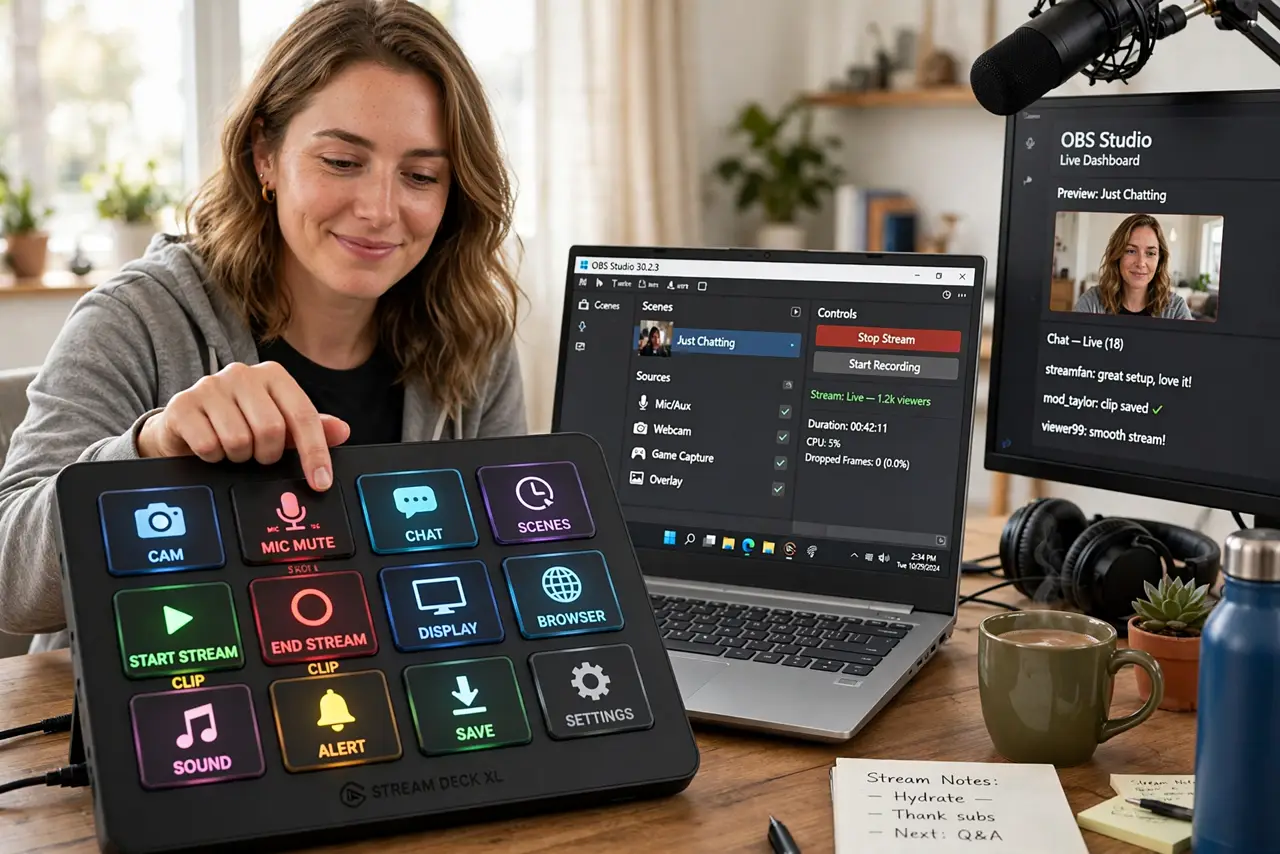
- Integrate it with OBS if you stream. Install the OBS plugin to switch scenes, toggle sources, and mute with one press. Pair it with the OBS virtual camera for a full streaming desk.
What NOT to do
- Do not expect the keys to do anything without the app running. The Stream Deck is a dumb terminal — close the software and the buttons go dead.
- Do not buy one before checking OS support. The software covers Windows and macOS; anything else is a gamble.
- Do not cram every action onto page one. Folders and profiles exist so your most-used five keys stay findable — use them.
- Do not skip the firmware update. Day-one 'dead button' complaints are usually fixed firmware the owner never installed.
Frequently asked questions
Does a Stream Deck work without OBS?
Absolutely — it launches apps, controls media, triggers hotkeys, and automates anything with a keyboard shortcut. Streaming is just one use.
Wired or wireless Stream Deck?
Wired models are the reliable default. Wireless versions exist but add charging and connection quirks — fine for casual use, annoying mid-stream.
Can I use two Stream Decks at once?
Yes, the software handles multiple devices with separate profiles. Most people never need a second one, though.