Approve Tagged Photos Before They Hit Your Profile
Anyone can tag you in a photo, and on some networks it appears on your profile before you even see it. Tag approval settings put you back in charge of what shows up under your name.

TL;DR / Quick Fix
Quick fix: open your profile settings, turn on tag review or approval before tags appear on your profile, and clear the backlog of unreviewed tags. Then check new tags monthly, remove ones revealing location or family, and keep approval on always.
Follow these steps
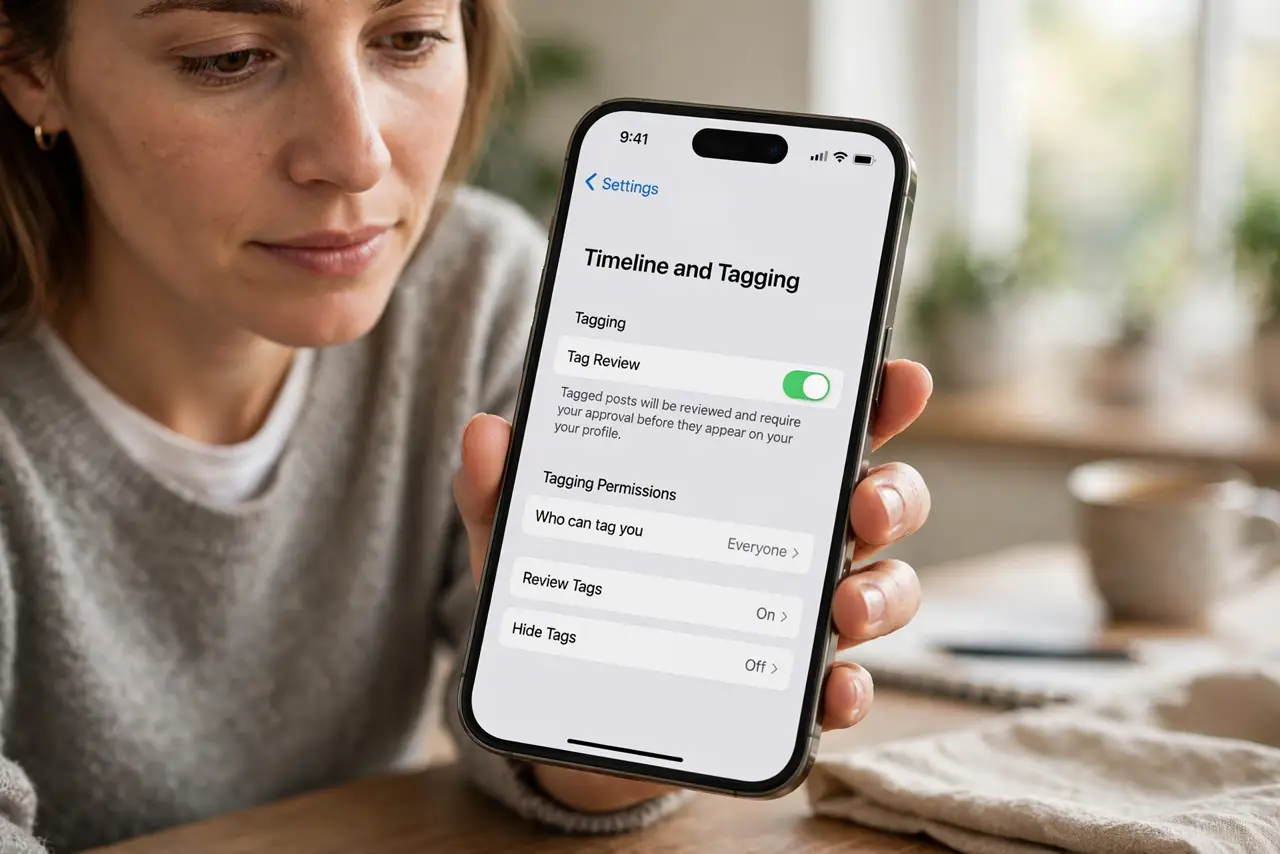
- Turn on tag review in settings. Open your profile or timeline settings and look for tag review or approval. Turning it on means tagged posts wait for your okay before they appear on your profile.
- Clear the backlog of unreviewed tags. Review every tag that slipped through before you changed the setting. Approve the harmless ones and remove the ones that reveal your home or routine.
- Remove tags that expose too much. Remove tags on photos that show your address, kids' school, car plate, or workplace badge. Removing a tag detaches the photo from your profile, even if the photo itself stays up.
- Ask the poster to take down the worst ones. If a photo itself is the problem, message the poster and ask them to delete it or crop the sensitive detail. Most friends comply once you explain the concern.
- Check tags as part of your privacy lockdown. Make tag review one item in a broader privacy lockdown: audience, contact info, and location history. Tag approval alone cannot cover a fully public profile.
- Re-check after app updates. Updates sometimes reset or hide privacy settings. Glance at your tag review setting after a major app update to confirm it is still on.
What NOT to do
- Do not approve tags without looking. A quick glance is the whole point of the review, and blind approvals hand your profile to whoever tags fastest.
- Do not assume removing a tag deletes the photo. The photo stays on the poster's page, so ask for deletion when the image itself leaks something sensitive.
- Do not leave tag review off because it feels like work. One monthly check of new tags takes minutes and stops surprises on your profile.
- Do not start a fight over a tag removal. A short polite message explains it as a privacy habit, and most people accept that without argument.
Frequently asked questions
Does tag approval hide the photo from everyone?
No. It only stops the photo from appearing on your profile and timeline. The photo still exists on the poster's page.
Can I approve tags in bulk?
Many networks let you approve or remove several tags at once from the review screen, which makes clearing a backlog fast.
What if a stranger keeps tagging me?
Remove the tags, block the account, and report it if the tagging looks like harassment or impersonation.