Tame Your Downloads Folder
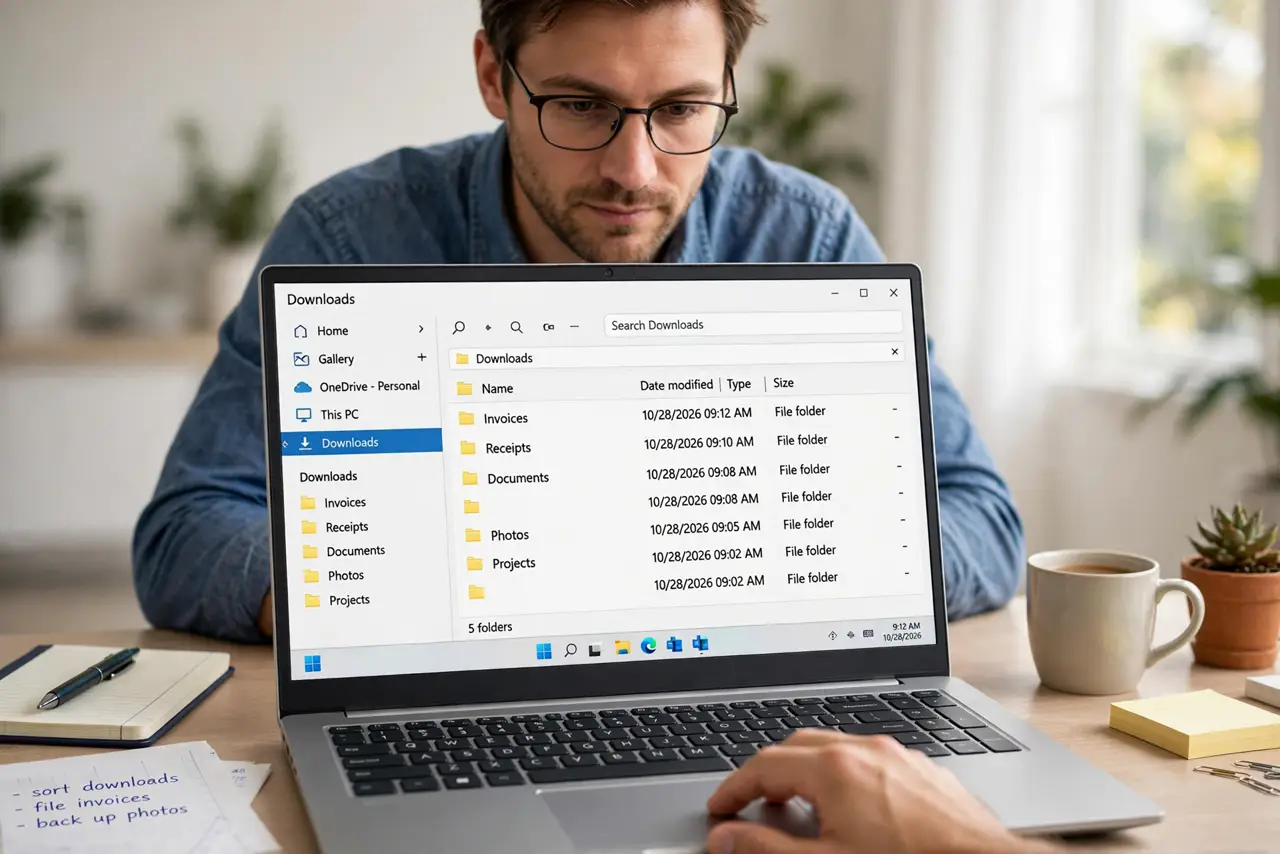
Your downloads folder has hundreds of files — installers from 2023, PDFs you opened once, photos with names like IMG_4829 — and finding anything means scrolling and squinting. The downloads folder is where files go to be forgotten, but it does not have to be. An hour of triage plus a simple ongoing habit turns it from a junk drawer into a clean inbox. Then give everything a lasting home with a real folder structure.
TL;DR / Quick Fix
Quick fix: sort downloads by date, delete installers and anything you can re-download, file the keepers into a few inbox folders, and set a weekly five-minute sweep. Treat downloads as an inbox — everything in it is either filed or deleted within a week.
Follow these steps
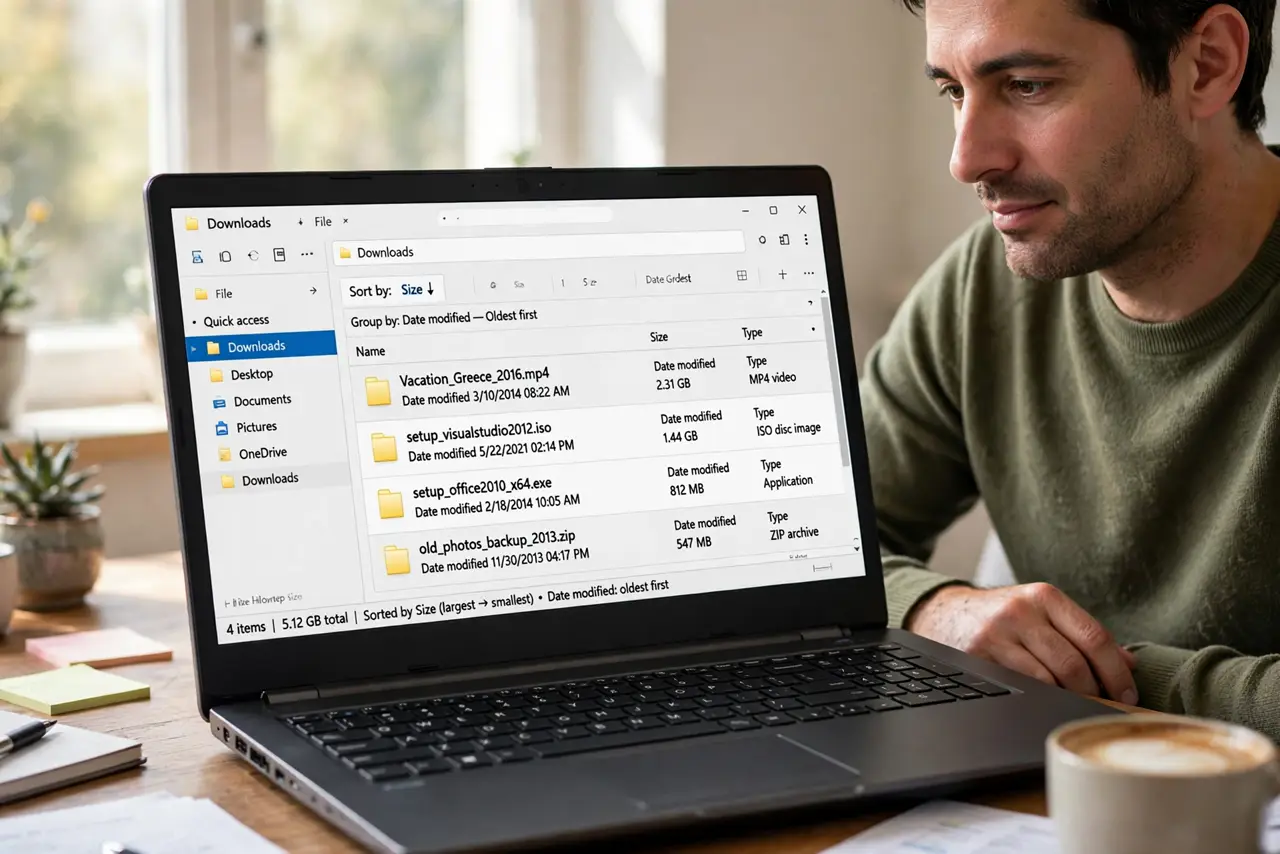
- See the scale of it. Open the folder, sort by size and by date. The oldest and biggest files are usually the easiest decisions — ancient installers and forgotten videos you can delete without a second thought.
- Delete what is re-downloadable. Installers, duplicate downloads, and files that live in your email or cloud drive do not need a local copy. When in doubt, check: could I get this again in two minutes? If yes, delete.
- Create a few inbox folders. Make three or four holding folders — To File, To Read, To Install, To Delete. Sorting into four buckets is fast; deciding each file's final home is slow. Inbox first, file later.
- Sort in one focused pass. Put on music and move everything into those buckets in a single session. Do not organize deeply yet — the goal is emptying the pile, not perfecting the archive.
- File the keepers weekly. Once a week, spend five minutes moving inbox files to their real homes and emptying To Delete. A downloads folder only stays clean with this tiny recurring habit.
- Stop the pile from reforming. Change your browser to ask where to save each download, or point downloads at a folder you actually watch. Prevention beats another triage session next year.
What NOT to do
- Do not try to perfectly organize during triage. Sort into rough buckets first; perfectionism is why the folder stayed messy for a year.
- Do not delete tax documents and receipts in the purge. Re-downloadable means truly re-downloadable — financial records get filed, not deleted.
- Do not keep every installer just in case. Old installers are obsolete within months; the current version is always a fresh download away.
- Do not skip the weekly sweep. One triage without a habit just schedules the next triage.
Frequently asked questions
How often should I clean it?
A five-minute sweep weekly keeps it near empty. Let it go a month and you are back to triage territory.
Should downloads go somewhere else entirely?
Some people point downloads at the desktop for visibility, but that just moves the mess. Better: keep the folder, keep the habit.
What about my phone's downloads?
Same principle, smaller screen. Clear them monthly — phones fill up faster and the files are usually even more disposable.