What Is SSD Endurance?
TBW ratings confuse every SSD shopper — 300, 600, 1200 terabytes written, but what does your actual usage look like? This guide translates the endurance rating into real years of life, shows how to check your current wear, and explains when TBW should sway your purchase (and when DRAM cache matters more).
TL;DR / Quick Fix
Quick fix: TBW (terabytes written) rates how much data an SSD can write over its life — higher means longer-lived. A 600 TBW drive handles years of normal use; heavy video editors want more. Check your actual writes in the drive's health tools; most users never approach the rating.
Follow these steps
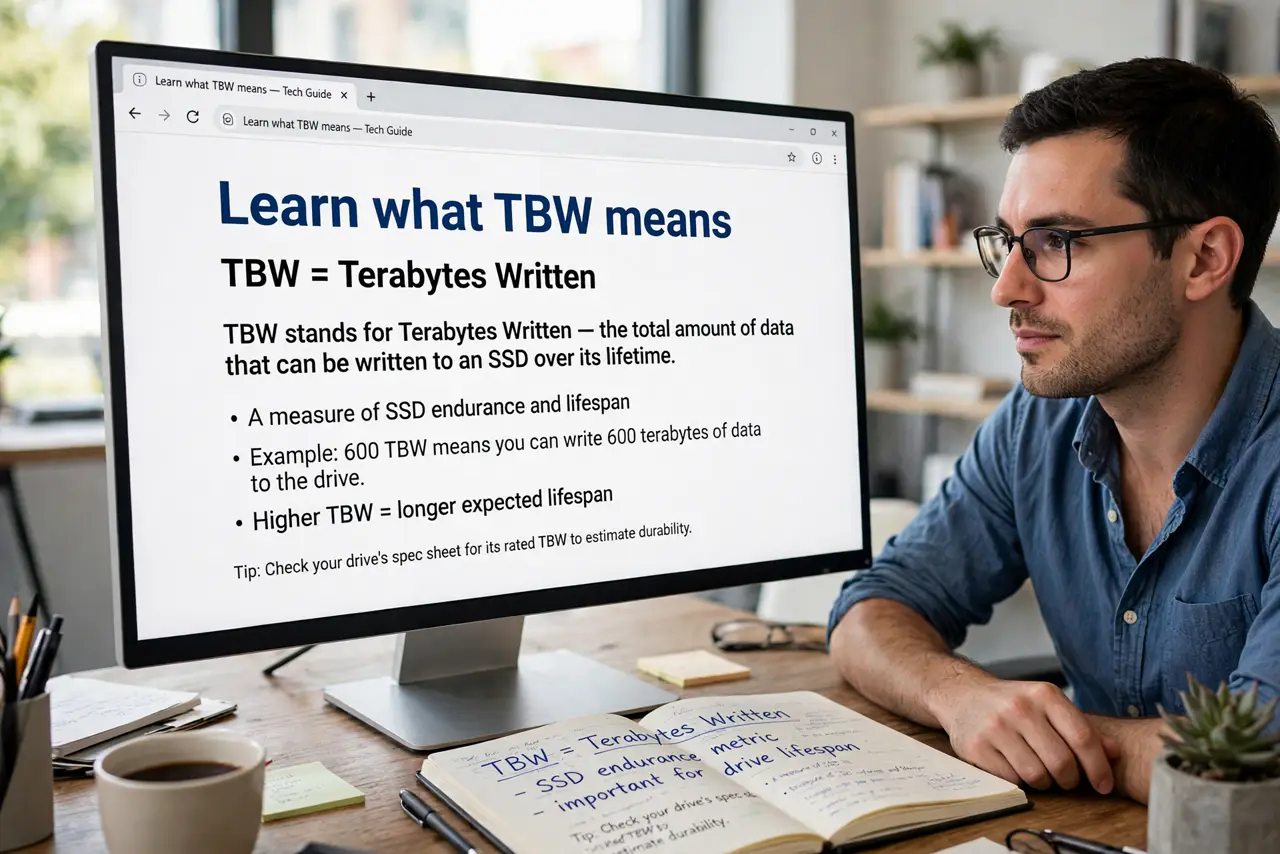
- Learn what TBW means. Terabytes Written: the total data the maker guarantees the drive can write before wearing out. It is a warranty-scale promise, not a self-destruct timer.
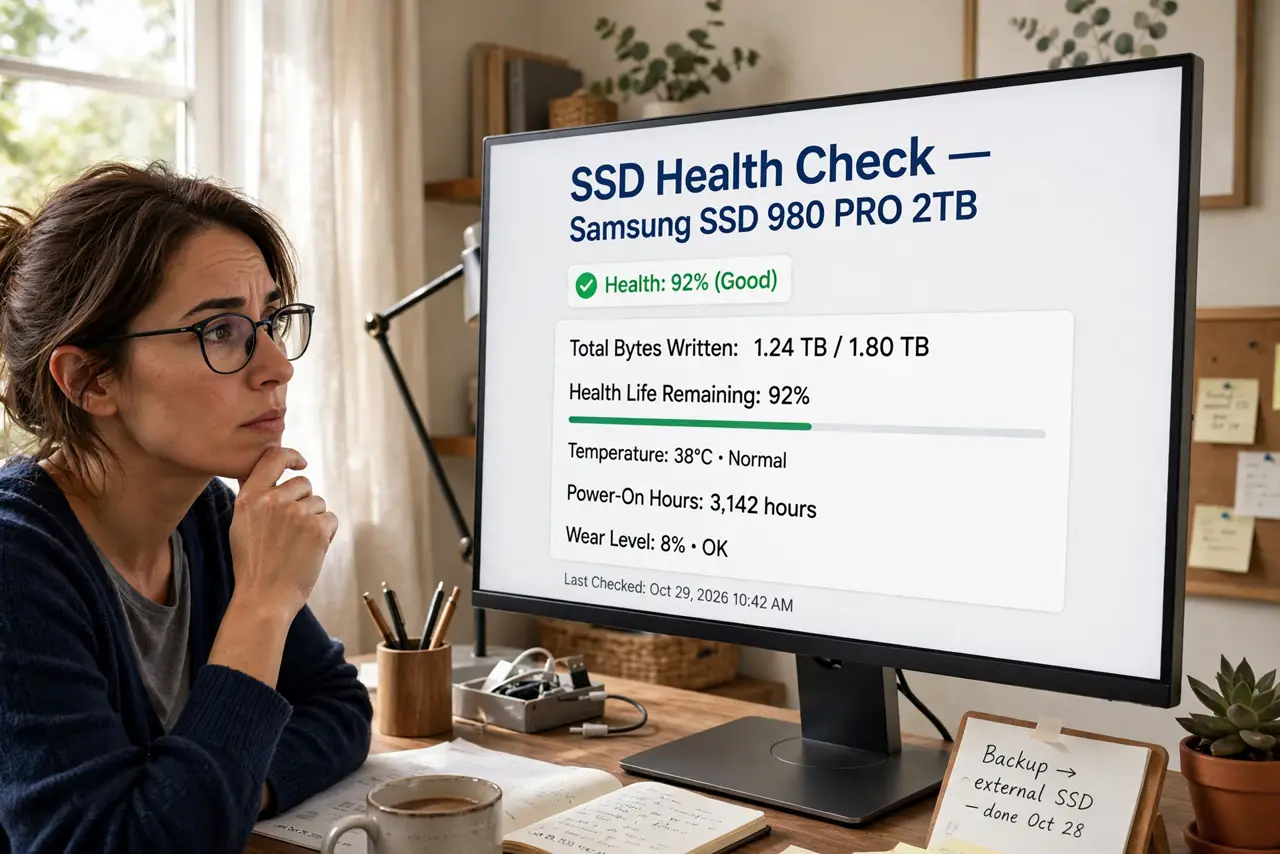
- Estimate your yearly writes. Check your current drive's lifetime writes in its health tool and divide by its age. Most desktop users write 5-20 TB per year — far below what ratings assume.
- Do the lifespan math. 600 TBW at 20 TB/year is 30 years of rated writes. The drive will be obsolete long before the rating runs out — for typical users, TBW is reassurance, not a constraint.
- Know who should care. Video editors, Chia farmers, heavy database work — sustained tens of TB monthly. If that is you, buy high-TBW drives; if not, stop worrying.
- Check health, not just rating. Drive tools report percentage of life remaining based on actual wear. A five-year-old drive at 95% health has decades left — the rating was conservative.
- Weigh TBW against other specs. For most buyers, capacity, speed, and cache design affect daily life more than TBW. Endurance is the tiebreaker, not the headline.
What NOT to do
- Do not avoid QLC drives purely over TBW fear. Modern QLC endurance suits normal desktop use fine — the fear is outdated.
- Do not run 'SSD wear tests' for fun. Deliberately writing terabytes to test endurance just spends the endurance.
- Do not confuse TBW with MTBF. TBW measures write endurance; MTBF estimates random failure rates — different numbers, different meanings.
- Do not skip backups because 'the SSD is healthy'. All drives die eventually, often without warning — endurance ratings do not replace backups.
Frequently asked questions
What happens when TBW runs out?
The drive may switch to read-only to protect your data — it does not vaporize. Warranty coverage typically ends at the rated TBW.
Is higher TBW always better?
For heavy writers, yes. For everyone else, it is one spec among many — do not overpay for endurance you will never use.
How do I check my SSD's health?
The maker's toolbox app, or CrystalDiskInfo on Windows. Look for 'percentage used' or 'media wearout indicator'.