USB vs Wi-Fi Tethering?
Your phone can share its connection two ways — a Wi-Fi hotspot or a USB cable — and they are not equal. USB tethering is faster, more stable, and charges your phone; Wi-Fi is more convenient and shares with many devices. Here is how to choose for your situation.
TL;DR / Quick Fix
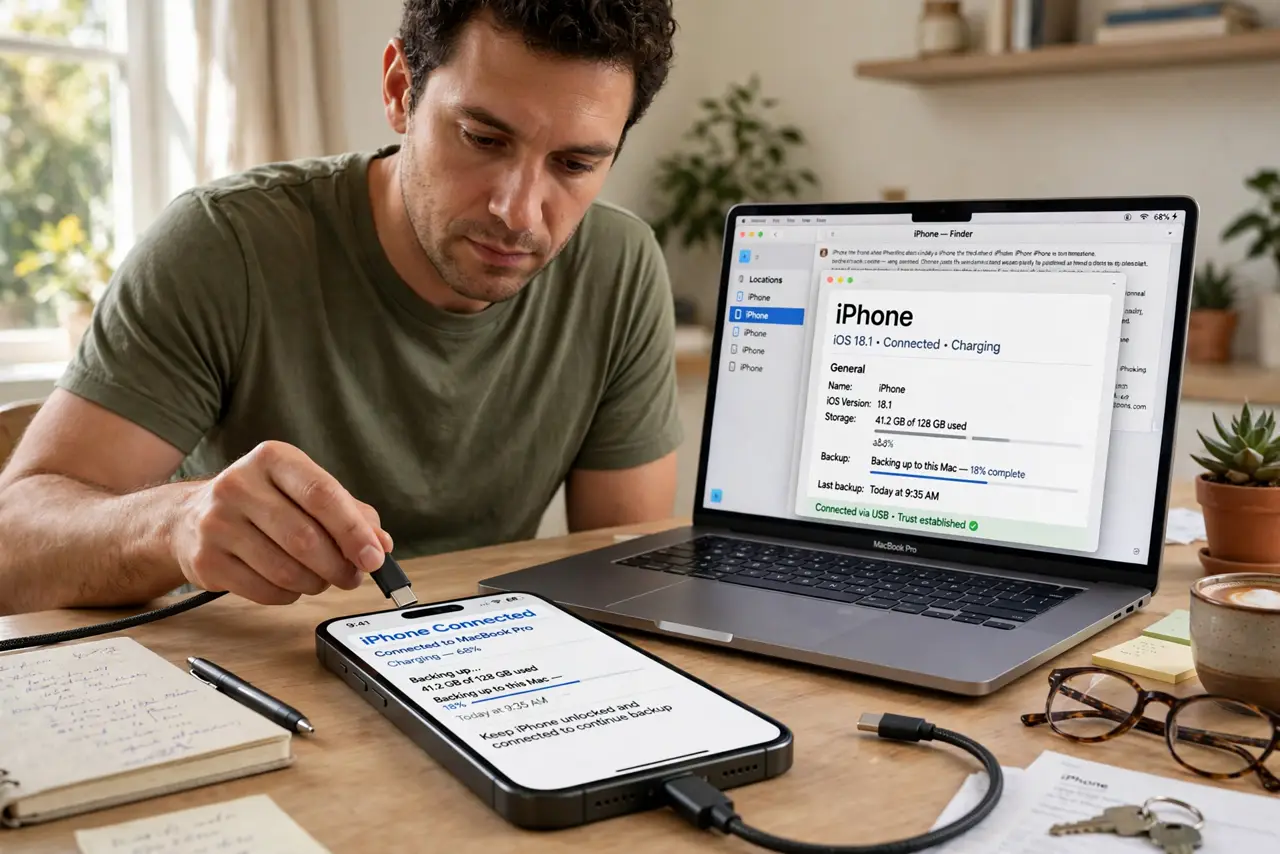
Quick fix: USB tethering beats Wi-Fi hotspot for one laptop — faster, more stable, and it charges the phone while you work. Use Wi-Fi hotspot when sharing with several devices or devices without USB. Data usage is identical either way.
Follow these steps
- Use USB for one laptop. Plug the phone in, enable USB tethering in the phone's hotspot settings, and the laptop sees a wired network. Lower latency, no Wi-Fi interference.
- Use Wi-Fi for multiple devices. A hotspot shares with phones, tablets, and laptops at once — USB serves exactly one device. Convenience wins when the family all needs in.
- Know USB charges while it shares. The cable powers the phone as you work, so a long tethering session does not end with a dead phone. Hotspot mode drains the battery instead.
- Expect slightly better speed on USB. USB skips the Wi-Fi hop, so latency drops and speeds are steadier. The difference is small for browsing, noticeable for calls and gaming.
- Set up USB tethering per platform. Android: plug in, then enable USB tethering in hotspot settings — see Android steps. iPhone: enable Personal Hotspot and plug in — see iPhone steps.
- Remember data use is the same. The pipe does not change how much data flows — see why hotspots drain plans. Choose by convenience and stability, not data savings.
What NOT to do
- Do not expect USB to save data. Identical usage — the savings myth dies here.
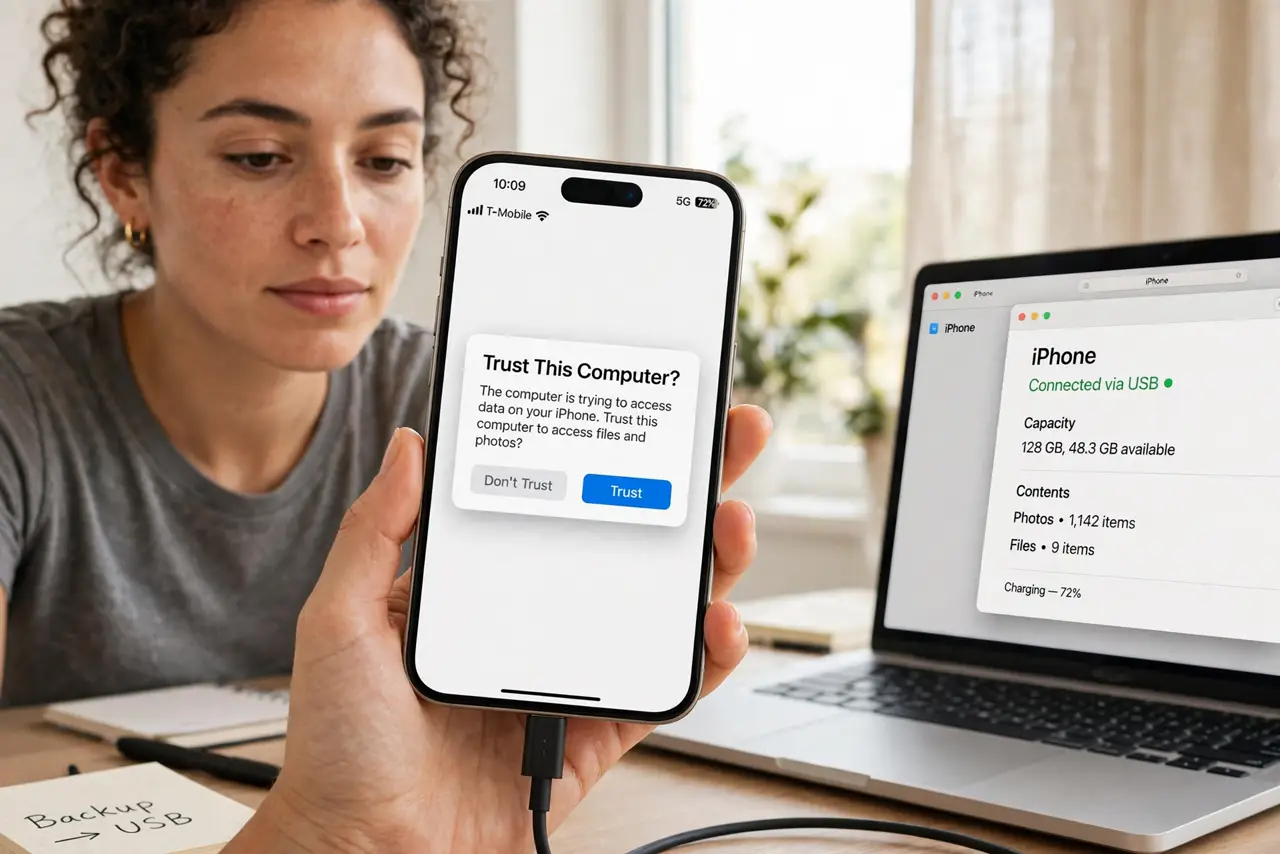
- Do not use a charge-only cable. Some cheap cables carry power but no data — tethering silently fails with them.
- Do not hotspot in a crowd on 2.4 GHz. Congested Wi-Fi slows everyone; USB sidesteps it completely.
- Do not forget hotspot security. If you must use Wi-Fi sharing, keep a strong password — an open hotspot invites freeloaders.
Frequently asked questions
Does USB tethering work with any laptop?
Yes — Windows, Mac, and Linux all recognize phone USB tethering as a network adapter, usually with no drivers needed.
Can I tether and charge at the same time?
That is USB tethering's signature trick — one cable does both.
Why is my hotspot slower than USB?
Wi-Fi adds a wireless hop with interference and sharing overhead. USB is a direct pipe.