Hotspot Eats Data Fast?
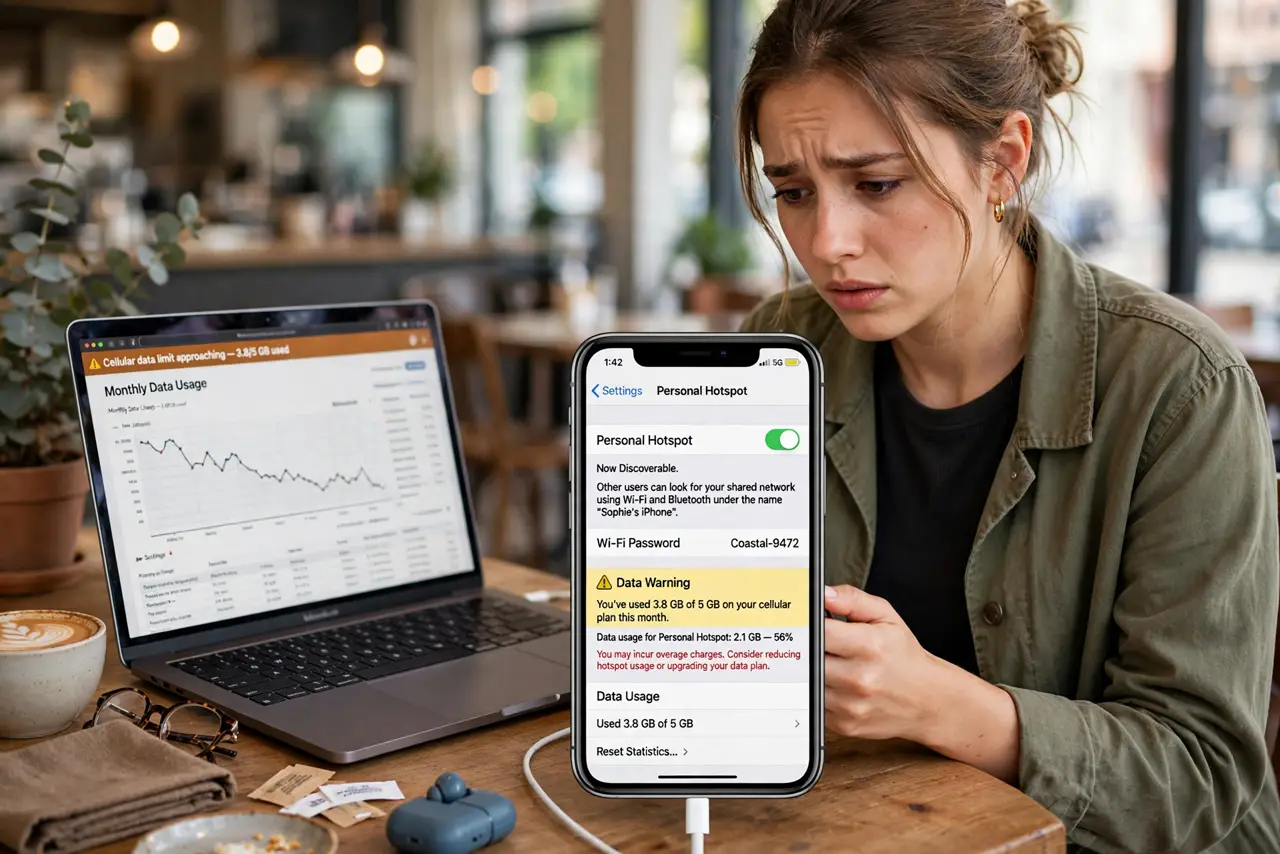
You shared your phone's connection for an hour and your data plan is suddenly gasping. A phone hotspot feeds a laptop that happily downloads updates, syncs photos, and streams video in the background — far hungrier than a phone alone. Here is where the data goes and how to slow the drain.
TL;DR / Quick Fix
Quick fix: phone hotspots burn data fast because laptops download updates and sync files in the background. Set your laptop connection as metered, pause cloud syncs and updates while tethered, and check your carrier's hotspot allowance — many plans throttle after a small cap.
Follow these steps
- Know why the drain is so fast. Phones sip data; laptops gulp it. Background updates, cloud photo sync, and auto-playing video can eat hundreds of megabytes before you open a single page.
- Set the connection as metered. On Windows, mark the hotspot network as a metered connection — Windows then holds back automatic updates and reduces background data. This one toggle saves the most.
- Pause cloud syncs while tethered. Pause your cloud drive and photo backup apps before connecting. They cannot tell hotspot from home Wi-Fi and will happily upload gigabytes.
- Turn off auto-play and lower video quality. Set video apps to low quality and disable auto-play. One forgotten HD stream can finish a small hotspot allowance in an afternoon.
- Check your plan's real hotspot allowance. Many 'unlimited' plans include only a small high-speed hotspot bucket, then throttle hard. Know your number before you rely on it.
- Track usage as you go. Both the phone and the laptop show per-connection data usage. Glance at it hourly on heavy days so there are no end-of-day surprises.
What NOT to do
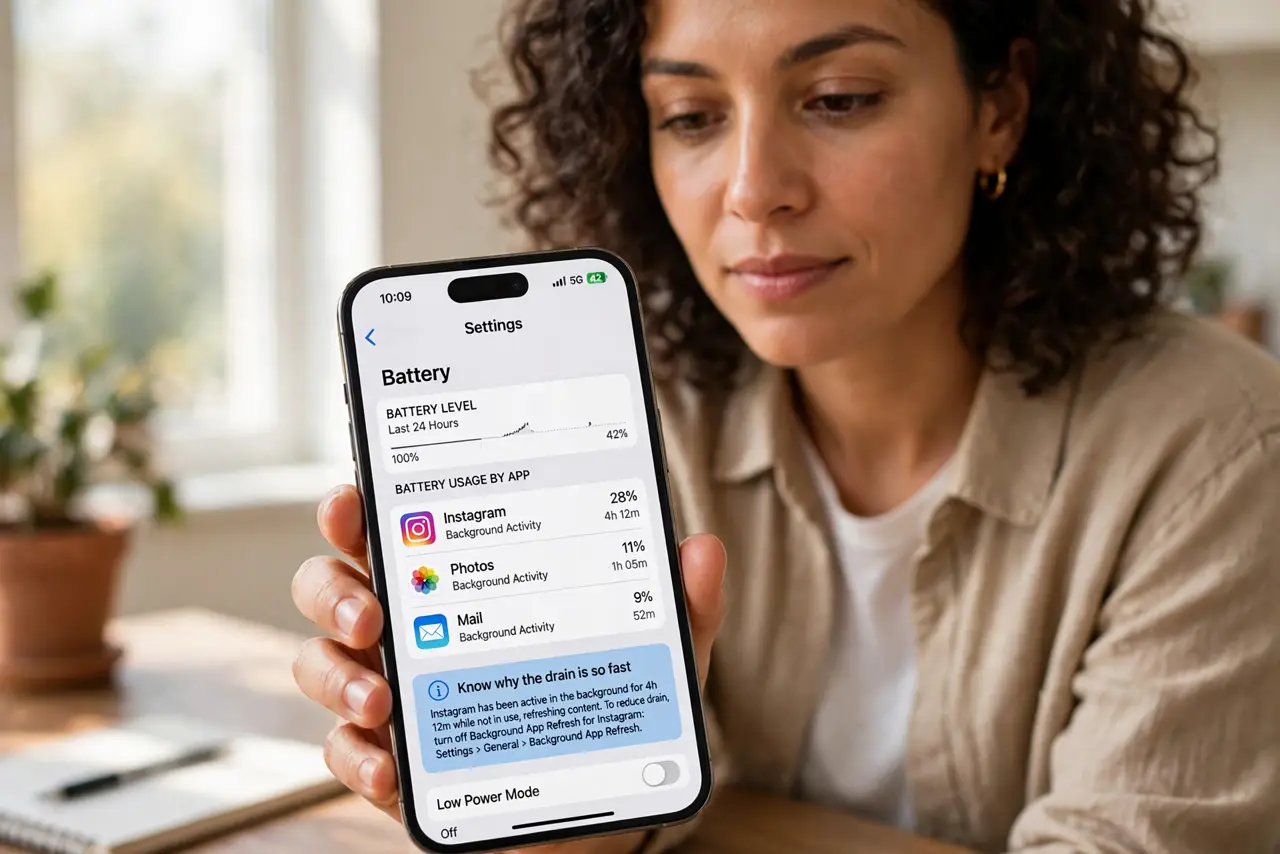
- Do not leave cloud backups running on a hotspot. A photo library sync can burn a month of hotspot data in one sitting.
- Do not assume 'unlimited' covers hotspot. Carriers almost always cap hotspot separately — check the fine print.
- Do not stream video at full quality. Drop to 480p or audio-only when the hotspot is your only connection.
- Do not forget the hotspot is on. A laptop left connected overnight will sync and update while you sleep.
Frequently asked questions
How much data does an hour of hotspot browsing use?
Light browsing: roughly 60–150 MB. Video calls or HD streaming: a gigabyte or more per hour.
Does USB tethering use less data than Wi-Fi hotspot?
No — the data use is identical. USB is just more stable and charges the phone; see the USB vs Wi-Fi comparison.
Why did my hotspot slow down suddenly?
You likely hit the high-speed hotspot cap and got throttled. Check usage in your carrier's app.