Time-Block Your Calendar
To-do lists tell you what to do but never when, so the day fills with whatever shouts loudest. Time-blocking fixes that by assigning every task a specific slot on your calendar — your day becomes a series of appointments with yourself. It is the simplest planning upgrade most people ever make.
TL;DR / Quick Fix
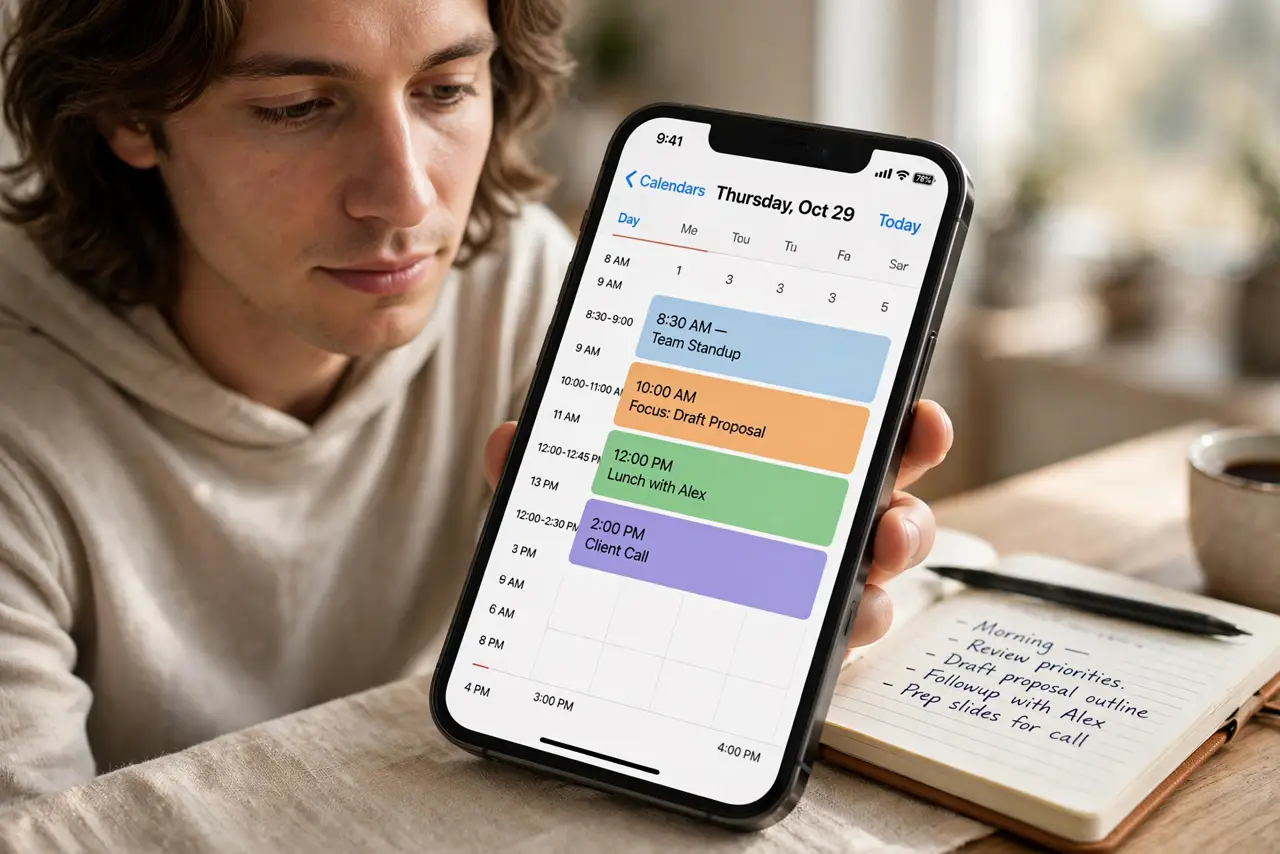
Quick fix: tonight, drag tomorrow's three most important tasks onto your calendar as fixed blocks with start and end times — include breaks and email windows. Treat each block like a meeting you cannot skip. Review at day's end: what fit, what didn't, and adjust tomorrow's blocks.
Follow these steps
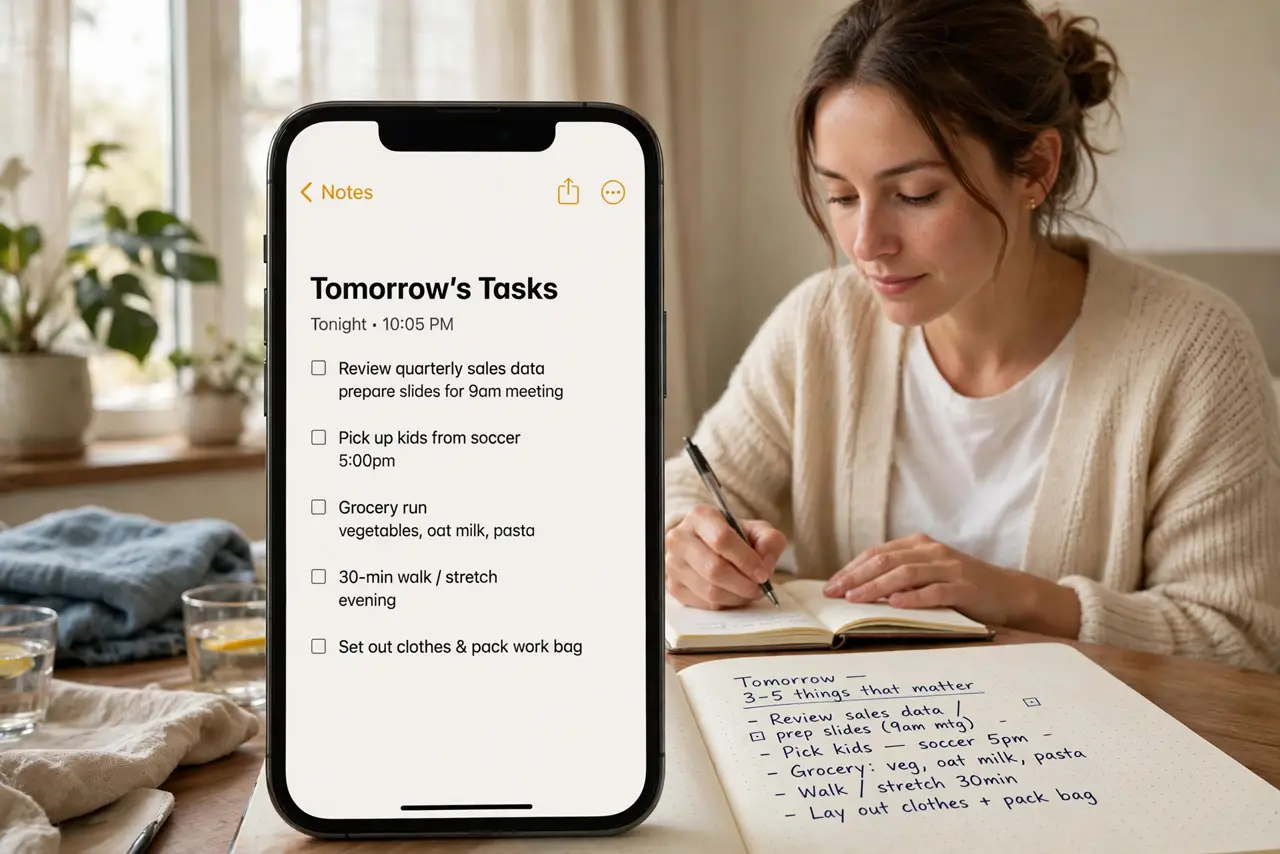
- List tomorrow's tasks tonight. Before bed, write the 3-5 things that matter tomorrow. Planning the night before means you start the day executing, not deciding — decision fatigue is the enemy.
- Give each task a calendar block. Drag each task onto the calendar with a real start and end time. 'Write report 9:00-10:30' beats 'write report' on a list, because the clock creates commitment.
- Block the unglamorous stuff too. Email, lunch, breaks, commute — put them all on the calendar. Unblocked time silently evaporates; visible time gets defended.
- Match tasks to your energy. Hard creative work goes in your peak hours (often morning), admin in the afternoon slump. Time-blocking lets you place work where your brain actually performs.
- Leave buffer blocks between things. Schedule 15-30 minute gaps for overruns and surprises. A calendar with zero slack shatters at the first interruption — buffers are what make the system survive contact with reality.
- Review and adjust daily. Spend five minutes each evening moving unfinished blocks to tomorrow. Pair the review with a weekly review and a Pomodoro timer inside the blocks for a complete system.
What NOT to do
- Do not block every minute of the day. A solid wall of blocks with no breathing room collapses by 11 AM — schedule at 70% capacity.
- Do not treat blocks as suggestions. Moving a block once is planning; moving it five times is avoidance — respect the appointment.
- Do not time-block without prioritizing first. Perfectly scheduling low-value tasks is just organized procrastination.
- Do not skip the evening review. The review is where the system learns — without it, you repeat the same overstuffed day forever.
Frequently asked questions
What is the difference between time-blocking and a to-do list?
A to-do list has no when; time-blocking assigns every task a slot. The calendar forces the honest question: does this actually fit today?
How much of my day should I block?
About 70%. Leave the rest for surprises, overruns, and thinking time — a fully blocked day breaks at the first interruption.
What if constant interruptions ruin my blocks?
Batch the interruptions: set specific windows for messages and email, and defend the deep-work blocks. If interruptions are truly constant, your job may need task-batching more than time-blocking.