Timebox Your Tasks
Give a task the whole day and it will take the whole day — that is Parkinson's law, and your to-do list proves it daily. Timeboxing flips it: you give each task a fixed box of time, and the deadline creates focus. This guide shows how to timebox a real workday without turning into a robot.
TL;DR / Quick Fix
Quick fix: assign each task a fixed time box — 25 or 50 minutes — and work only on that task until the timer rings. When time is up, stop or deliberately extend the box. Fixed boxes create urgency, kill perfectionism, and reveal tasks too big for one sitting.
Follow these steps
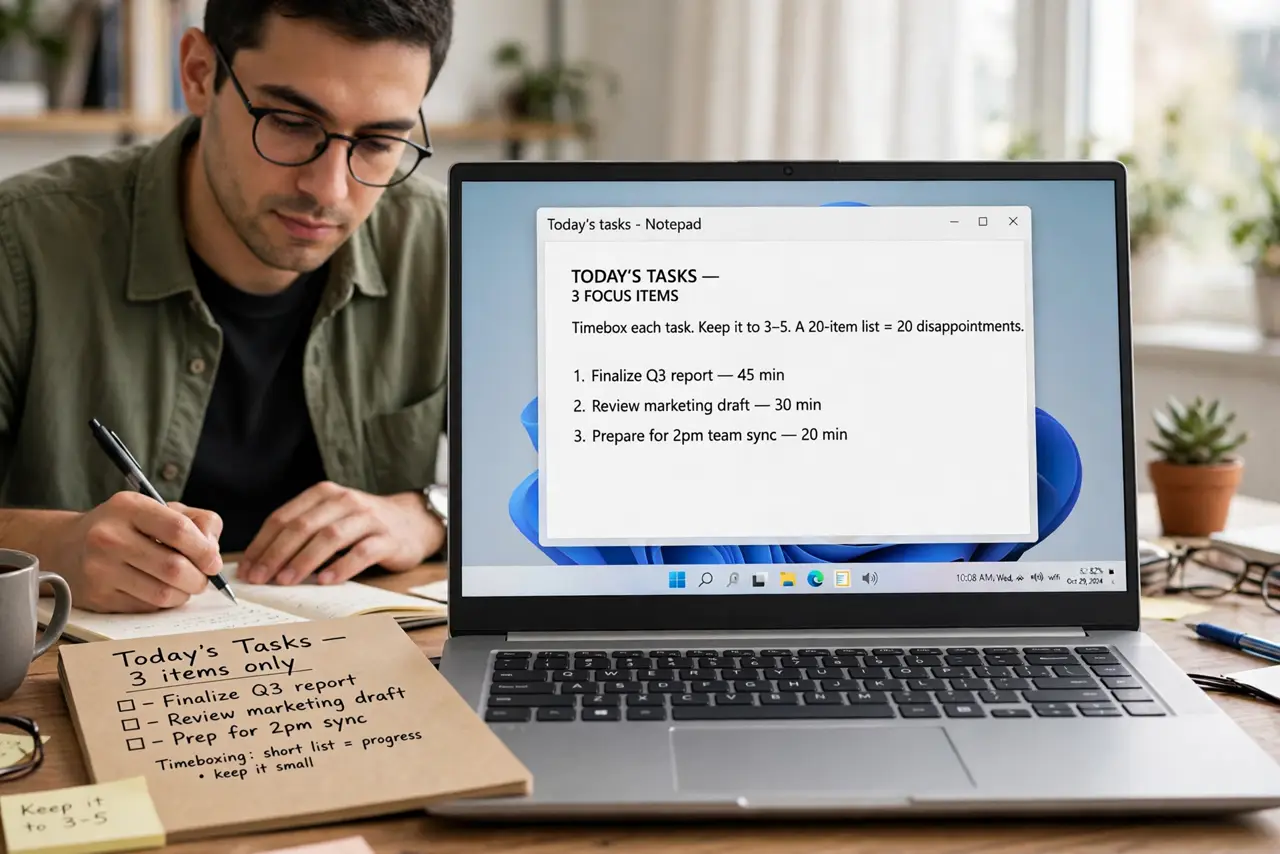
- List today's tasks. Write down the three to five tasks that matter today. Timeboxing works on a short list — a twenty-item list just gets twenty disappointments.
- Give each task a box. Assign every task a fixed duration: 25 minutes for small tasks, 50 or 90 for big ones. Write the box next to the task — the commitment is what creates focus.
- Work on one box at a time. Start the timer and work only on that task. No checking email 'for a second' — the box protects the task from everything else.
- Stop when the timer rings. When time is up, stop — even mid-sentence. Either the task is done, or you learned it needs another box. Both are useful information.
- Extend deliberately, not driftfully. If a task needs more time, add a defined second box. 'Ten more minutes, maybe' is how boxes die — a second full box is a decision.
- Review the boxes at day's end. Compare planned boxes to actual ones. Tasks that always overrun are badly scoped — see deep work blocking for giving big tasks the room they need.
What NOT to do
- Do not timebox without a timer. Mental timeboxes stretch — a visible countdown is what creates the urgency.
- Do not make every box 25 minutes. Match the box to the task — deep work deserves 50 or 90 minutes, not pomodoro fragments.
- Do not punish yourself for overruns. An overrun is data about scoping, not a character flaw — adjust the next box.
- Do not timebox breaks away. Rest boxes belong on the schedule too, or the system collapses by Thursday.
Frequently asked questions
Is timeboxing the same as time blocking?
Related but different: time blocking assigns tasks to calendar hours; timeboxing gives each task a fixed duration with a timer. They combine beautifully.
What if I finish early?
Stop and take the win — use the leftover minutes as a buffer or start the next box early. Finishing early is the system working.
Does timeboxing work for creative work?
Yes, with longer boxes. Creativity hates interruption but loves deadlines — a 90-minute box with a clear end often beats an open afternoon.