Todoist? Plain Basics
Todoist is a to-do list app for people whose paper lists keep growing teeth — tasks with due dates, priorities, recurring schedules, and projects, all syncing across your devices. It is simpler than a project manager and stronger than a notes app. If your current system is 'I will remember,' this guide is your upgrade path.
TL;DR / Quick Fix
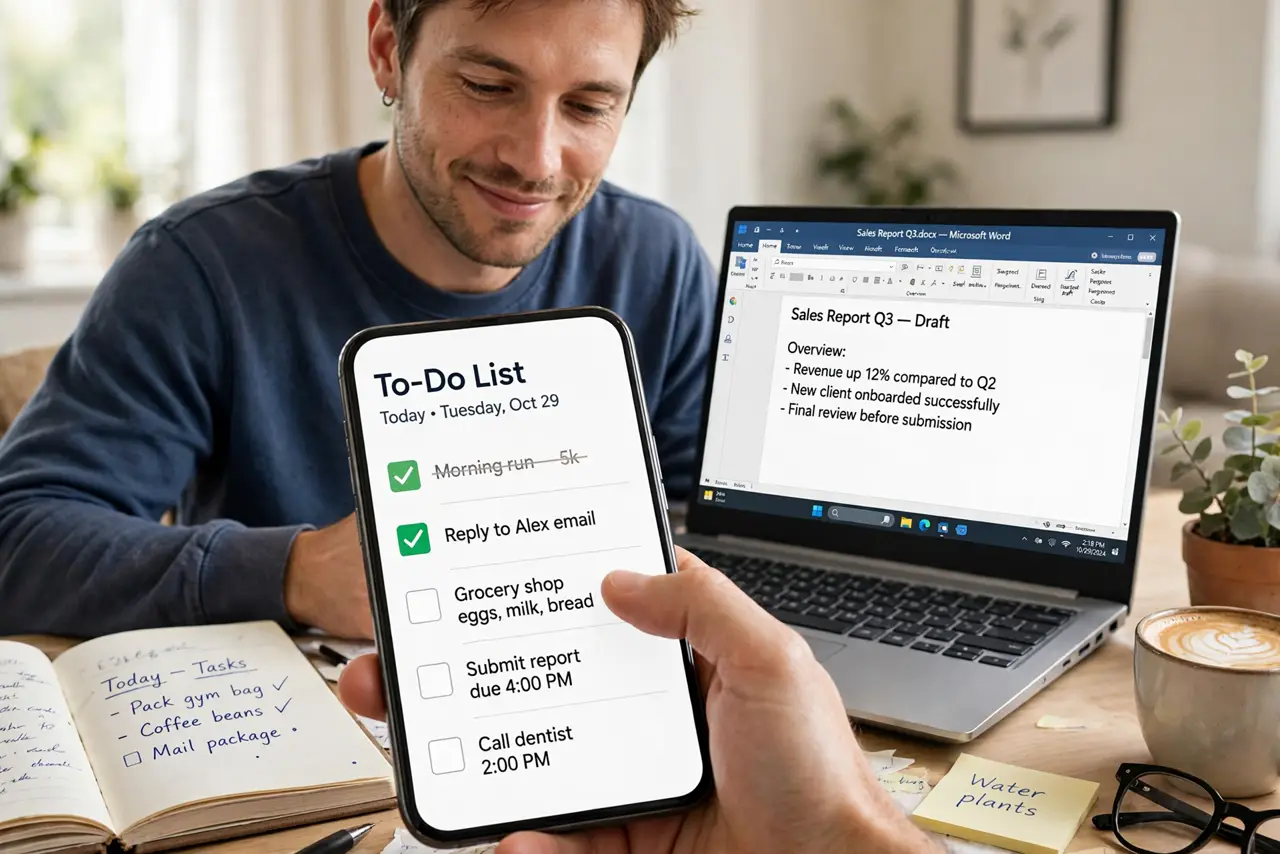
Quick fix: Todoist is a cross-device to-do app built around tasks with due dates, priorities, and recurring schedules. Capture every task the moment you think of it, review the Today view each morning, and use priorities sparingly. The free plan handles most personal use.
Follow these steps
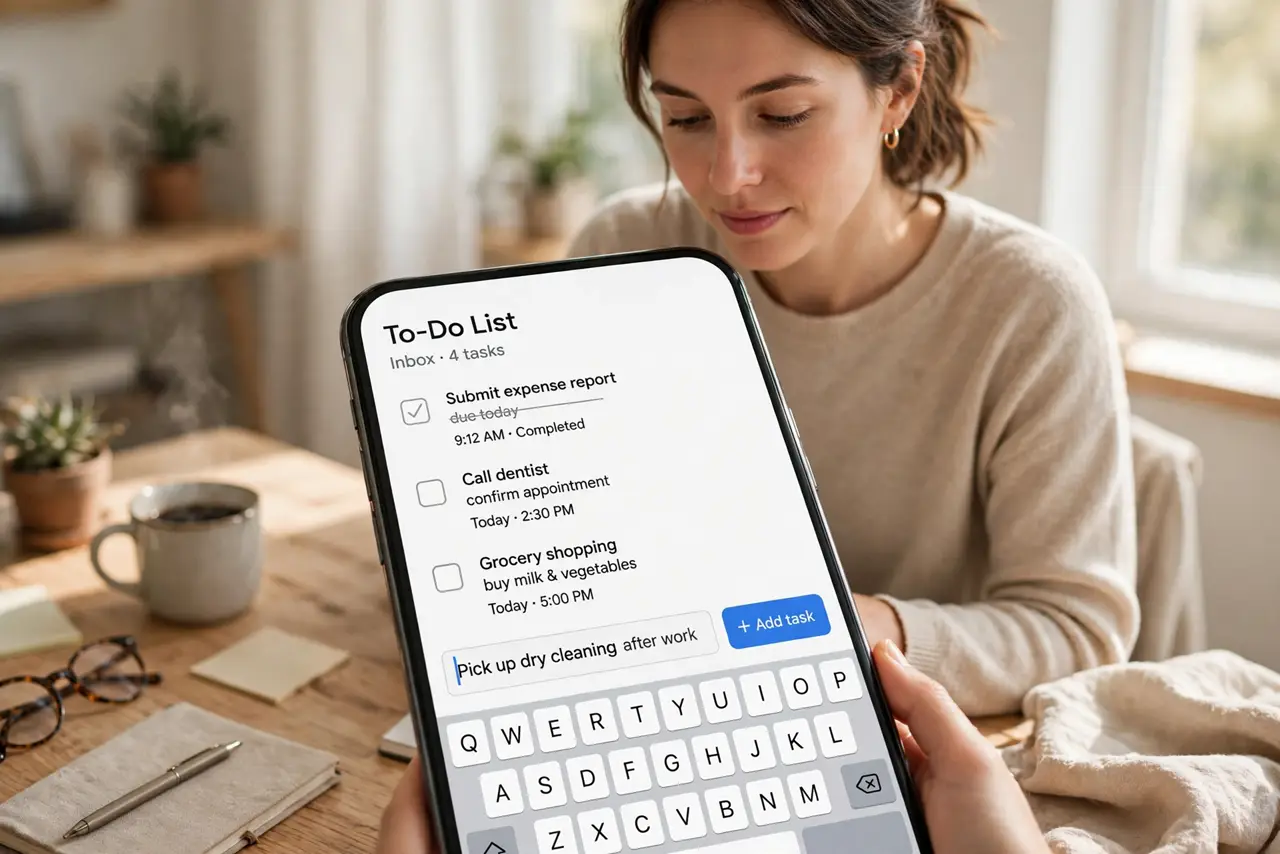
- Capture everything immediately. The moment a task pops into your head, add it — unfiled, undated, just captured. An inbox full of raw tasks beats a perfect memory that drops things. Sort them later; capture now.
- Live in the Today view. Each morning, open Today and decide what actually happens today. Drag in due tasks, postpone the rest without guilt. The Today view is the app's real interface — everything else is storage.
- Use natural language dates. Type 'pay rent every 1st' or 'call mom tomorrow at 6pm' and Todoist parses it into a scheduled, recurring task. This single feature is why people switch — try it on your next three tasks.
- Assign priorities sparingly. Four priority levels exist; use two. If everything is priority one, nothing is. Reserve the top level for genuinely urgent tasks — see the two-minute rule for what to do with the tiny ones immediately.
- Organize with projects, lightly. Projects are folders for tasks: Work, Home, Errands. A handful of projects beats a deep hierarchy. Labels (like @calls or @computer) cut across projects for context-based views.
- Do the weekly review. Once a week, clear the inbox, check upcoming tasks, and delete what no longer matters. Fifteen minutes weekly is what separates a trusted system from a guilt list.
What NOT to do
- Do not keep tasks in your head alongside the app. Two systems means zero trust — capture everything or the system rots.
- Do not mark everything priority one. Priority inflation trains you to ignore priorities entirely.
- Do not skip the weekly review. Without it, the list becomes a graveyard of good intentions within a month.
- Do not pay for premium before using the free tier hard. Most personal workflows fit free; upgrade when a limit genuinely blocks you.
Frequently asked questions
Todoist vs Google Tasks — which?
Todoist is far more capable: natural-language dates, priorities, projects, filters. Google Tasks is simpler and lives inside Gmail. Power users pick Todoist; minimalists pick Google Tasks.
Why do my tasks keep piling up?
Usually the list holds wishes, not commitments — no dates, no priorities, no review. Date the important ones, delete the fantasy ones, review weekly.
Can I share lists with family?
Yes — projects can be shared with collaborators on most plans. Shared grocery and chore lists are the classic family use case.