Touchpad Gestures Stop Working? Restore Them Fast
Two-finger scroll and three-finger swipes suddenly do nothing, even though the touchpad still moves the pointer. Gestures have their own settings and their own on-off switch, so check those before suspecting the hardware.
TL;DR / Quick Fix
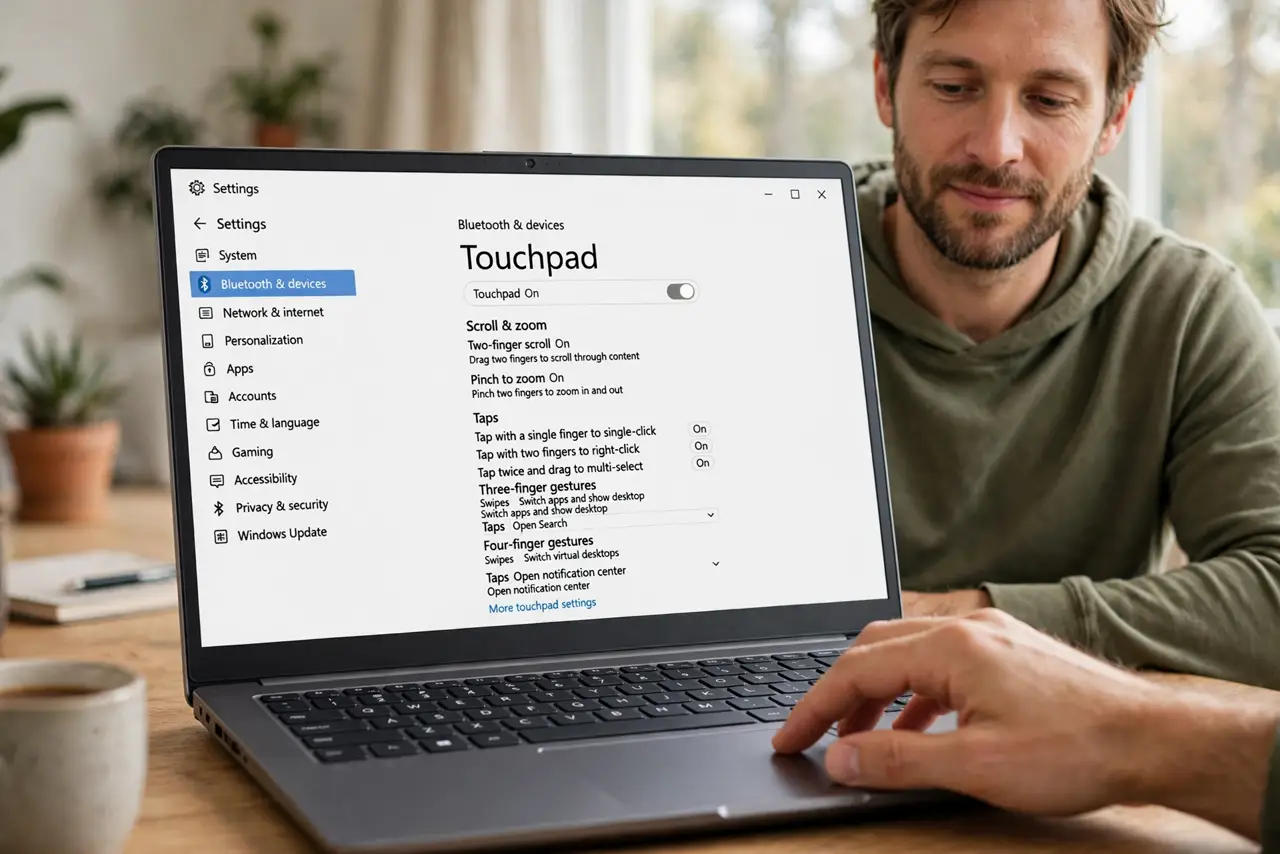
Quick fix: open Settings, then Bluetooth and devices, then Touchpad, and confirm gestures are on and the touchpad itself is enabled. If settings look right, restart the computer and test gestures in a plain window before changing anything else on the computer.
Follow these steps
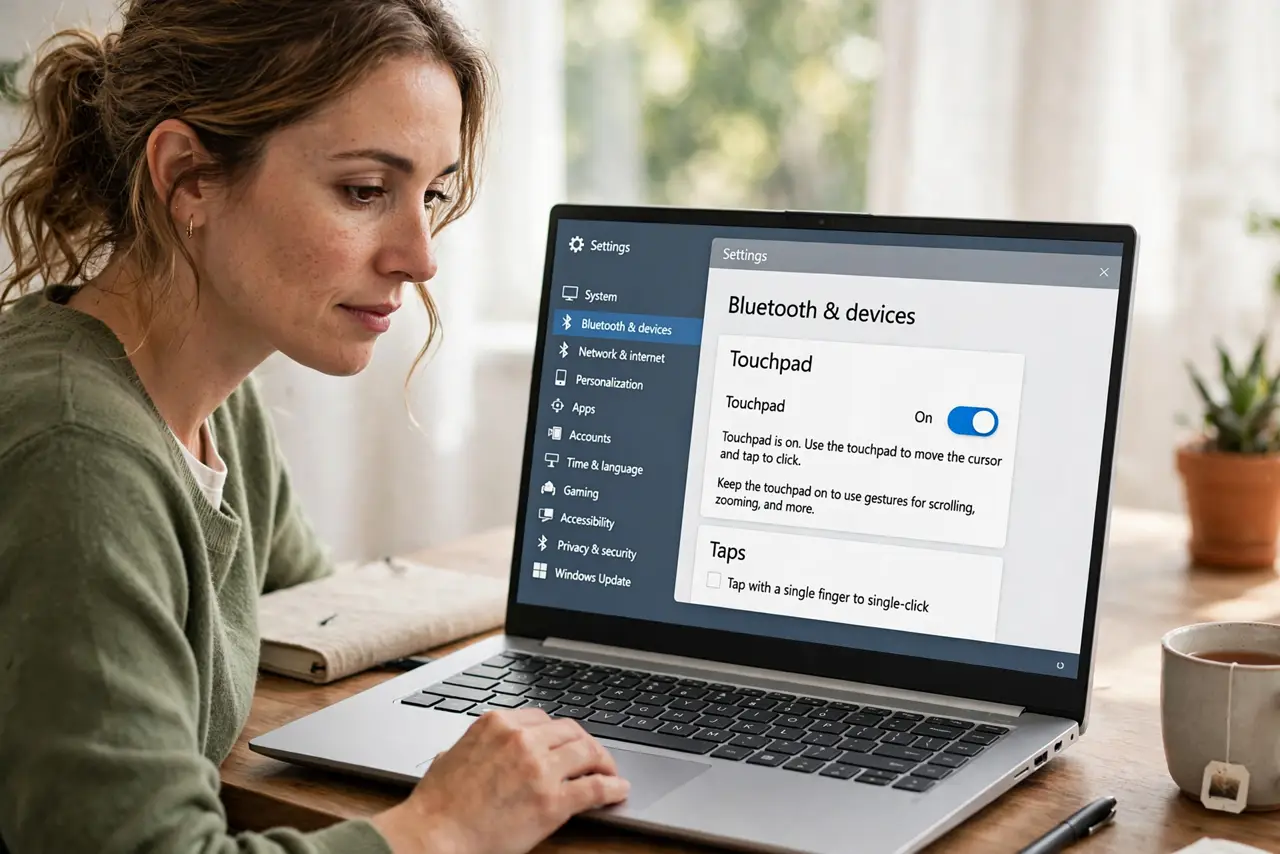
- Confirm the touchpad is enabled. Open Settings, then Bluetooth and devices, then Touchpad, and confirm the main touchpad switch is on. A disabled touchpad can still move in some modes while gestures stay off.
- Check the gesture settings. On the same Touchpad page, scroll to Gestures and confirm scroll, zoom, and three-finger actions are set, not blank. A gesture set to nothing looks exactly like a broken touchpad.
- Test gestures in a plain window. Open File Explorer or a browser window and try two-finger scroll and a three-finger swipe. If gestures work there but not in one app, that app is blocking them.
- Check for an external mouse. Unplug any external mouse and test gestures again. Some laptops change touchpad behavior while a mouse is connected, and the change reverses when the mouse is removed.
- Restart the computer. Save your work and restart, then test gestures before opening other apps. A stuck input process can kill gestures while leaving basic pointer movement working.
- Check for a pending update. Open Settings, then Windows Update, and install any pending update, then restart and test again. Touchpad behavior is sometimes restored by an update rather than a setting.
What NOT to do
- Do not replace the laptop because gestures stopped. Gestures are a setting layer on top of pointer movement, and settings explain most sudden losses.
- Do not turn every gesture off and on at random. Check the gesture list first, so you can see which specific gesture is blank or changed.
- Do not test gestures only inside one app. An app that ignores gestures proves nothing about the touchpad itself, so test in a plain window too.
- Do not ignore an external mouse. A connected mouse can change touchpad behavior silently, and unplugging it is a faster test than any setting change.
Frequently asked questions
Why does the pointer move but gestures fail?
Pointer movement and gestures are separate layers. The touchpad can track movement while its gesture settings are off or stuck.
Do gestures work in every app?
No. Some apps ignore certain gestures, so always test in File Explorer or a browser before concluding the touchpad is broken.
Can a mouse disable gestures?
On some laptops, yes, while the mouse is connected. Unplug the mouse and test to separate a mouse setting from a touchpad fault.