Trello? Plain Basics
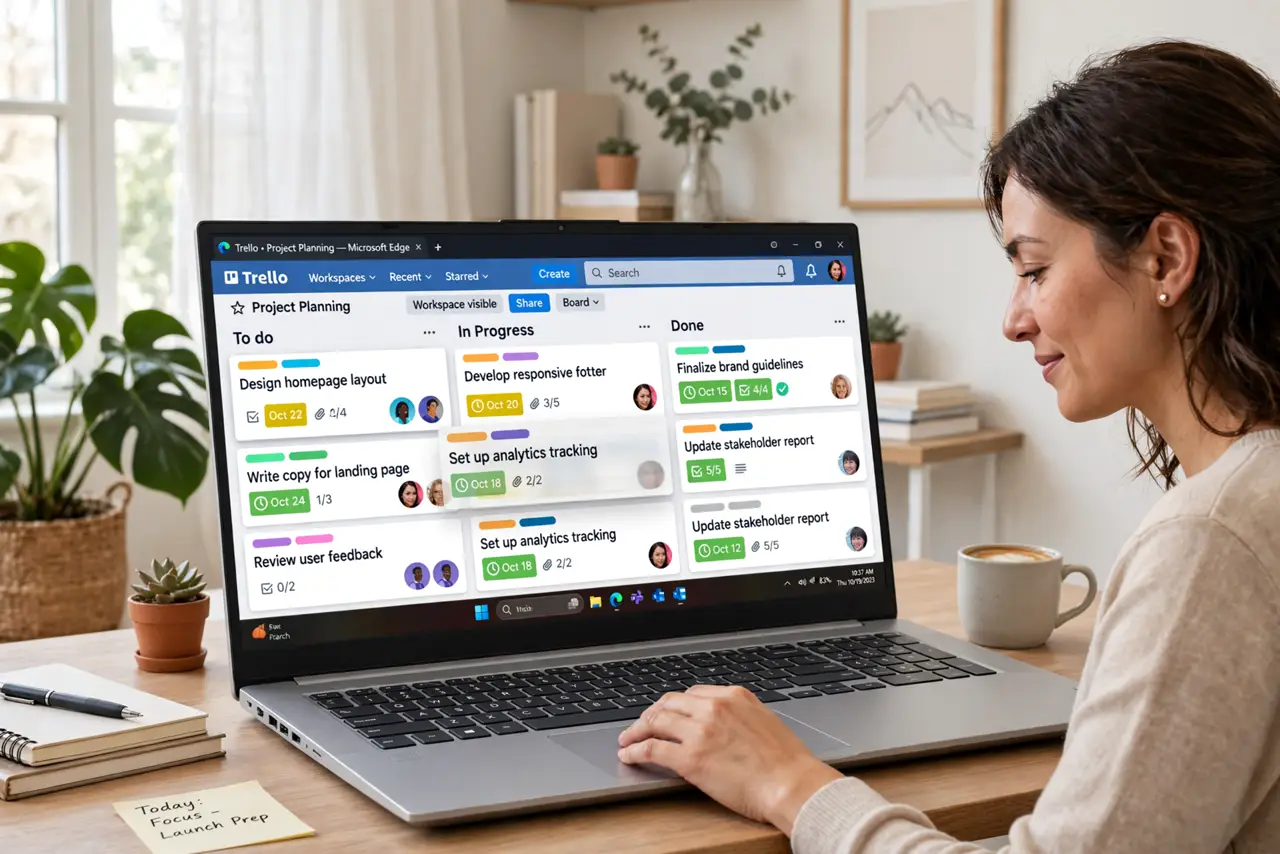
Trello looks almost too simple: columns with cards you drag from left to right. That simplicity is the point — it is a visual to-do system where a board represents a project, lists represent stages, and cards represent tasks. If your to-do list lives on scattered sticky notes or in your head, Trello gives it a home you can actually see. Here is how to start without overcomplicating it.
TL;DR / Quick Fix
Quick fix: Trello organizes work into boards (projects), lists (stages like To Do, Doing, Done), and cards (tasks) you drag between lists. Start with one board and three lists — not ten boards on day one. Add due dates and checklists when tasks have real steps.
Follow these steps
- Create one board for one project. Sign up, click Create board, and name it after a real project — 'Kitchen renovation,' not 'Productivity system.' One board per project keeps things findable; a board per vague life area becomes a junk drawer.
- Set up three lists to start. To Do, Doing, Done. That is enough. You can add lists like 'Waiting on others' later, but most beginners drown in columns before they finish their first card.
- Make cards small and concrete. A card should be one task: 'Call the plumber,' not 'Fix house.' Big vague cards sit untouched for weeks; small concrete ones get dragged to Done, which is the whole dopamine engine of the system.
- Use checklists inside bigger cards. When a card has steps, add a checklist inside it rather than splitting it into five cards. Checking off sub-steps keeps progress visible without cluttering the board.
- Add due dates and members sparingly. Due dates on cards that truly have deadlines; members on cards someone else owns. Assigning everything to everyone teaches the team to ignore all of it.
- Archive, do not delete. Finished or dead cards go to Archive, not the trash. You keep a searchable history of what happened — and restoring an archived card beats rewriting it from memory.

What NOT to do
- Do not build a complex system on day one. Ten boards, labels, and automations before your first finished card is procrastination wearing a productivity costume.
- Do not make cards vague. 'Website stuff' will sit in To Do forever; 'Draft homepage headline' gets done today.
- Do not delete cards to feel tidy. Archive them — deleted cards take their history and attachments with them.
- Do not share a board link publicly by accident. Board links can expose your tasks to anyone — check the share settings before sending.
Frequently asked questions
Is Trello free?
Yes, the free tier covers unlimited cards and plenty of boards for personal use. Paid plans add bigger file attachments and more automation — most individuals never need them.
Trello vs a plain to-do list — which is better?
For solo simple tasks, a plain list wins. Trello earns its keep when tasks have stages, collaborators, or attachments — that is when dragging cards beats rewriting lists.
Can I use Trello with a team?
Yes — invite members to the board and assign them to cards. Start with one shared board and clear card ownership before adding process.