Try Filmmaker Mode
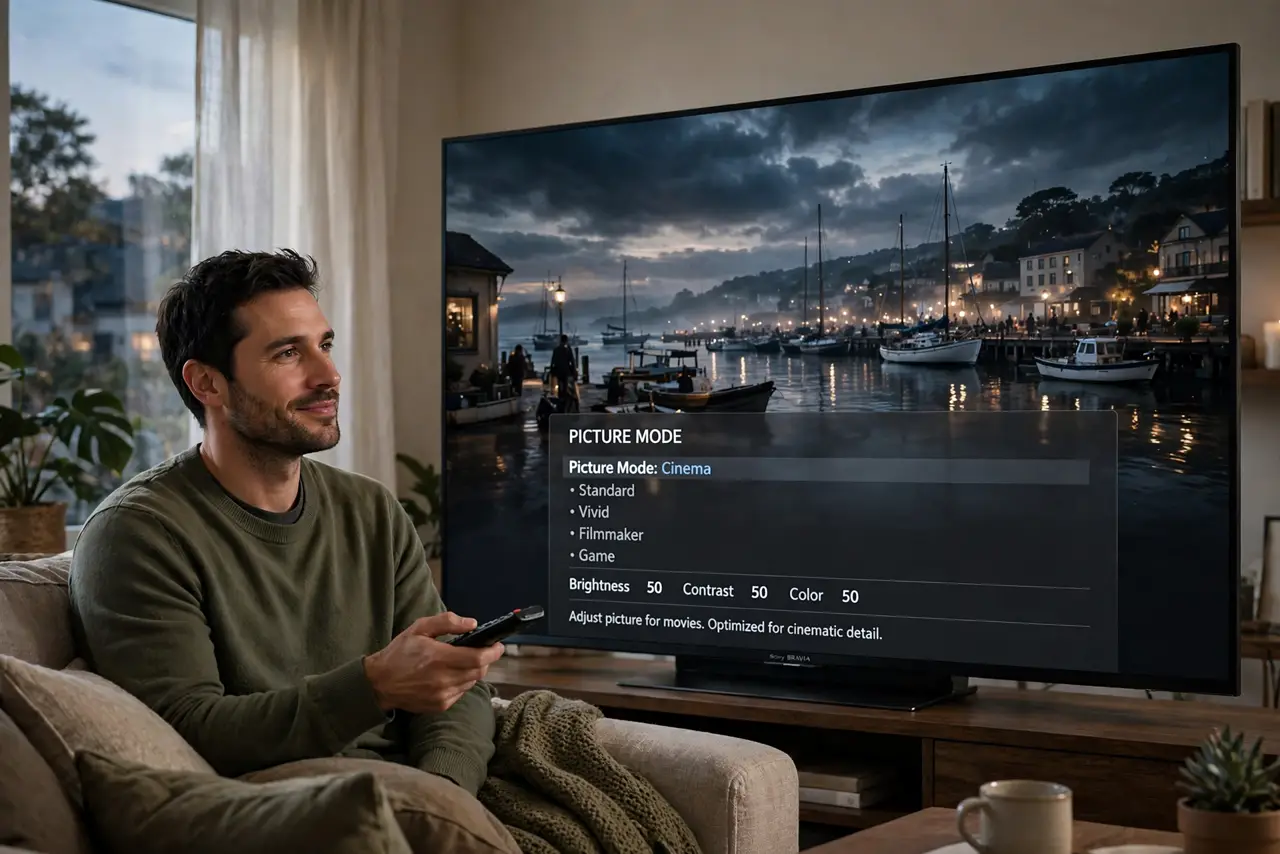
Movies on your new TV look wrong — too smooth, too bright, faces waxy, like a behind-the-scenes featurette instead of a film. That is the showroom picture mode plus motion smoothing doing their thing. Filmmaker Mode is the industry's answer: a single picture mode, created by directors and TV makers together, that disables motion smoothing and sets accurate color and frame rate — movies as intended, one toggle.
TL;DR / Quick Fix
Quick fix: Filmmaker Mode disables motion smoothing and shows movies as the director intended — one setting kills the soap opera effect. Find it in your TV's picture modes and use it for movies at night. For sports and daytime viewing, switch back to a brighter standard mode.
Follow these steps
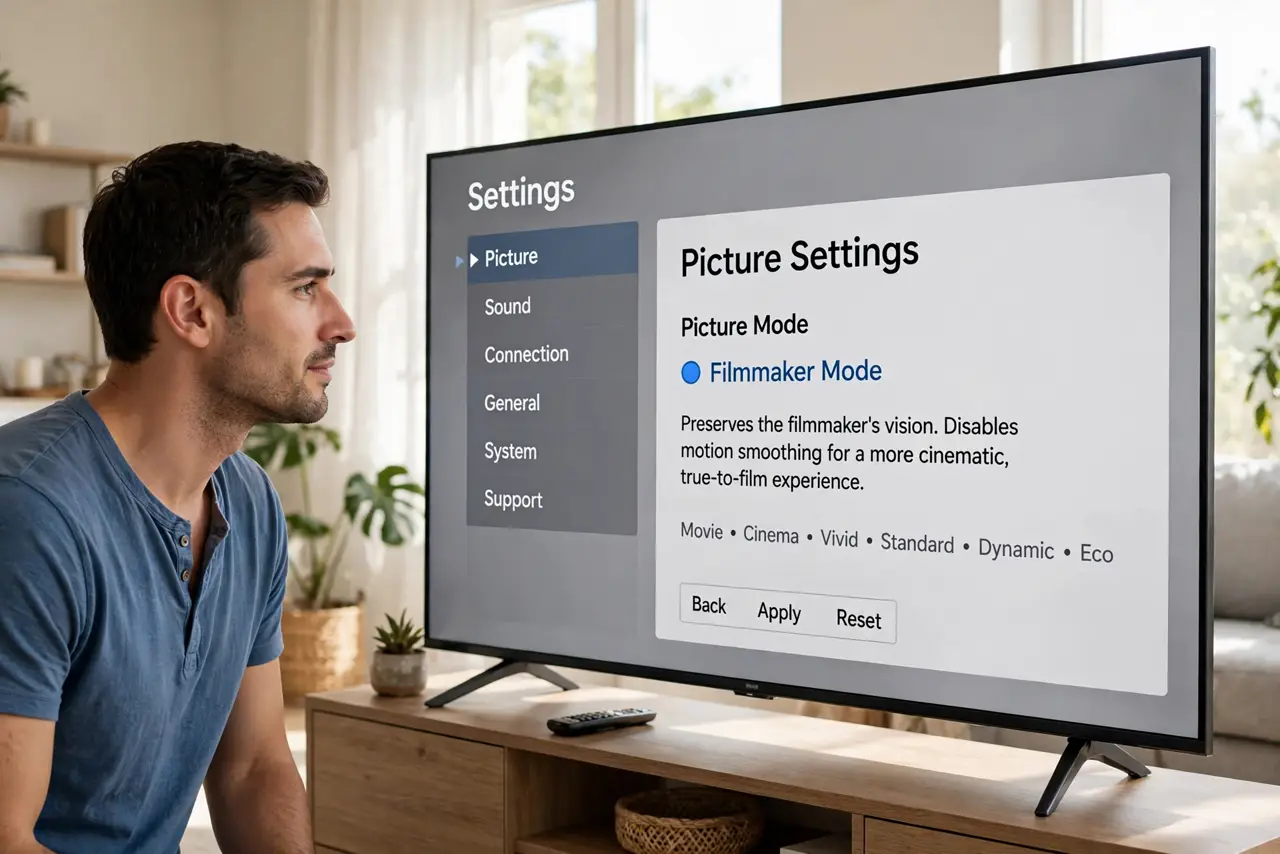
- Find it in picture modes. Open picture settings and look for Filmmaker Mode among the modes (Movie, Cinema, Vivid...). Most major brands include it on recent models — it may hide under advanced or pro modes on some sets.
- Understand what it changes. One toggle: motion smoothing off, accurate color temperature, correct frame rate, no artificial sharpening. It undoes the four showroom sins at once — which is why it beats adjusting each setting by hand.
- Use it for movies, especially at night. Filmmaker Mode targets dim-room cinema viewing — that is where it shines. Movie night, lights low, Filmmaker on: the intended experience, zero fiddling.
- Switch away for sports and daytime. It is not the mode for everything: bright daytime viewing and sports benefit from brighter, punchier modes. Think of it as the cinema preset, not the only preset — match the mode to the moment.
- Let it auto-engage if offered. Some TVs and players detect flagged content and switch automatically — enable that option if yours offers it. Automatic is the dream: the TV picks cinema mode for films and leaves your sports settings alone.
- Calibrate around it. Filmmaker Mode is an excellent baseline, but room-specific tweaks still help — run through calibrate your TV picture once with Filmmaker as the starting point, and note how Dolby Vision titles interact with it.
What NOT to do
- Do not use it for daytime sports and call it broken. Filmmaker Mode is dim and cinematic by design — wrong tool for a sunny football afternoon.
- Do not assume your TV has it. Budget and older sets may lack the mode; the manual equivalent is Movie mode plus motion smoothing off.
- Do not leave motion smoothing on elsewhere. Filmmaker fixes movies; your cable box input still needs its own smoothing-off pass.
- Do not judge it in the first five minutes. Coming from Vivid, accurate looks dull initially — give your eyes an evening to recalibrate.
Frequently asked questions
Is Filmmaker Mode the same as Movie mode?
Close cousins: both aim at accuracy, but Filmmaker additionally locks frame rate and disables all processing per the industry spec. Movie mode is the brand's take; Filmmaker is the standard.
Does it work for streaming apps?
Yes — it is a TV-level picture mode, so it applies to built-in apps and HDMI inputs alike. Per-input settings may need enabling separately.
Why do directors care so much?
Because motion smoothing and torch-mode color literally change the work — directors mastered the film to look a specific way, and Filmmaker Mode is the guarantee the audience sees it.