Turn Off TV Tracking
Every major TV brand tracks viewing — but each buries the off switch in a different menu maze. This is the brand-by-brand field guide: Samsung, LG, Roku, Android TV, and Fire TV, with the exact paths to kill tracking on each. For the why behind the toggles, read stop smart TV spying first.
TL;DR / Quick Fix
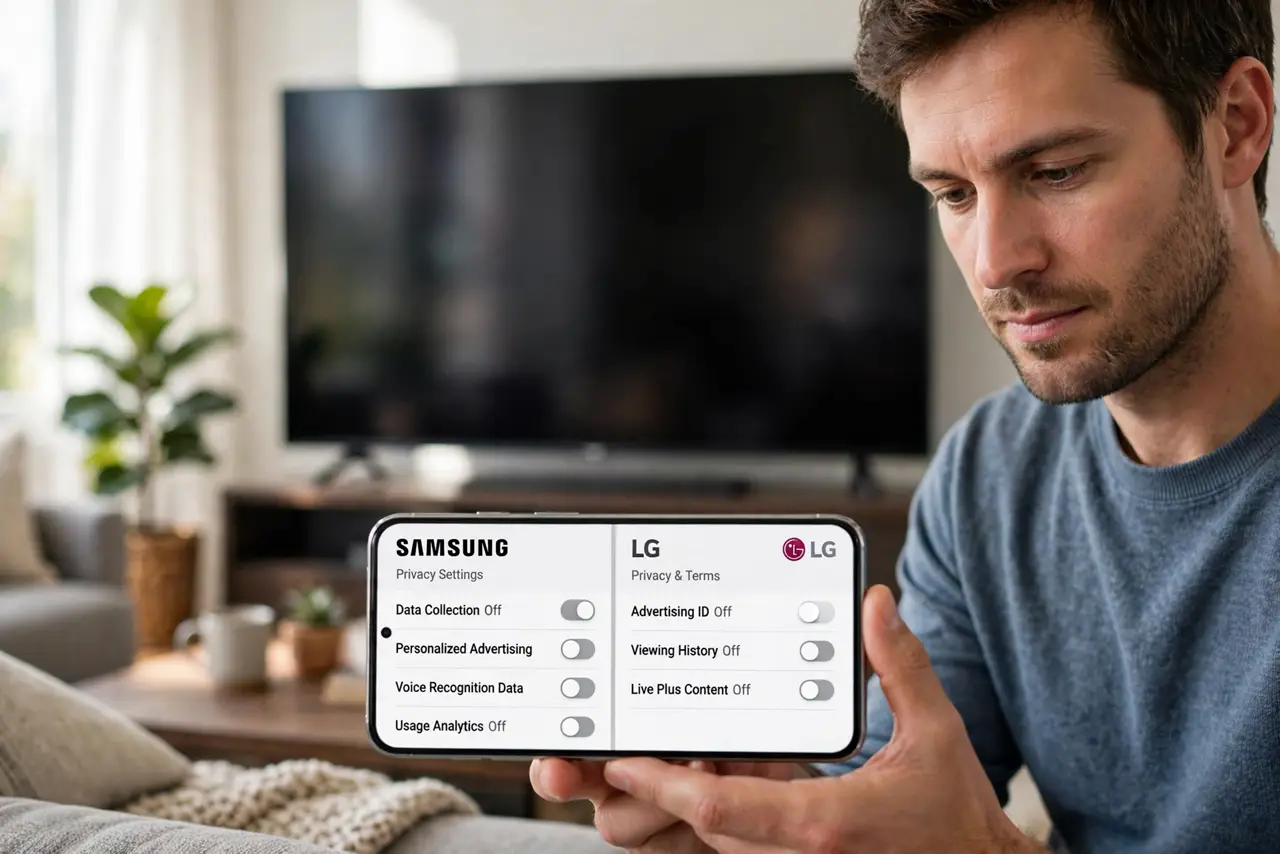
Quick fix: on Samsung go to Settings > General > Privacy and disable viewing data; on LG it's Settings > General > Additional Settings. Roku and Android TV hide it under Privacy too. Whatever the brand, hunt for 'viewing information' and 'interest-based ads' and switch both off.
Follow these steps
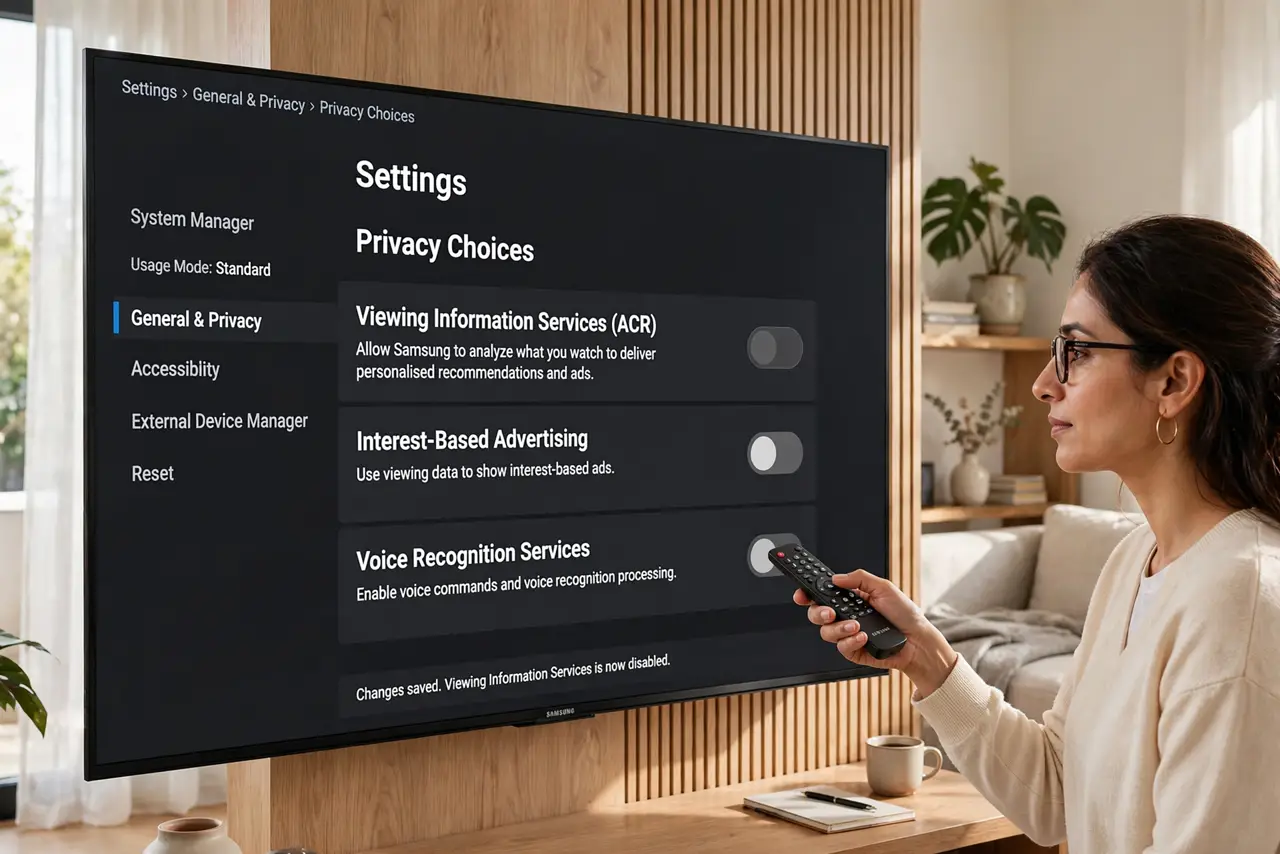
- Samsung: the path. Go to Settings > General > System Manager > Usage Mode, then Settings > General > Privacy Choices. Disable “Viewing Information Services” (the ACR tracker), “Interest-Based Advertisement,” and voice data collection.
- LG: the path. Go to Settings > All Settings > General > System > Additional Settings. Turn off “Live Plus” (LG's ACR), ad tracking, and any viewing-data collection toggles you find.
- Roku TV: the path. Go to Settings > Privacy > Advertising and check “Limit ad tracking.” Then Settings > Privacy > Smart TV Experience and uncheck “Use info from TV inputs.”
- Android / Google TV: the path. Go to Settings > Privacy and disable usage and diagnostics sharing, then check the ad settings for the interest-based ads toggle. Paths vary slightly by maker.
- Fire TV: the path. Fire TV's tracking lives in its own menus — follow the dedicated Fire TV privacy settings guide for the full toggle list.
- Verify and recheck. After toggling, restart the TV and revisit the menus to confirm the settings stuck. Recheck after every firmware update — resets happen.
What NOT to do
- Do not stop at one toggle. Viewing data and ad personalization are usually separate switches — kill both.
- Do not trust setup wizards. “Express setup” enables everything; choose custom setup and decline each data agreement.
- Do not forget the voice remote. Mic-enabled remotes have separate listening settings on several brands.
- Do not assume one brand's path fits another. Menus differ wildly — when in doubt, search settings for “privacy.”
Frequently asked questions
Which two toggles matter most?
“Viewing information” (the ACR screen-fingerprinting) and “interest-based ads” (the profiling). Off and off.
Will the TV still update without tracking?
Yes — firmware updates and streaming apps work fine with data collection disabled.
I use a streaming stick — do I still care?
Less: if the TV itself never connects to Wi-Fi, it cannot report. Harden the stick instead.