Calibrate Your TV
Your new TV makes movies look like cheap soap operas — everything too smooth, colors neon, faces waxy. That is the showroom preset: vivid mode plus motion smoothing, engineered to pop under store lights. Ten minutes with the right settings turns the garish demo into the cinema picture you actually paid for.
TL;DR / Quick Fix
Quick fix: switch the picture mode from Vivid to Movie or Cinema, turn off motion smoothing (the soap opera effect), and set color temperature to Warm. Those three changes fix 90% of bad out-of-box pictures. Fine-tune brightness to your room after — showroom settings assume stadium lighting.
Follow these steps
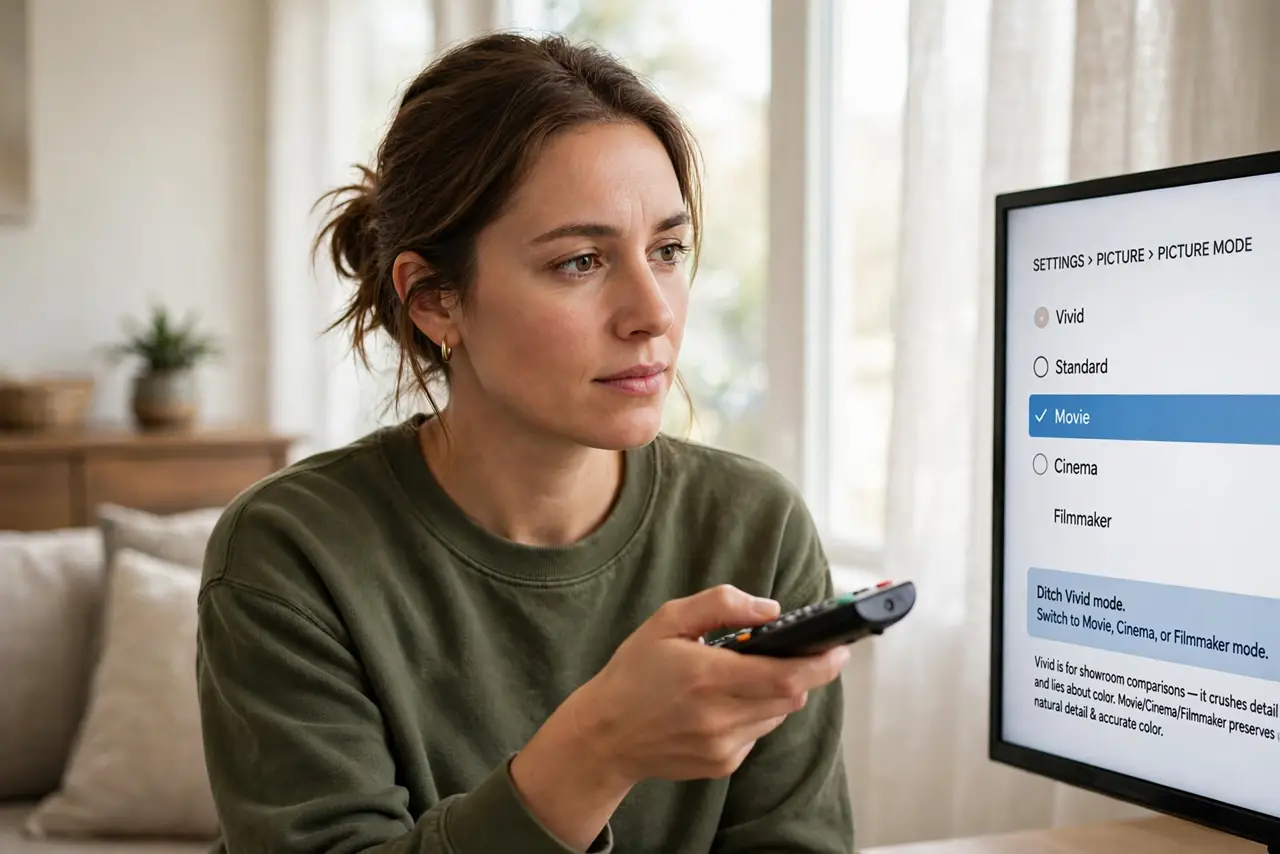
- Ditch Vivid mode. Switch to Movie, Cinema, or Filmmaker mode. Vivid exists to win showroom comparisons — it crushes detail and lies about color in your living room.
- Kill motion smoothing. Turn off motion interpolation — TruMotion, MotionFlow, whatever your brand calls it. This single toggle ends the soap opera effect instantly.
- Set Warm color temperature. Warm2 or Warm is closest to the cinema standard. Cool looks crisp in stores and blue at home — warm is accurate.
- Fix the overscan. Set the picture size to Just Scan or 1:1 pixel mapping. Overscan crops the edges — you paid for those pixels.
- Tune brightness to the room. Dark room: lower backlight. Bright room: raise it. The showroom max-brightness default suits neither — match the light you actually watch in.
- Consider bias lighting. A soft glow behind the TV eases eye strain and deepens perceived blacks. The bias lighting guide pairs perfectly with a fresh calibration.
What NOT to do
- Do not leave it in Vivid. Showroom mode is the number one reason new TVs look bad at home.
- Do not copy someone elses exact settings blindly. Panels vary — use guides as starting points, then trust your eyes.
- Do not pay for pro calibration on a budget TV. The three basic changes above capture most of the value free.
- Do not forget game mode for gaming. Movies want Movie mode; games want low input lag — switch per activity.
Frequently asked questions
What is the soap opera effect?
Motion smoothing interpolating extra frames — film starts looking like cheap video. One toggle kills it.
Which picture mode is best?
Movie, Cinema, or Filmmaker — they target the actual content standards instead of showroom pop.
Should I use the built-in calibration tools?
The basic wizards (Disney WOW style patterns, or the TVs own) beat eyeballing. Free and quick.