Two-Factor Backup Codes Lost? Fix It
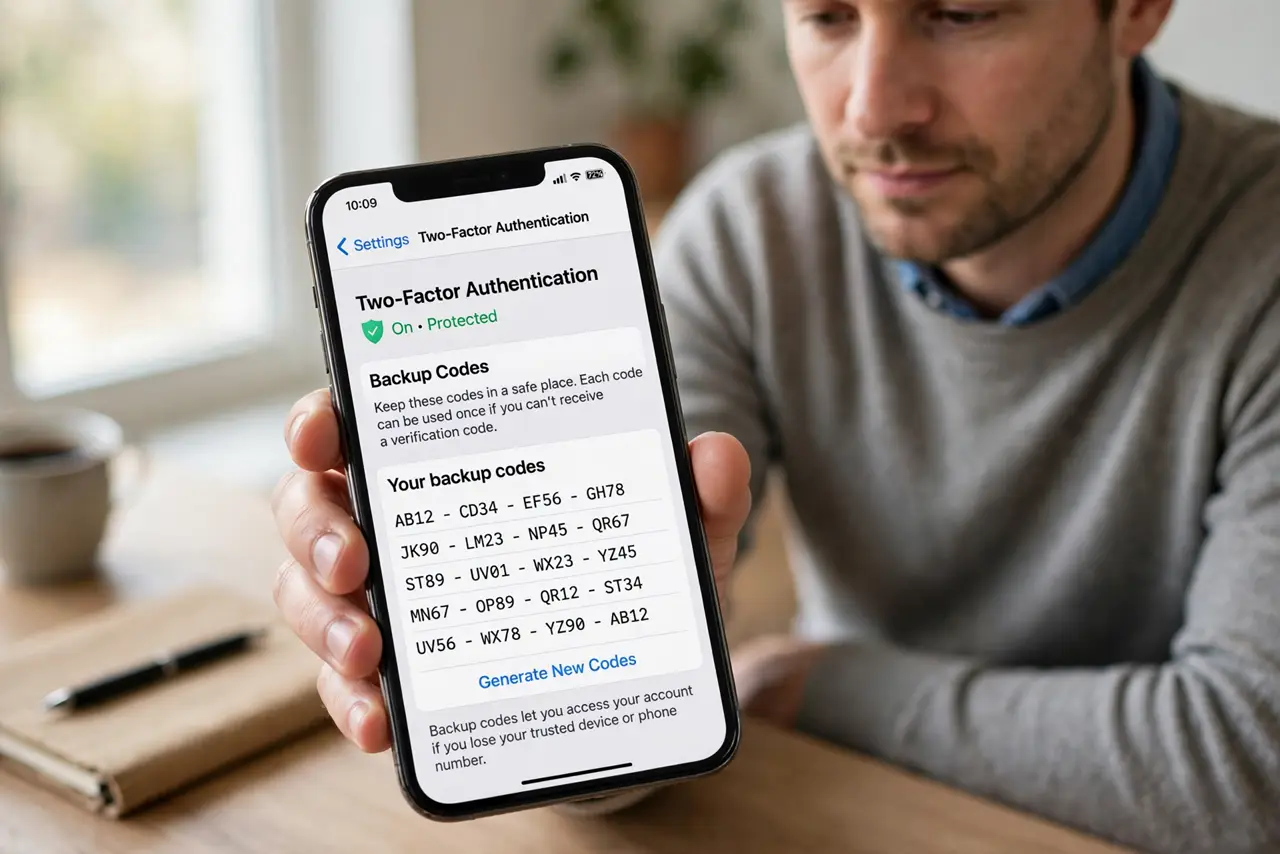
Backup codes are your spare keys for two-factor accounts, so losing them feels serious, but it is fixable while you still have access. Generate fresh codes now, store them properly, and the lost set stops mattering.
TL;DR / Quick Fix
Quick fix: Confirm you can still sign in normally. Generate a fresh set of backup codes. Store the new codes in two safe places. Test one code, then mark it used. Check the new phone plan before you need it. Review where else codes live for each key account.
Follow these steps
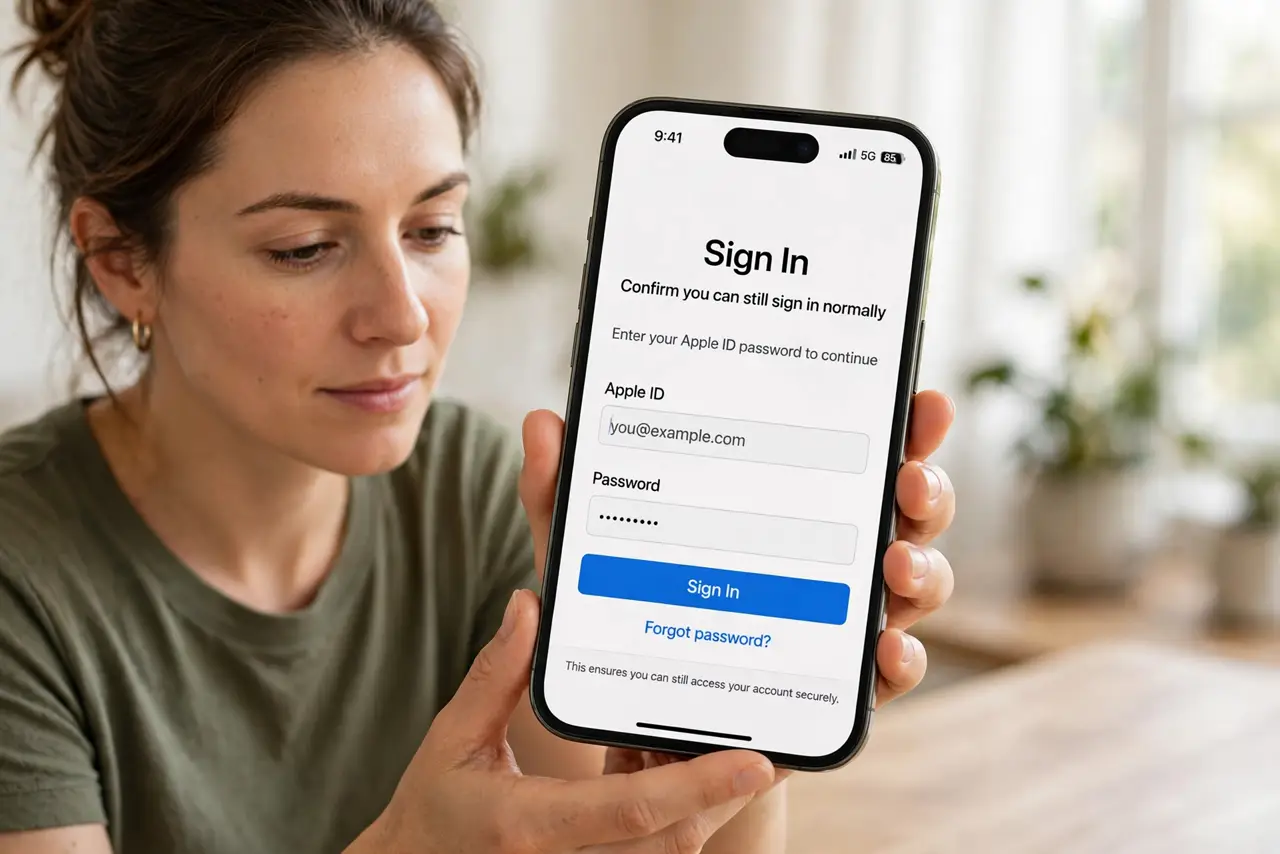
- Confirm you can still sign in normally. If your authenticator app or security key still works, you can fix this from inside the account. Lost codes matter most when the primary factor also fails.
- Generate a fresh set of backup codes. In the account security settings, generate new codes. Generating fresh codes usually invalidates the old set, which is exactly what you want for lost codes.
- Store the new codes in two safe places. Print one copy for home storage, and store another in your password manager. Two separate safe places beat one perfect place you might lose.
- Test one code, then mark it used. Use one fresh code to confirm the set works, and mark it as used so you never try a spent code in an emergency.
- Check the new phone plan before you need it. If you change phones, move the authenticator first, while the old phone still works. A planned move beats an emergency recovery.
- Review where else codes live for each key account. Repeat this for email and banking first, since those accounts guard resets for many others.
What NOT to do
- Do not store backup codes only as a screenshot on your phone. A lost phone then takes codes and access together.
- Do not share backup codes with anyone, including support staff. Genuine support never asks for them.
- Do not keep using the old lost set after generating fresh codes. Fresh codes invalidate the old ones for a reason.
- Do not skip testing a code. An untested set may be misprinted, miscopied, or already spent.
Frequently asked questions
What are backup codes for?
They let you sign in when your normal second factor is unavailable, such as a lost phone.
Does generating new codes cancel old ones?
Usually yes, which is good when the old set is lost. Treat the old set as dead.
Where should I store backup codes?
Printed at home and in your password manager. Two places, neither of them a plain phone screenshot.