Two-Factor New Phone, No Codes? Fix It
A new phone without transferred two-factor codes can lock you out of accounts at the worst moment. Recovery is possible, but it takes patience, so start with the accounts that guard the others, and move the authenticator correctly next time.
TL;DR / Quick Fix
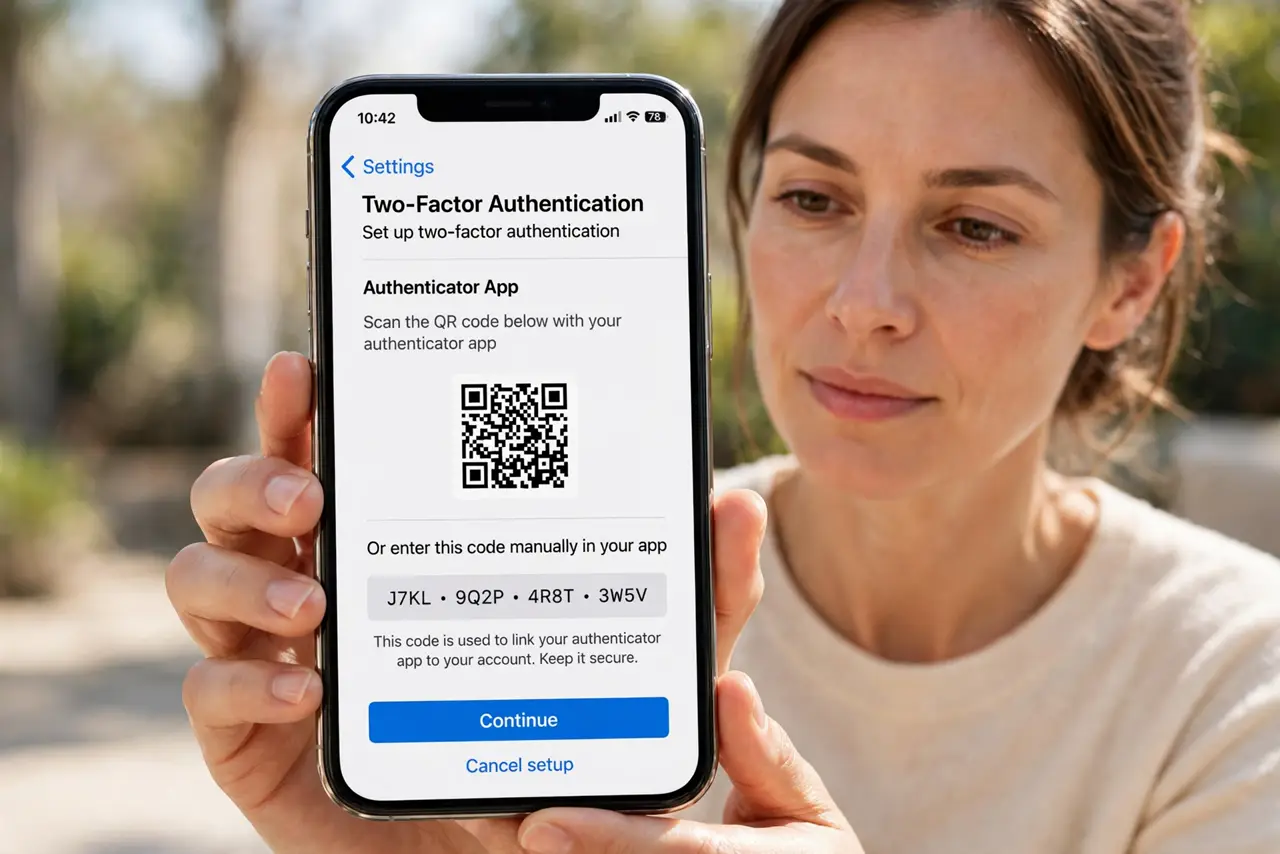
Quick fix: Check whether the old phone still works. Use account recovery for locked accounts. Recover email first, then the rest. Move the authenticator before wiping the old phone. Generate fresh backup codes once back in. Keep a written record of which accounts use two-factor.
Follow these steps
- Check whether the old phone still works. If the old phone powers on, even without service, its authenticator app often still generates codes. Use it to sign in and transfer accounts properly.
- Use account recovery for locked accounts. If the old phone is gone, use each account's recovery flow, which may involve email verification, identity checks, or a waiting period. Start early, since recovery can take days.
- Recover email first, then the rest. Email access unlocks resets for many accounts. Prioritize email recovery, then use it to recover the remaining accounts one by one.
- Move the authenticator before wiping the old phone. On each account, add the new phone as a second factor while the old one still works, then remove the old phone. Never wipe the old phone first.
- Generate fresh backup codes once back in. After regaining each account, generate and safely store fresh backup codes immediately, before the next phone change.
- Keep a written record of which accounts use two-factor. List your two-factor accounts on paper at home. A list turns the next phone move from a scramble into a checklist.
What NOT to do
- Do not wipe or trade in the old phone before moving two-factor accounts. The old phone is your bridge to the new one.
- Do not share verification codes with anyone claiming to help recovery. Recovery never requires you to hand codes over.
- Do not try recovery for all accounts simultaneously and confuse the flows. Recover email first, then work through the list.
- Do not skip backup codes after recovery. Without them, the next phone change repeats this whole ordeal.
Frequently asked questions
Can I recover without the old phone?
Usually yes, through account recovery, though it may take days and require identity checks.
Why does the old phone still generate codes without service?
Because authenticator codes are time-based, not network-based, so they work offline.
What is the safest phone-change order?
Add the new phone, test it, generate backup codes, then remove and wipe the old phone.