Why Every Password Must Differ
One password everywhere feels efficient — until one forum breach hands attackers the key to your email, and your email resets everything else. Password reuse turns a small leak into a total takeover. This guide explains the domino effect and the practical way out, starting with a password manager and watching for breach alerts.
TL;DR / Quick Fix
Quick fix: never reuse a password — one breached site plus reuse equals access to your email, bank, and cloud. Use a password manager to give every site a unique random password. Start with email first, since it can reset everything else. Check breach alerts to find exposed passwords.
Follow these steps
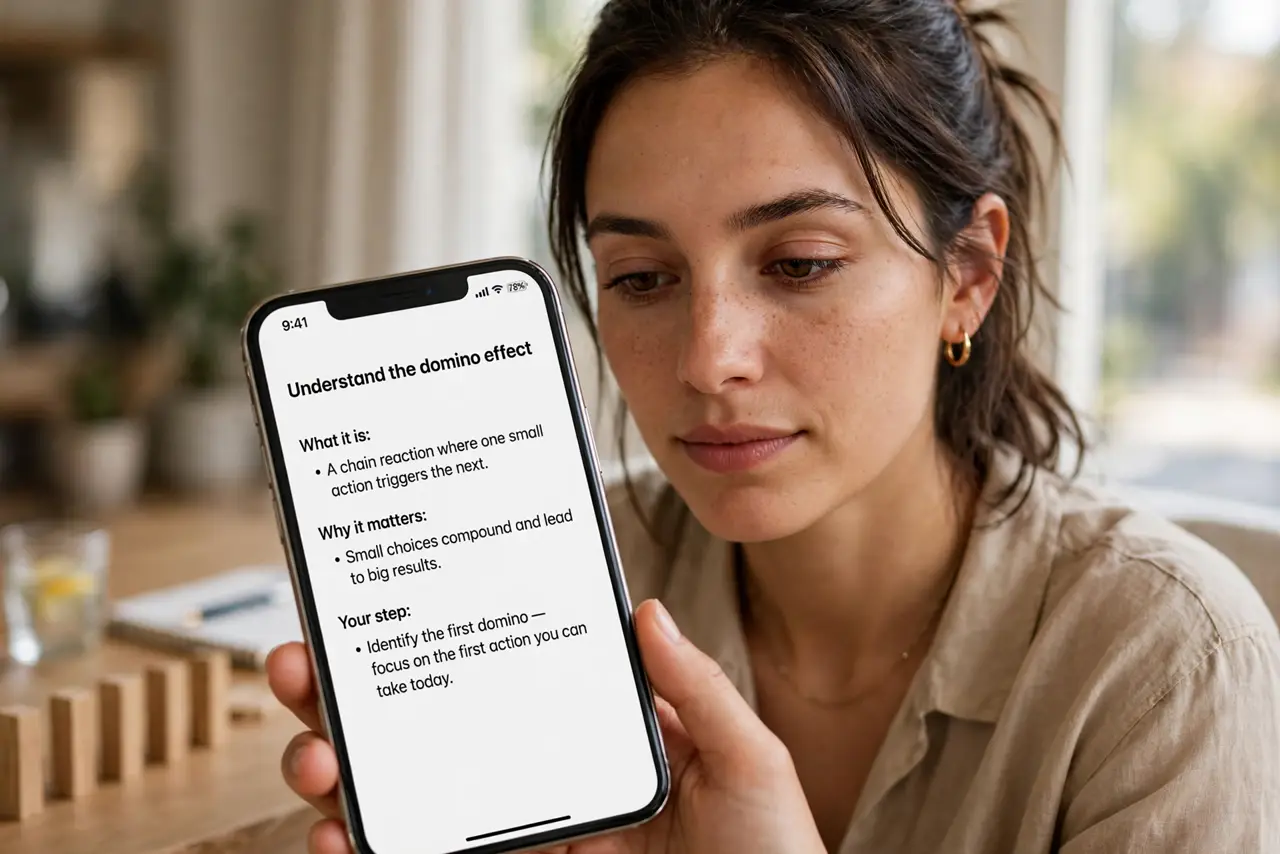
- Understand the domino effect. Attackers take leaked email-password pairs from breaches and try them on banks, email, and shopping sites automatically. This is called credential stuffing, and it works because reuse is common.
- Rank your accounts by blast radius. Email first — it resets everything. Then banks, cloud storage, and social accounts. These get unique passwords before anything else.
- Generate unique passwords with a manager. Let the manager create long random passwords per site. You will never type or remember them — that is the point.
- Change the critical ones now. Do not wait for a breach notice. Rotate email, bank, and cloud passwords to unique ones today; work through the rest over the week.
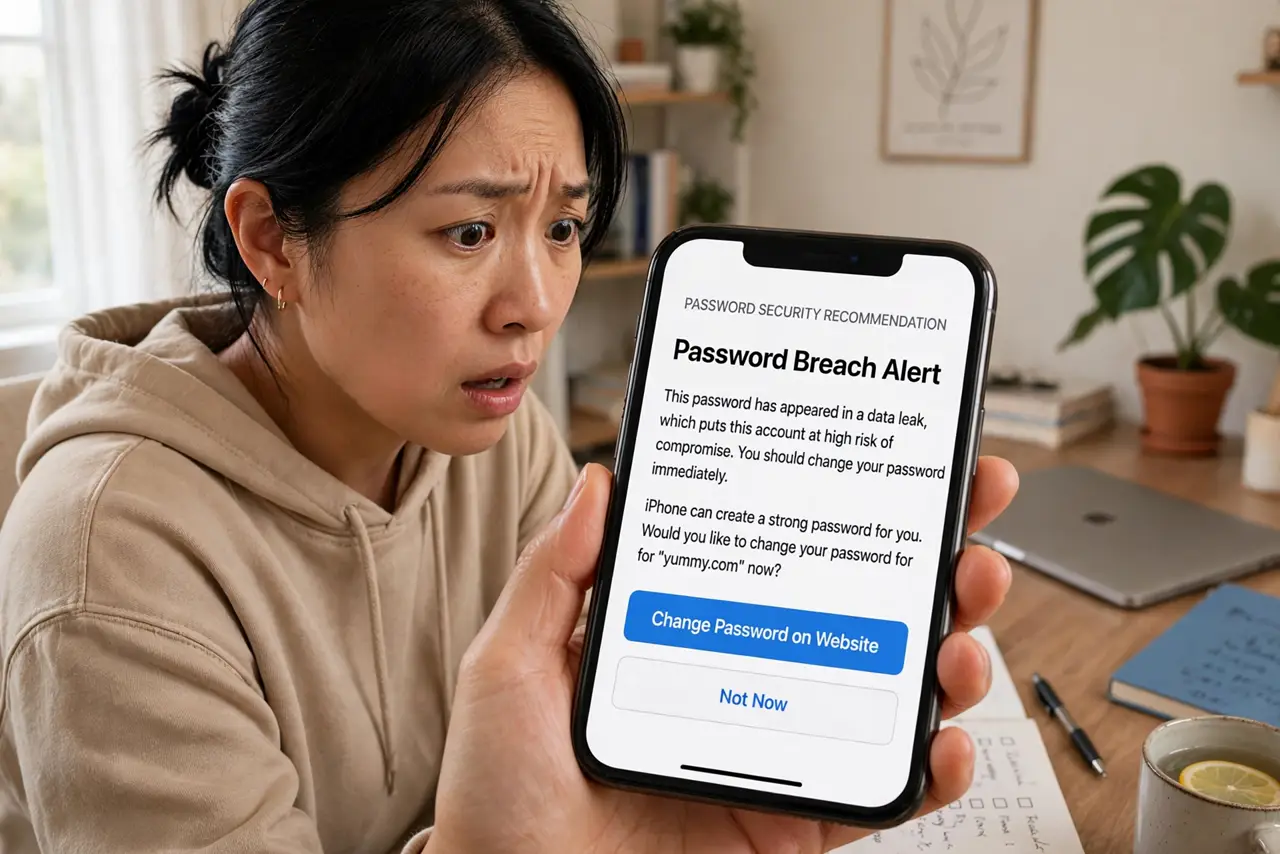
- Check whether you are already exposed. Use your browser's breach check or a reputable lookup to see which of your accounts appear in known leaks. Treat every hit as compromised.
- Add two-factor on the important accounts. Even a unique password can be phished. Two-factor means a stolen password alone is not enough — it is the second lock on the important doors.
What NOT to do
- Do not create 'variations' of one password. Attackers know about Password1, Password2, and Password! — patterns are barely better than reuse.
- Do not trust a site because it looks small. Breaches hit forums and small shops constantly, and those pairs feed the stuffing lists.
- Do not reuse passwords 'just for unimportant sites'. One unimportant breach still reveals the password you also used for email.
- Do not write unique passwords on sticky notes. That trades a digital risk for a physical one — the manager exists to avoid both.
Frequently asked questions
Is it really that bad to reuse a password on two sites?
Yes — automated tools try leaked pairs on hundreds of sites in minutes. Two sites is all it takes for the domino to fall.
What if a site will not let me use a long password?
Use the longest it allows, make it unique anyway, and add two-factor. Then consider whether that site deserves your business.
Do I need to change all passwords today?
Prioritize: email, banks, cloud now; the rest this week. Perfect is the enemy of done — start with the blast radius.