Unknown Tracker Alerts
'Unknown tracker moving with you' — the notification sounds like a spy movie, but the scenario is increasingly ordinary: a Bluetooth tag from any brand, separated from its owner, quietly reporting your movements. Apple and Google built cross-platform detection for exactly this, and the alerts work whether the tag is an AirTag or a competitor's. This guide covers the general case — what the alerts mean, what to do, and when to escalate — with brand specifics in stop AirTag stalking and Bluetooth tracker privacy.
TL;DR / Quick Fix
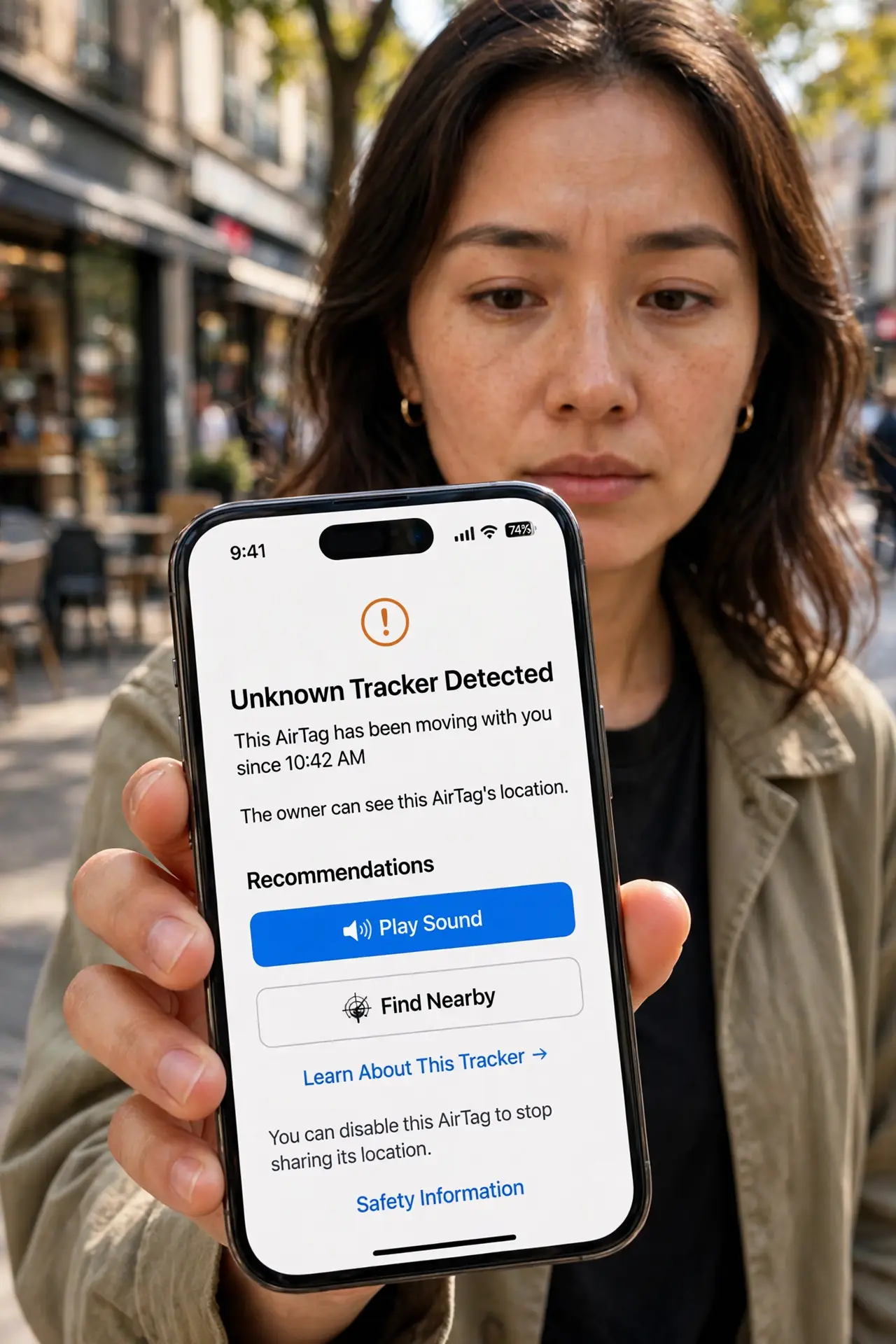
Quick fix: unknown tracker alerts mean a Bluetooth tag has been moving with you — open the alert, play its sound, find the tag, and disable it per the on-screen steps. Stay somewhere public if uneasy. Both iPhone and Android detect cross-brand trackers; take every alert seriously.
Follow these steps
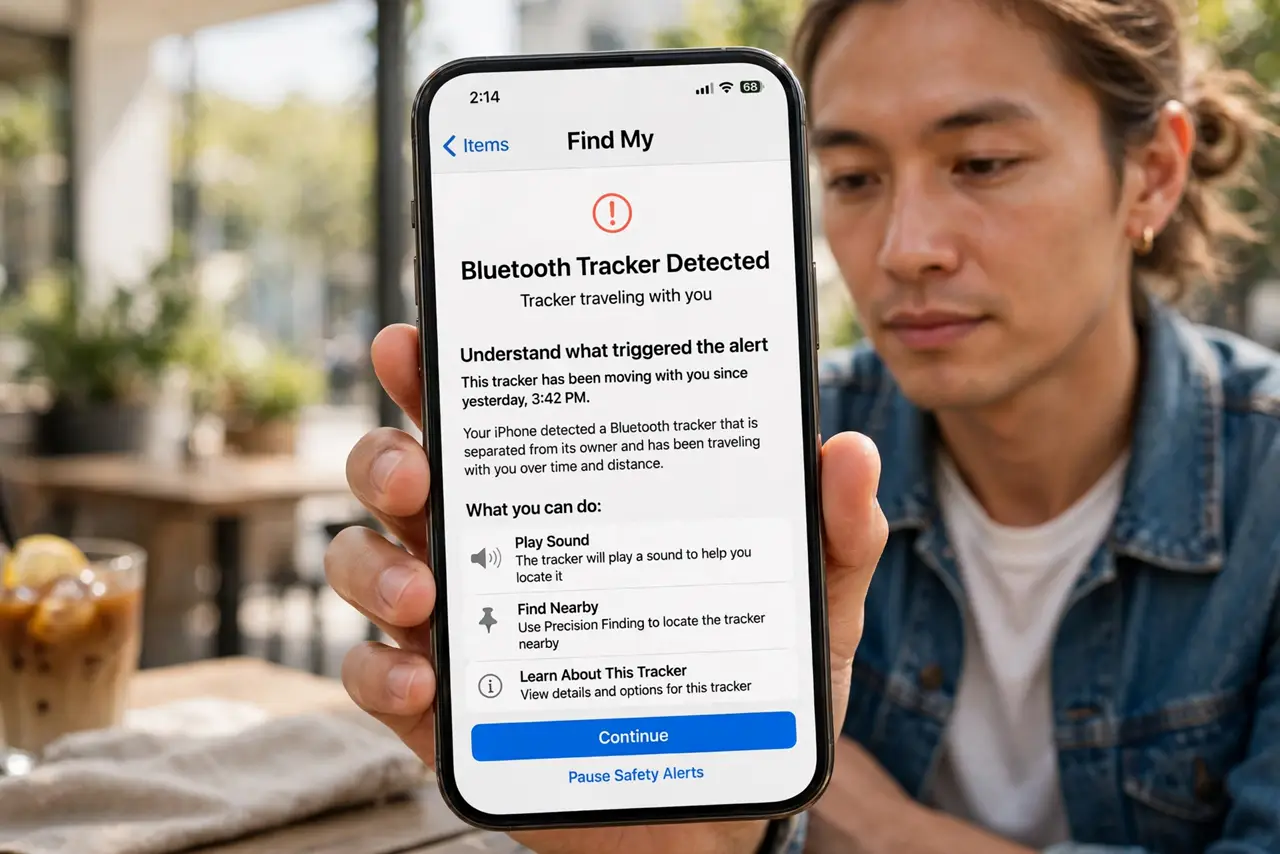
- Understand what triggered the alert. Your phone detected a Bluetooth tracker separated from its owner traveling with you over time and distance. The system is conservative — passing strangers' tags do not trigger it.
- Do not go somewhere private. Head somewhere public and populated first. If the tag was planted deliberately, your destination is what the planter wants to learn.
- Open the alert for details. The notification shows the tag type, a map of where it traveled with you, and options to play a sound or get disabling instructions. Read it fully before acting.
- Play the sound and search. Use the alert's sound feature, then search bags, pockets, coats, and the car methodically — under seats, in linings, behind bumpers. Small tags hide well.
- Disable per the on-screen steps. Each tag type has a disabling method in the alert — usually battery removal. Screenshot the tag's serial or identifier first: it can link the tag to an owner through the manufacturer, which is your evidence. A disabled tag cannot report location; disable before discarding.
- Escalate if the context worries you. A tag in your car or bag with no innocent explanation deserves a police report. Bring the disabled tag and screenshots — and see the AirTag-specific steps for that common case.
What NOT to do
- Do not dismiss the alert as a glitch. The detection thresholds are deliberately strict — a fired alert means a tag genuinely traveled with you.
- Do not lead the tag home to 'deal with it there.' Your home address is the prize — public places first, always.
- Do not assume only AirTags trigger this. Tile, Chipolo, and other brands are all detectable — the alert names the type it found.
- Do not disable tracker detection afterward. The alert system is your early warning — keep it on.
Frequently asked questions
Can someone track me without any alert?
The systems aim to catch it, but no detection is perfect — very new or obscure tag brands may slip through. Periodic manual awareness (unknown sounds, unfamiliar items) remains wise.
How do I tell it is not my own tag?
Check your own trackers and family-shared items first — a partner's tag in a shared bag is the most common false alarm. Rule out the innocent before escalating.
Will the tag owner know I found it?
Disabling stops location reports, so the owner sees only its last known position. They are not notified that you disabled it.