Should You Disable UPnP?
Universal Plug and Play sounds helpful — devices automatically opening the network ports they need, no configuration. The problem is the 'automatically' part: any device or malware on your network can punch holes in your firewall without asking you. Security guides have recommended disabling it for years. The good news: most homes do not need it at all. If your router also has WPS enabled, that is the next thing to check.
TL;DR / Quick Fix
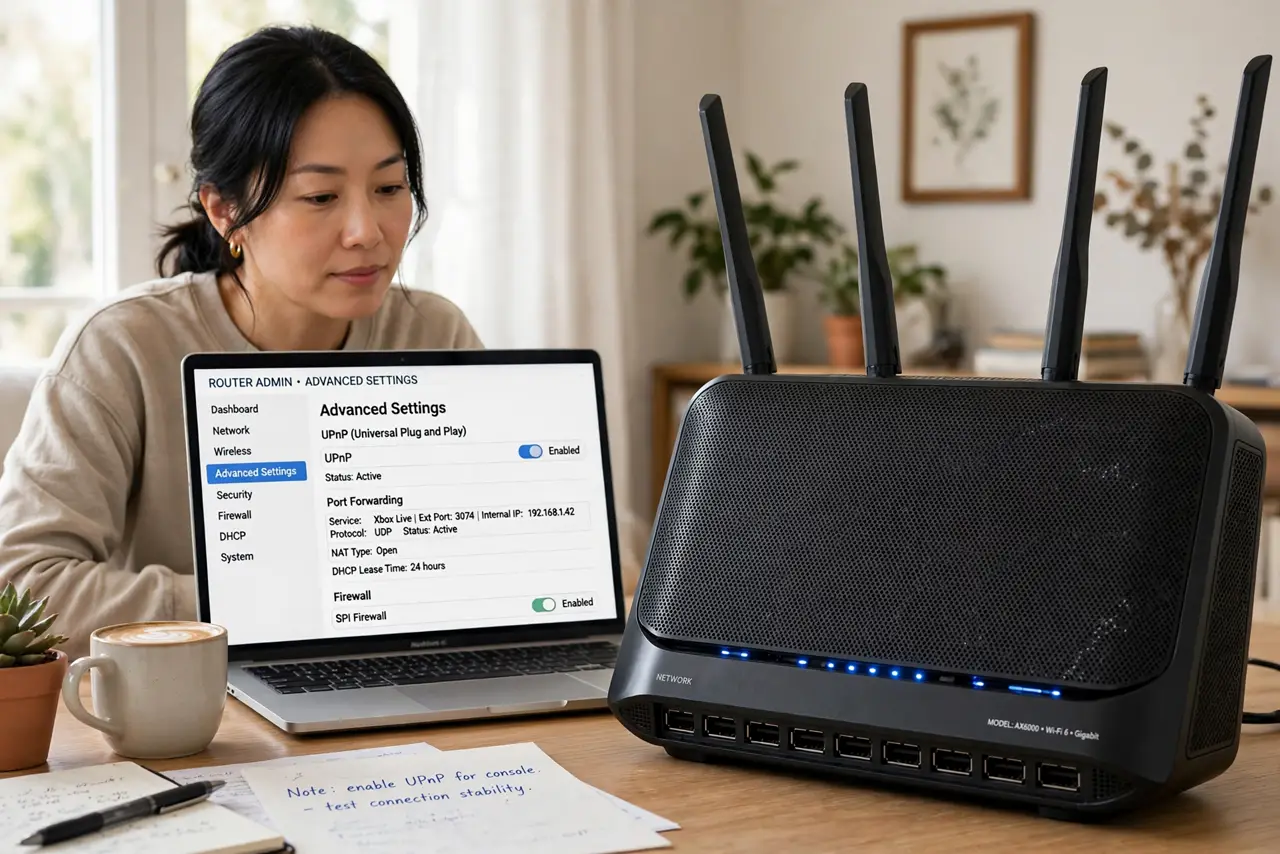
Quick fix: disable UPnP in your router's advanced settings — most homes do not need it, and it lets any device or malware open firewall ports without asking. If a specific game or app then has trouble connecting, forward only its ports manually instead of re-enabling UPnP.
Follow these steps
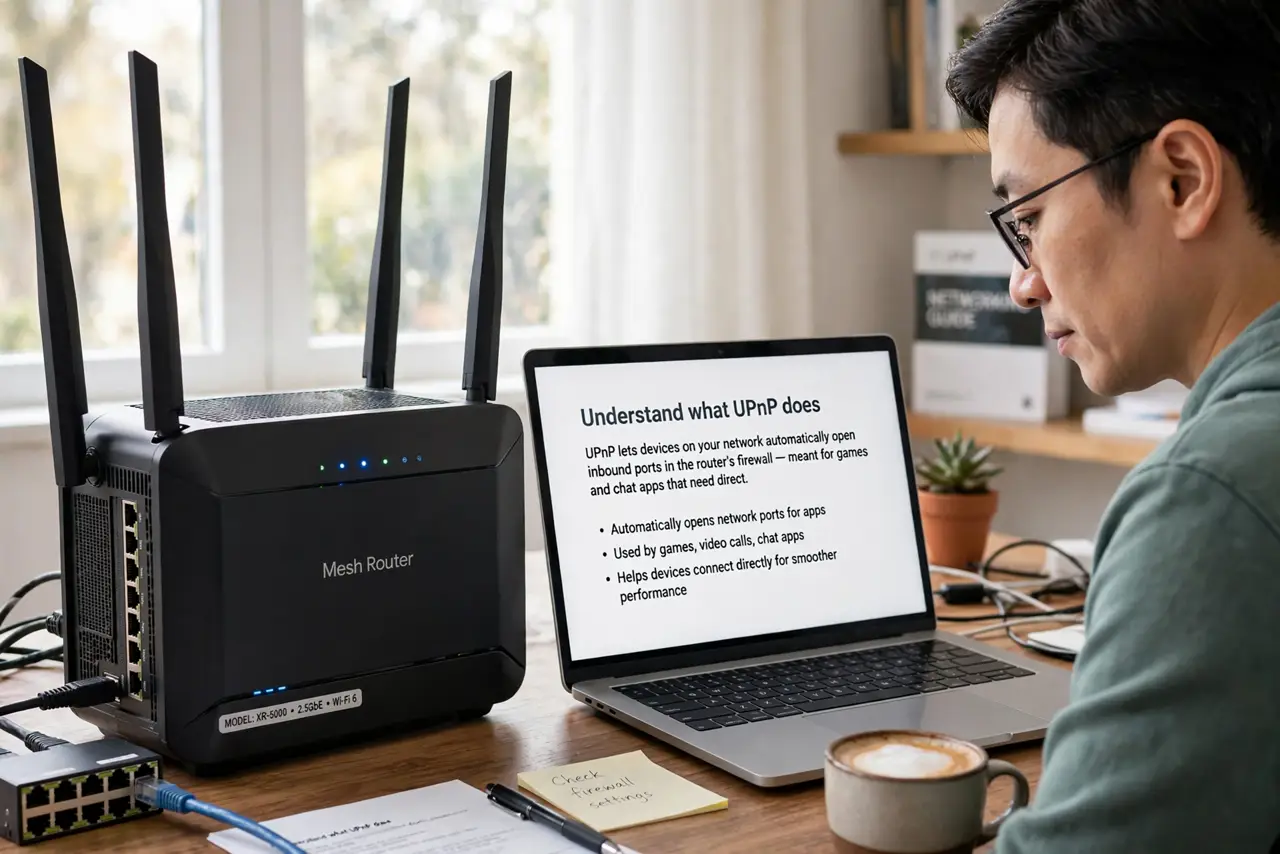
- Understand what UPnP does. UPnP lets devices on your network automatically open inbound ports in the router's firewall — meant for games and chat apps that need direct connections, with zero configuration.
- Understand the risk. The danger is the lack of permission: any compromised device or malware on your network can open ports to the internet silently. Convenience for your game console is also convenience for an intruder's toolkit.
- Find the toggle. Log into your router's admin page and look under advanced, NAT, or gaming settings for the UPnP option. It is usually a single checkbox, on by default.
- Turn it off. Disable it and save. Your normal browsing, streaming, and video calls are unaffected — they never needed inbound ports in the first place.
- Fix what breaks manually. If one game or app complains, look up which ports it needs and forward just those to just that device. Targeted port forwarding gives the app what it needs without the blanket permission.
- Re-check after router resets. Factory resets restore UPnP to on. After any reset or new router, verify it is off again as part of your setup routine.
What NOT to do
- Do not leave UPnP on because one game asked for it years ago. Forward that game's ports manually and keep the blanket permission off.
- Do not confuse UPnP with plug-and-play USB devices. Same friendly name idea, totally different thing — this is purely about network ports.
- Do not assume your smart home needs it. Cameras, speakers, and plugs phone home through outbound connections; they do not need UPnP.
- Do not re-enable it at the first hiccup. Diagnose the specific app and forward its ports — the nuclear option is rarely required.
Frequently asked questions
Will disabling UPnP break my games?
Rarely. Most modern games handle NAT fine; the few that complain usually work with manual port forwarding for their specific ports.
Is UPnP the same as port forwarding?
Related but different: UPnP is automatic port forwarding done by devices themselves, with no oversight. Manual forwarding is you approving each hole deliberately.
Do I need it for video calls?
No. Video calls use outbound connections that the firewall already allows. UPnP has nothing to do with Zoom or FaceTime working.