Is UPnP a Security Risk on a Home Network?
UPnP lets devices open router ports by themselves — handy for consoles and video calls, but it also means a compromised device can open doors without asking you. Whether it is a real risk depends on your home, not on fear alone.
TL;DR / Quick Fix
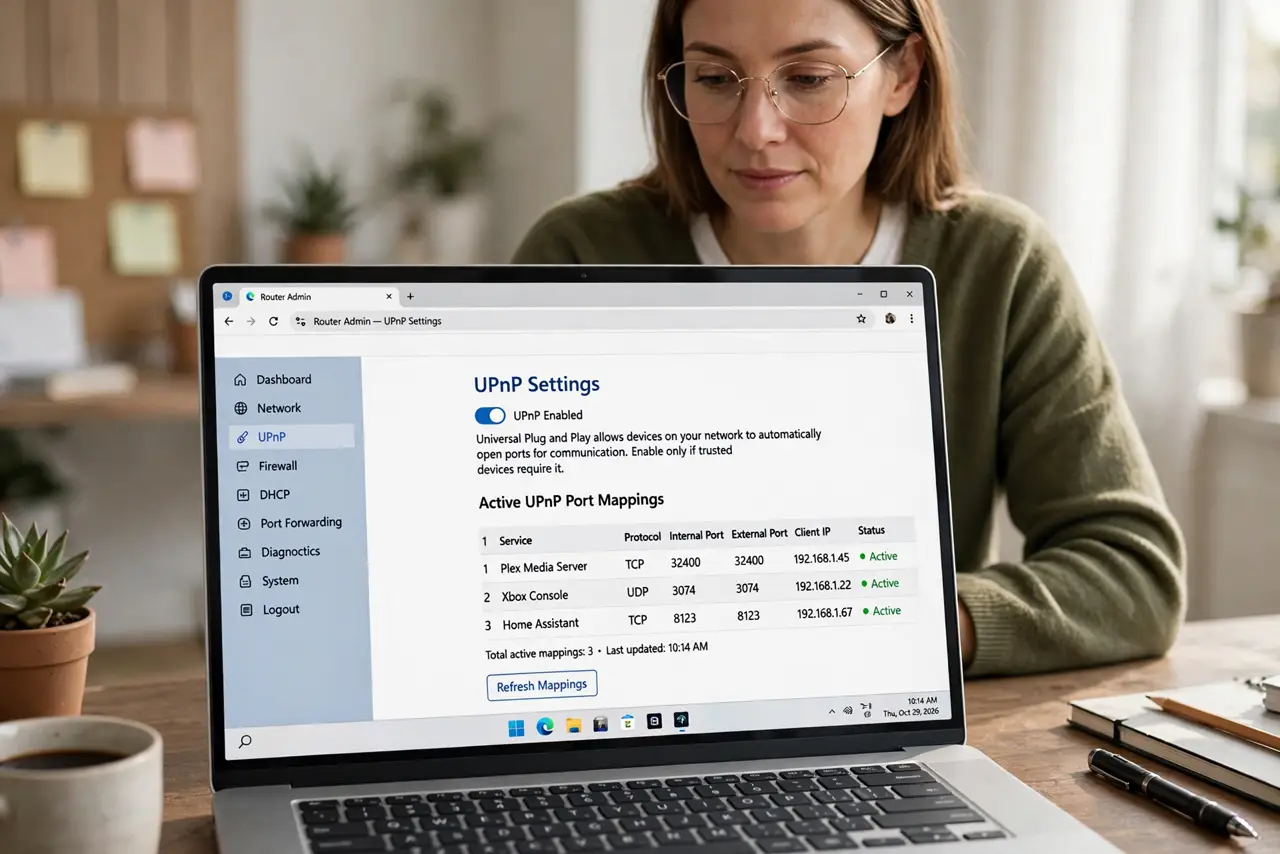
Quick fix: check whether UPnP is on and whether anything needs it. If you do not game or host services, turning it off is the safer default. If that breaks a console, turn it back on or forward only the ports that device needs.
Follow these steps
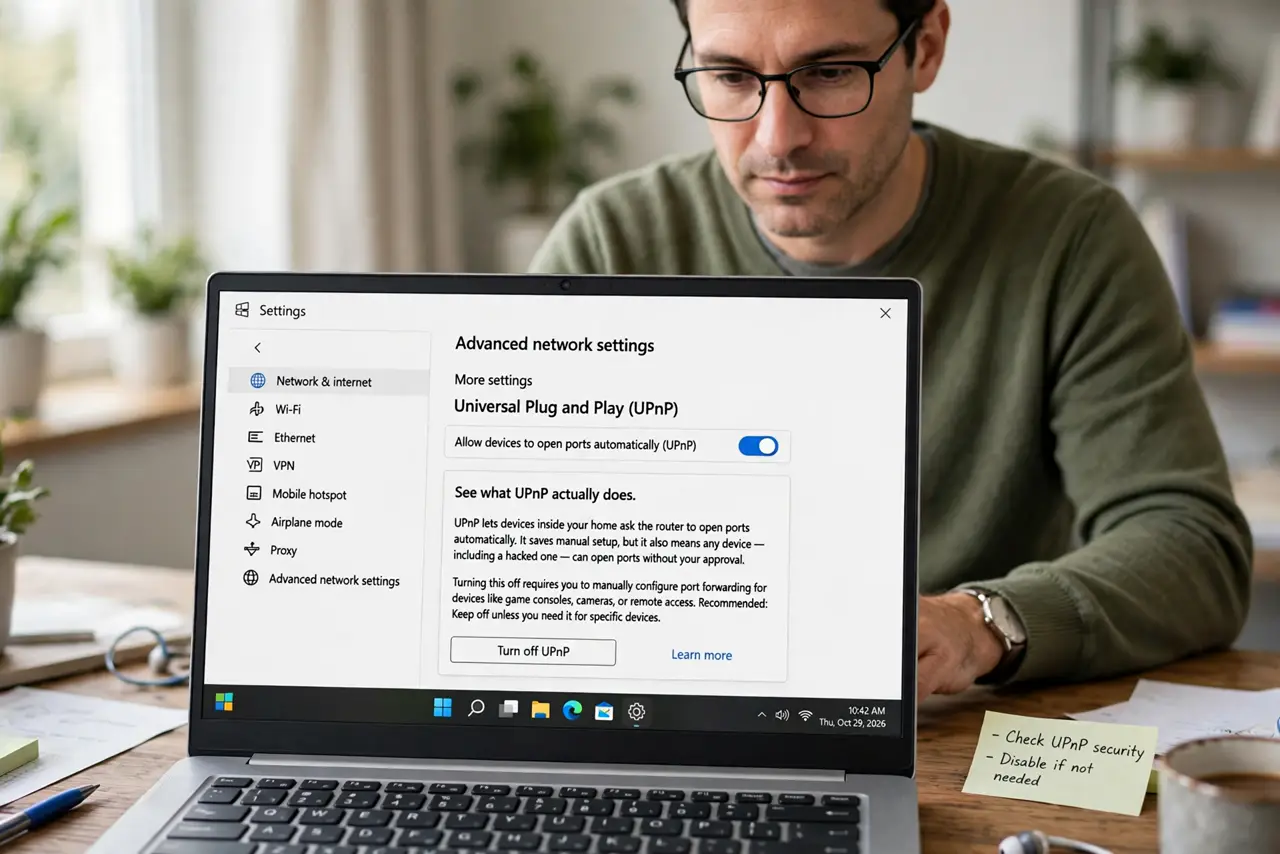
- See what UPnP actually does. UPnP lets devices inside your home ask the router to open ports automatically. It saves manual setup, but it also means any device — including a hacked one — can open ports without your approval.
- Check whether UPnP is on. Log into the router and look under advanced or NAT settings. Many routers ship with UPnP on, so you may be running it without ever choosing it.
- List what in your home needs it. Game consoles, some video doorbells, and peer-to-peer apps use it most. If your home has none of those, UPnP is convenience without a customer.
- Turn it off if nothing needs it. Disable UPnP, restart the router, and use the network normally for a day. If everything works, you just removed an automatic door-opener you never used.
- Replace it with manual rules where needed. If one device breaks with UPnP off, forward only its required ports by hand. A single precise rule beats an automatic system that opens ports for anything that asks.
- Lock down the router itself either way. Use a strong admin password and keep the firmware updated, because UPnP is only one of several router settings that deserve a security check.
What NOT to do
- Do not panic about UPnP on a healthy home network. The real danger needs a compromised device inside your home first, so keep devices updated rather than fearing the setting alone.
- Do not turn UPnP off blindly and blame the router when the console breaks. Test for a day, note what stops working, and replace it with a manual rule for that device.
- Do not assume UPnP off means the network is fully safe. It is one setting among many, and an old firmware or a weak admin password matters more.
- Do not enable UPnP on a router you do not control. On shared or public equipment, you cannot verify what else is opening ports, so leave those settings alone.
Frequently asked questions
What is the actual risk of UPnP?
A compromised device inside your home could open router ports without asking, letting outside traffic reach it. On a home with updated devices, that chain is uncommon.
Should gamers keep UPnP on?
Many do, because consoles rely on it for open NAT. The middle path is manual port forwarding for the console and UPnP off for everything else.
Does turning it off break video calls?
Usually not. Most calling apps connect fine without UPnP, so test your regular apps for a day after switching it off.
What to read next
- How to Secure Your Router Admin Panel
- Router Port Forwarding Does Not Work? Fix It