Found a USB Stick? Do Not Plug It In
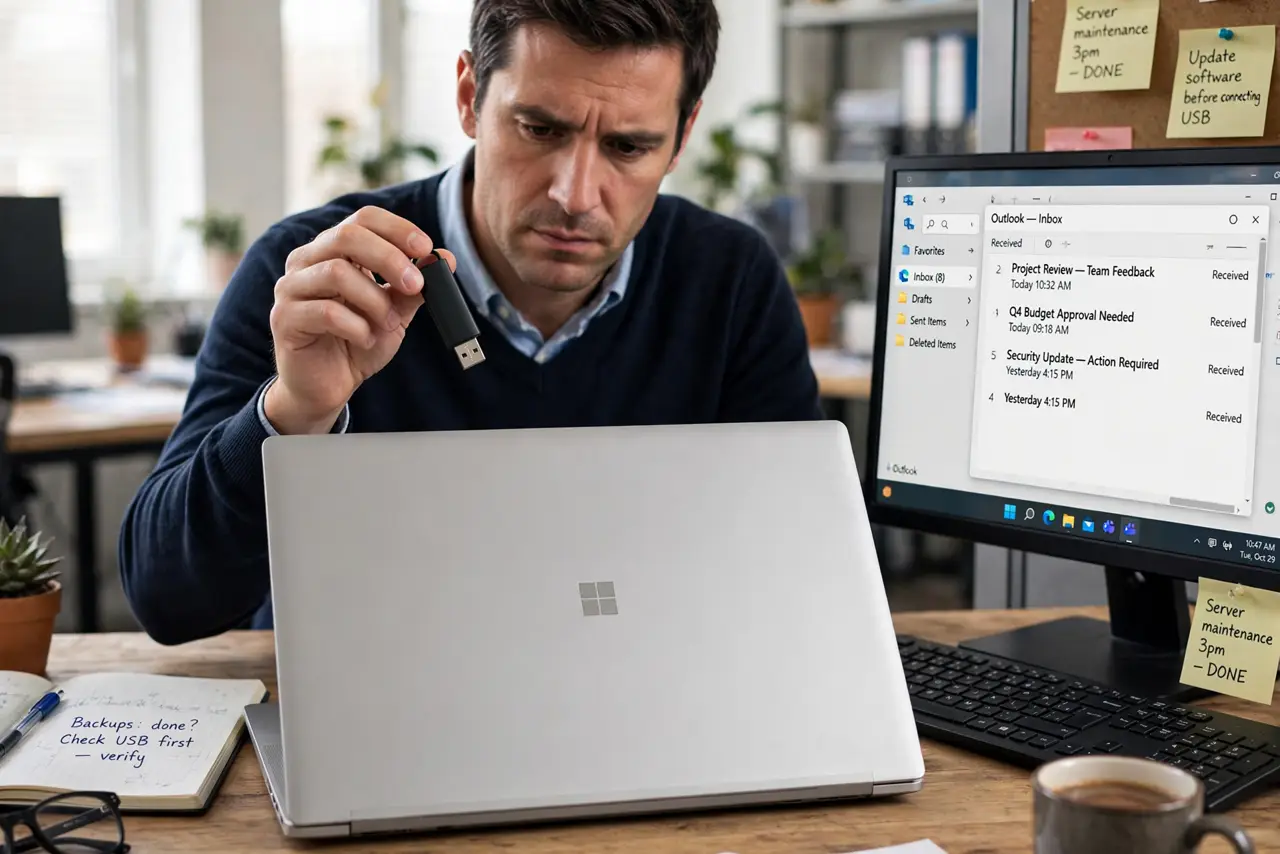
A USB stick left in a car park, office, or classroom may be lost property, or it may be planted to infect the first curious computer it meets. Plugging it in to see whose it is can run harmful software automatically. Do not plug it in.
TL;DR / Quick Fix
Quick fix: do not plug a found USB stick into any computer. Leave it where it is, or hand it to lost property, building security, or your IT team, and describe where you found it. Never open its files to identify the owner.
Follow these steps
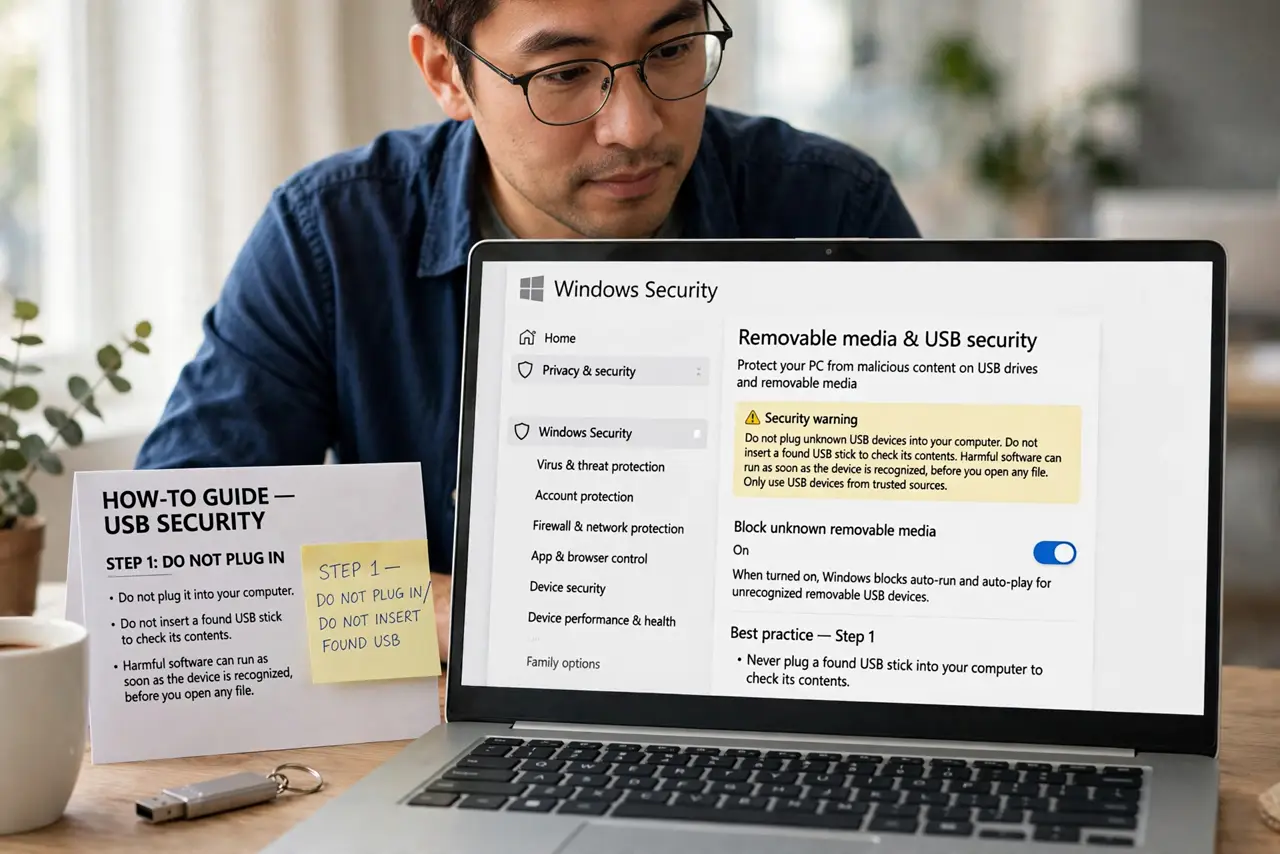
- Do not plug it into your computer. Do not insert a found USB stick to check its contents. Harmful software can run as soon as the device is recognized, before you open any file.
- Do not plug it into a shared computer either. A spare, old, or shared computer is not a safe test machine. The same risk applies, and it can spread from there to the network.
- Hand it to lost property or IT. Give the stick to lost property, building security, or your IT team, and say where and when you found it. They have safe procedures for handling unknown devices.
- Do not try to identify the owner from files. Opening files to find a name is exactly the step the risk depends on. Let the proper owner claim it through lost property instead.
- Wash your hands of the curiosity. If no lost property exists, leave the stick with a reception desk or discard it safely through electronic waste. Do not keep it for personal use.
- Tell colleagues briefly. If you found it at work, tell colleagues not to plug in unknown sticks. One warning can prevent the next person from trying it.
What NOT to do
- Do not plug in a found USB stick, even to check whether it is empty. Empty-looking sticks can still carry harmful code.
- Do not use a found stick as free storage. You do not know its history, and formatting does not guarantee safety before use.
- Do not plug it into a phone or TV as a safer test. Those devices can be affected too, and the stick can still spread from them.
- Do not hand it to a friend to try. Passing the risk to someone else does not remove it.
Frequently asked questions
What if it clearly belongs to a colleague?
Tell the colleague where you found it and let them collect it from lost property. Do not open it to confirm, even for someone you know.
Can antivirus make it safe to open?
Antivirus helps, but it cannot guarantee safety for a brand-new threat. The safe choice remains not plugging it in at all.
What if my workplace has a USB policy?
Follow that policy exactly. Many workplaces require unknown sticks to go straight to IT, with no personal inspection.