Share USB Devices Between PCs
Two computers on one desk, one printer — and you are crawling behind the desk to move the USB cable every time you switch. A USB switch (a small box with a button) shares one USB device between two computers with a single press. It is the cheap, simple cousin of the KVM switch, perfect when the monitor stays put and only the USB gear needs sharing.
TL;DR / Quick Fix
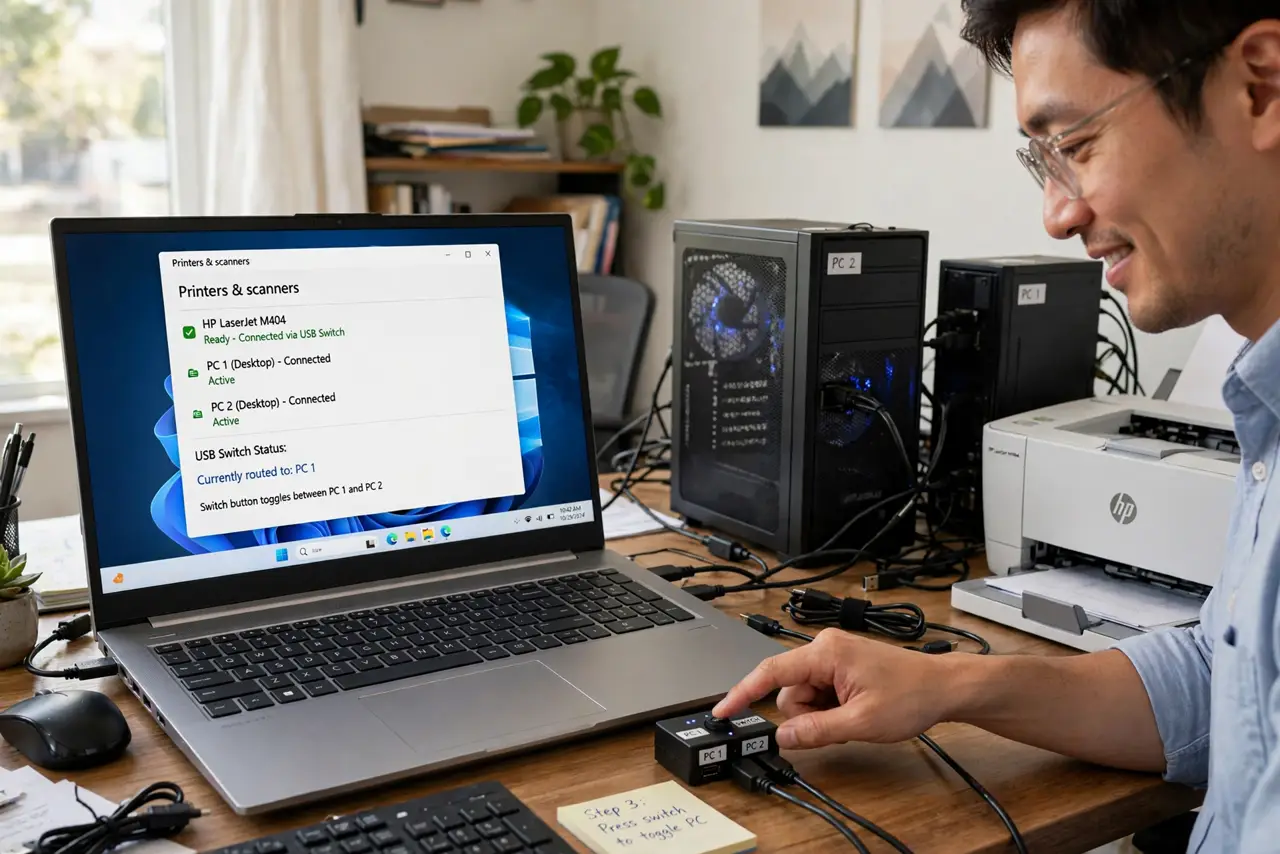
Quick fix: a USB switch shares one USB device — printer, drive, headset — between two computers at the press of a button. Plug both PCs and the device into the switch, press to choose which PC gets it. For sharing the monitor too, see the KVM switch guide.
Follow these steps
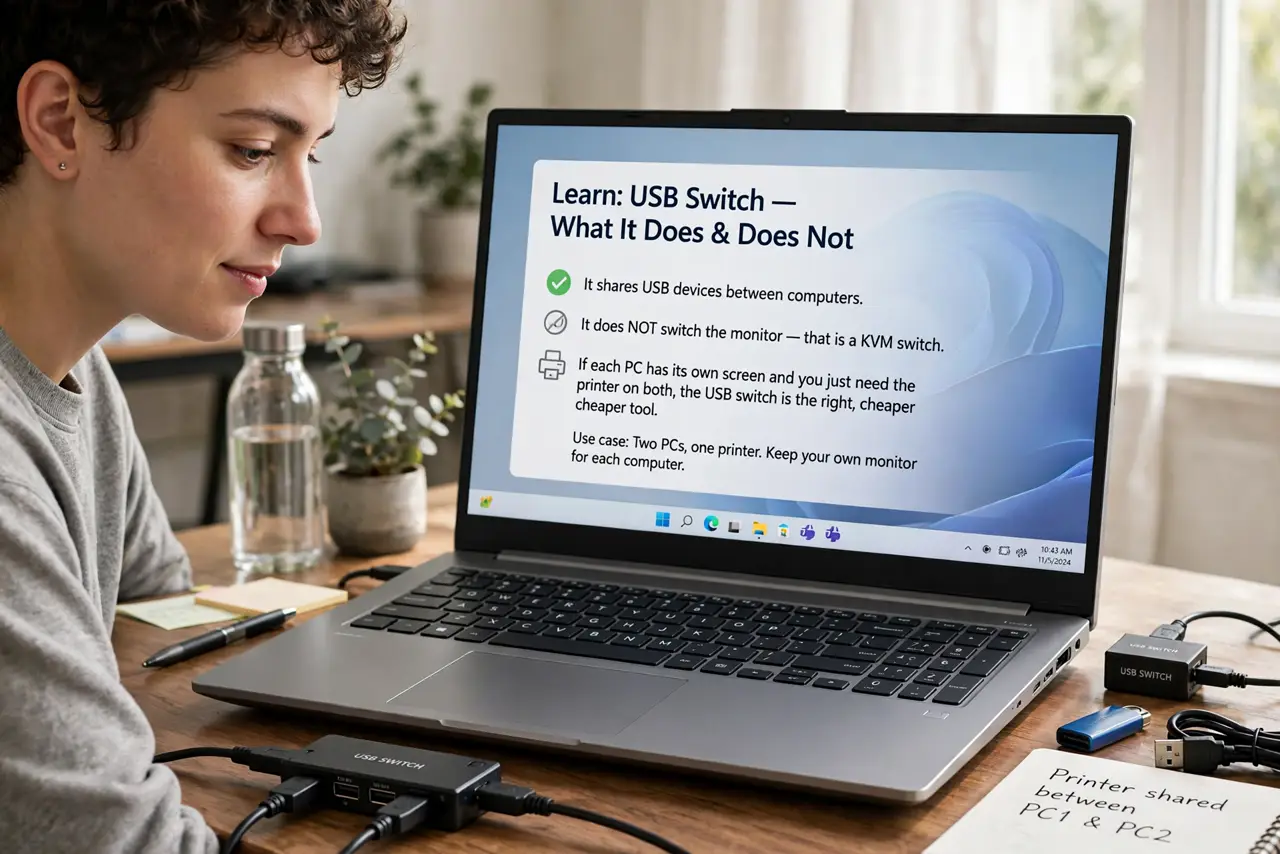
- Learn what a USB switch does — and does not. It shares USB devices between computers. It does NOT switch the monitor — that is a KVM switch. If each PC has its own screen and you just need the printer on both, the USB switch is the right, cheaper tool.
- Count the ports you will share. Printer? External drive? Webcam? Count the devices, then buy a switch with enough ports — a 2-port switch for one printer, a 4-port if the whole desk's USB gear is shared.
- Connect both computers to the switch. Each PC gets a USB cable to the switch's two computer ports. Use the cables that came with it — some switches are picky about cable quality.
- Plug the shared device into the switch. The printer (or drive, or headset) plugs into the switch's device port. Install the printer's drivers on BOTH computers — the switch shares the connection, not the software. If printing fails, the printer troubleshooting guide helps.
- Press the button to switch. One press moves the device to the other computer. Most switches show an LED per active computer — glance at it before printing so the job does not vanish to the wrong PC.
- Mind the power for hungry devices. Printers are fine, but external hard drives sometimes need more power than the switch passes through. If a drive clicks or disconnects, give it its own power adapter.
What NOT to do
- Do not expect to use the device from both PCs simultaneously. The switch gives the device to ONE computer at a time — that is the whole point of the button.
- Do not buy a USB switch for switching monitors. It only handles USB — video needs a KVM switch or a monitor with multiple inputs.
- Do not skip installing drivers on both computers. The switch shares the wire; each PC still needs to know what the device is.
- Do not chain multiple switches together. One switch per shared device group — daisy-chaining USB switches causes exactly the flakiness you are trying to escape.
Frequently asked questions
USB switch vs KVM switch — which do I need?
USB switch: shares USB devices only, each PC keeps its monitor. KVM: shares monitor, keyboard, and mouse too. Printer-only sharing = USB switch.
Will it work with a USB-C laptop?
Yes, with a USB-C to USB adapter or a USB-C switch model. The switching logic is the same — only the connector changes.
Can I share an external hard drive this way?
Yes, but safely eject it from one PC before switching to the other. Yanking a mounted drive between computers corrupts data — the button does not replace safely remove.