USB Tethering vs Wi-Fi Hotspot for Battery
Sharing your phone's connection as a Wi-Fi hotspot drains the battery fast, while USB tethering charges the phone as it shares. The trade-off is one cable versus wireless freedom — and the battery math favors the cable.
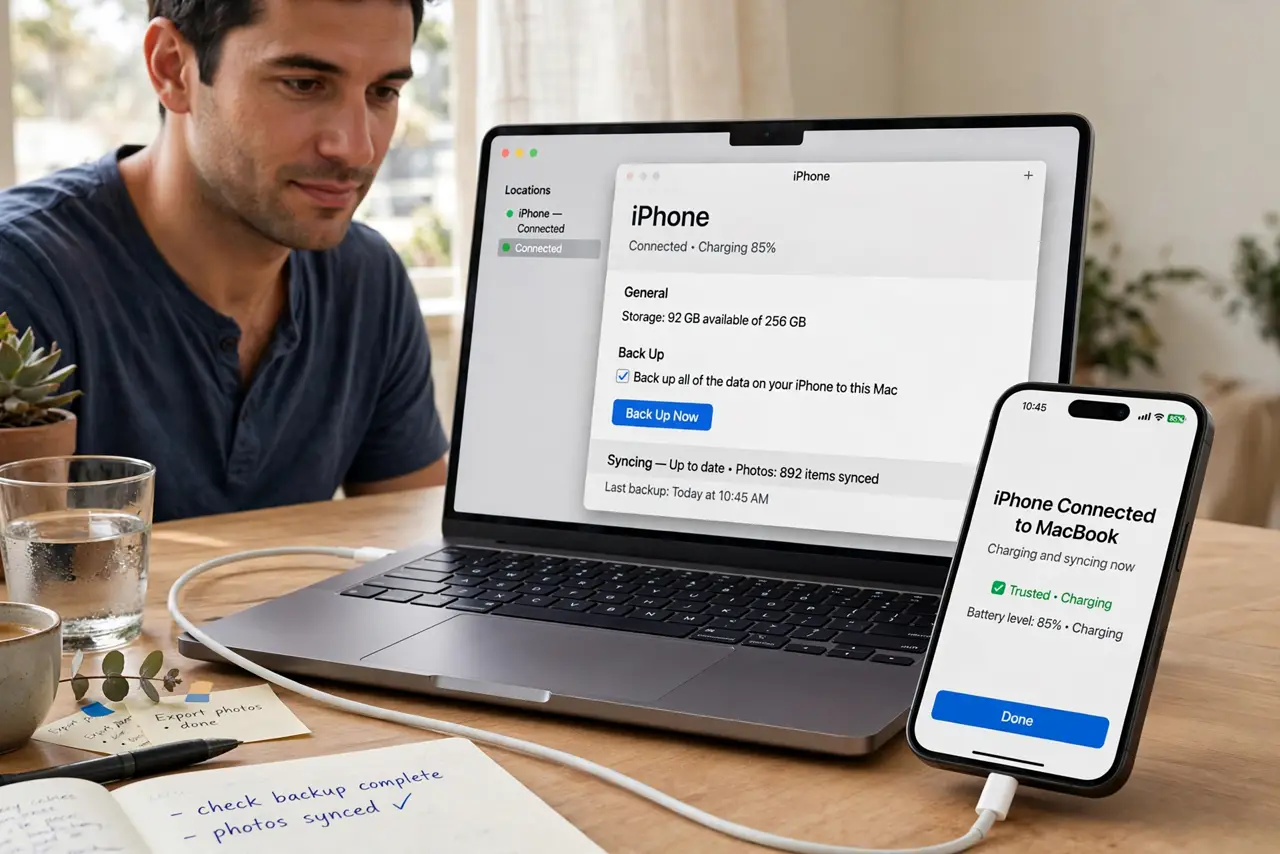
TL;DR / Quick Fix
Quick fix: for long sessions, plug the phone into the laptop with a cable and turn on USB tethering — the phone charges while it shares. Use Wi-Fi hotspot only for short shares or when no cable is handy, and keep the phone cool in either mode.
Follow these steps
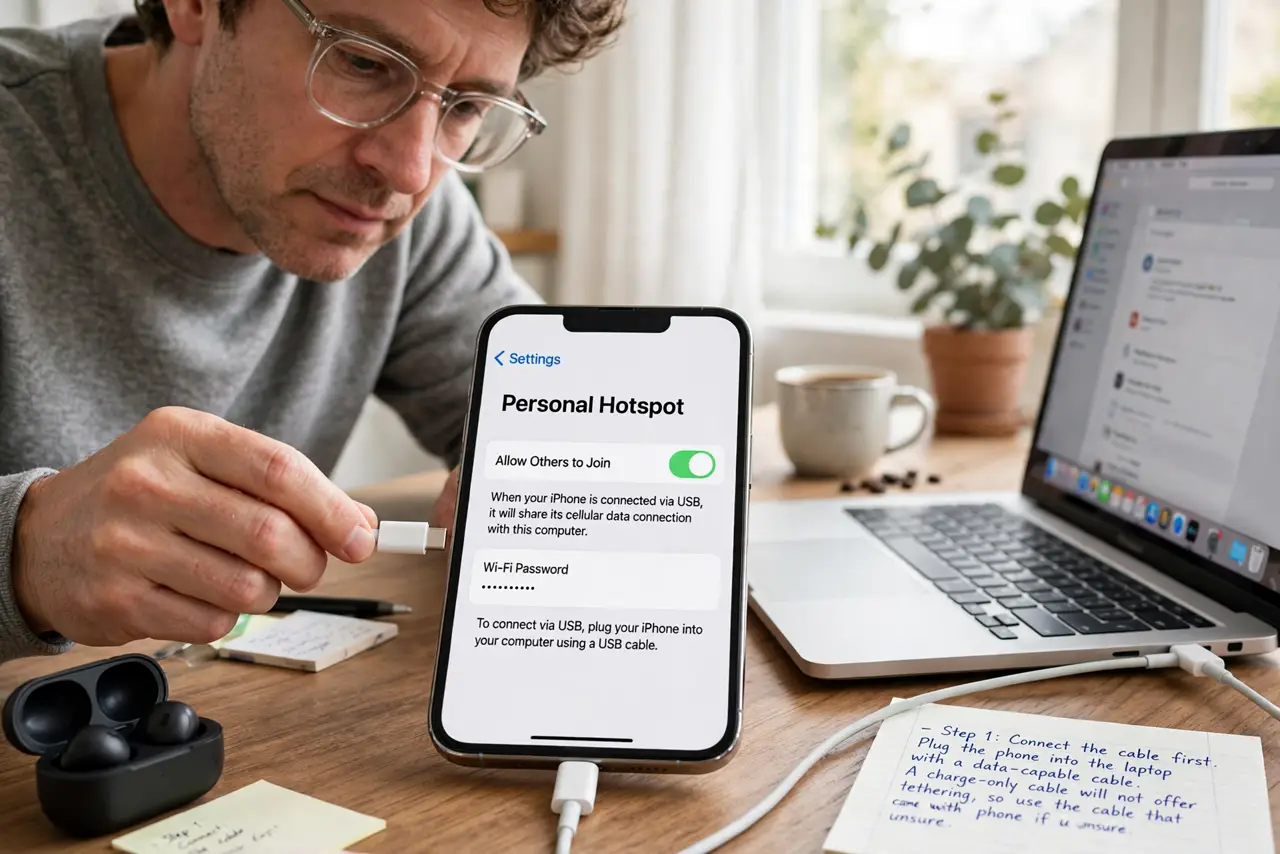
- Connect the cable first. Plug the phone into the laptop with a data-capable cable. A charge-only cable will not offer tethering, so use the cable that came with the phone if unsure.
- Turn on USB tethering on the phone. On Android it is under hotspot settings; on iPhone, enabling Personal Hotspot shares over USB automatically when plugged in. The laptop should show a new wired connection within seconds.
- Watch the battery climb, not fall. With USB tethering, the laptop charges the phone while sharing. That alone makes it the winner for work sessions longer than an hour.
- Use Wi-Fi hotspot for short shares. For a quick share to a tablet across the room, the Wi-Fi hotspot is more convenient. Just expect the battery to drop noticeably within the hour.
- Keep the phone cool in both modes. Tethering heats the phone, and heat plus charging wears the battery faster. Keep it out of direct sun and off warm surfaces while sharing.
- Unplug and switch off when done. Turn tethering off after the session. A hotspot left broadcasting all day drains the battery and invites strangers to try joining it.
What NOT to do
- Do not run Wi-Fi hotspot for hours on battery and blame the phone. An hour of hotspot can eat a third of a charge, which is normal physics, not a faulty battery.
- Do not tether with a frayed cable to save time. A damaged cable can drop the connection mid-work and, in bad cases, harm the port.
- Do not leave the hotspot on overnight by accident. It drains the battery flat and broadcasts your network name to the whole neighborhood.
- Do not expect USB tethering to be wireless. The cable is the point — it carries both data and power, which is exactly why the battery survives.
Frequently asked questions
Which uses less battery?
USB tethering, by far. The phone charges while sharing, while a Wi-Fi hotspot is one of the hungriest things a phone can do.
Is USB tethering faster too?
Usually steadier, yes. A cable avoids Wi-Fi interference, though the top speed still comes from your mobile plan.
Can I use both at once?
No need. Pick one: cable for long sessions, Wi-Fi hotspot for quick wireless shares.