Use a Monitor Arm
By 4 p.m. your neck aches, your shoulders are up around your ears, and the monitor is still sitting on the stack of books you swore was temporary. A monitor arm replaces the wobbly stand with a clamped arm that puts the screen exactly at eye level — and frees the desk underneath. It is the single best ergonomic upgrade under a hundred dollars.
TL;DR / Quick Fix
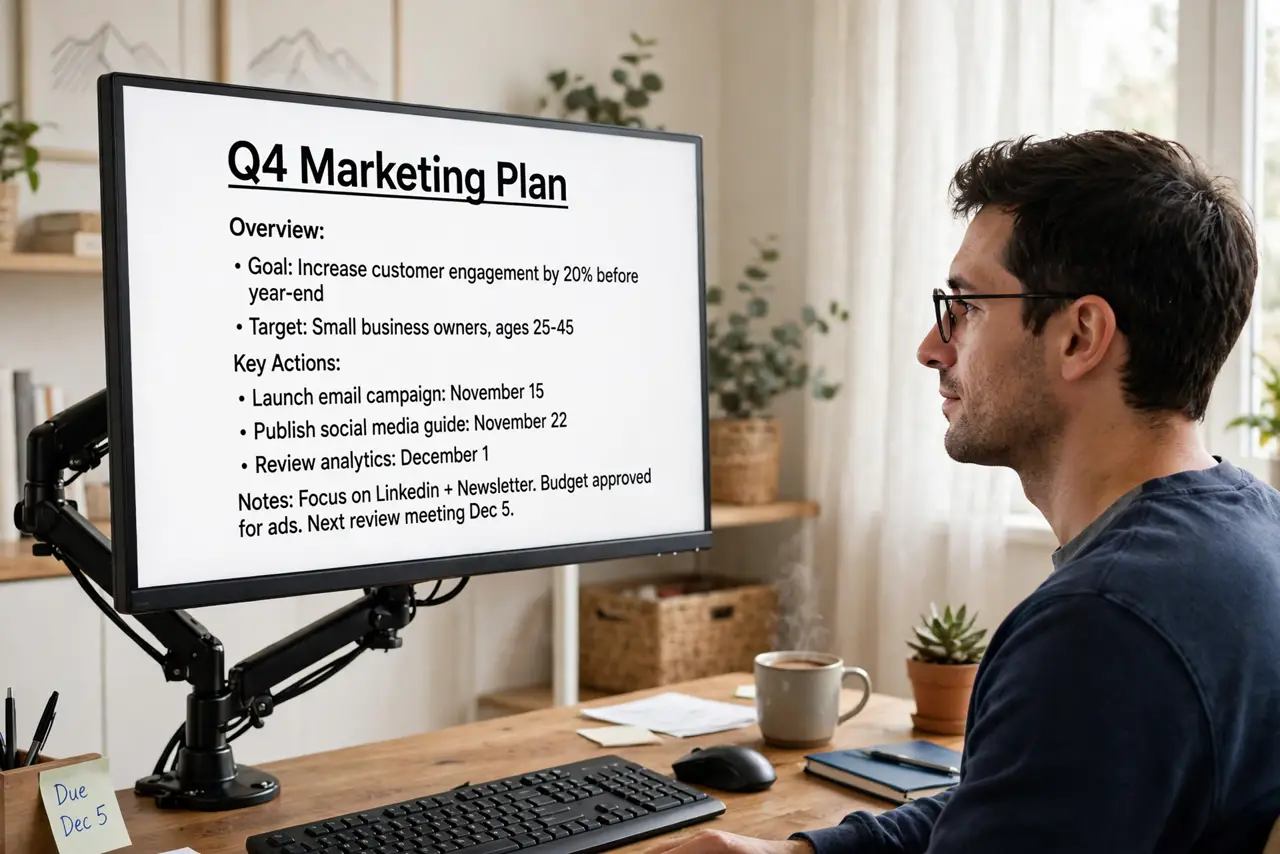
Quick fix: a monitor arm lifts your screen to eye level, ending the downward hunch that causes neck pain, and frees desk space underneath. Check your monitor's VESA mount and weight, clamp the arm to a sturdy desk edge, and set the top of the screen at eye level.
Follow these steps
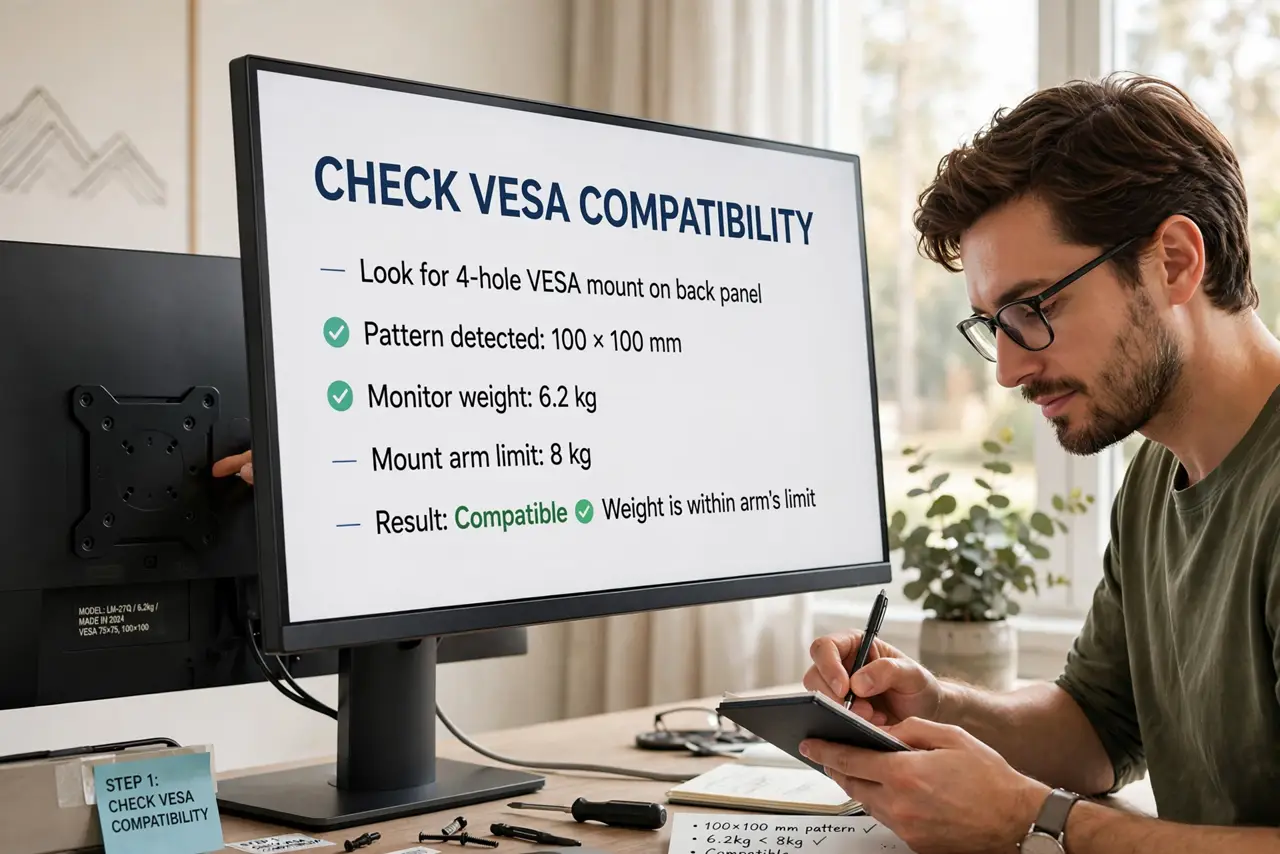
- Check VESA compatibility. Look at the back of your monitor for the four-hole VESA pattern (usually 75x75 or 100x100 mm) and confirm the weight is within the arm's rating. No VESA holes means you need an adapter — check before buying.
- Confirm your desk can take a clamp. The arm clamps to the desk edge or through a grommet hole. Glass tops, very thin desks, and desks with a modesty panel can all be dealbreakers — measure the edge thickness against the clamp's range.
- Mount the monitor. Attach the VESA plate to the monitor, then slide it onto the arm. This is a two-hand job — lay the monitor face-down on a soft surface while you work.
- Set the height to eye level. Sit in your normal posture: the top of the screen should sit at or just below eye level, about an arm's length away. See the ergonomic setup notes for the full posture checklist.
- Adjust tilt and tension. Tilt the screen slightly back, then set the arm's tension so the monitor stays where you put it but moves with a gentle push. A drifting arm is just a loose tension screw.
- Reclaim the desk. Slide the keyboard, notebook, or speakers into the freed space. The cleared desk is half the upgrade — the other half is your neck.
What NOT to do
- Do not mount a monitor heavier than the arm's rating. An overloaded arm sags slowly, then suddenly — check the weight first.
- Do not clamp to a flimsy desk edge. Particleboard lips and glass tops can crack under the leverage — use a grommet mount or a sturdier desk.
- Do not set the screen too high. Above eye level you crane upward, trading neck pain for different neck pain.
- Do not skip cable management. Loose cables snag when the arm moves — route them through the arm's clips on day one.
Frequently asked questions
Are monitor arms worth it over a stand?
Yes for most desks — the height range, freed space, and easy repositioning beat any fixed stand. The worth-it breakdown covers the math.
Can I mount two monitors on one arm?
Yes with a dual arm rated for the combined weight. Check the per-arm limits, not just the total — each side has its own rating.
Will the clamp damage my desk?
On solid wood, no — use the included padding. On veneer or thin tops, add a reinforcement plate to spread the pressure.