Use Status Messages Well
Every chat app gives you a status line, and almost everyone leaves it blank or frozen on 'in a meeting' from 2019. That blank line is a missed opportunity: a good status message answers the sender's question before they ask it — when will I hear back? — and quietly deflects half your interruptions. It is the cheapest boundary you will ever set, and the companion to chat boundaries and office hours.
TL;DR / Quick Fix
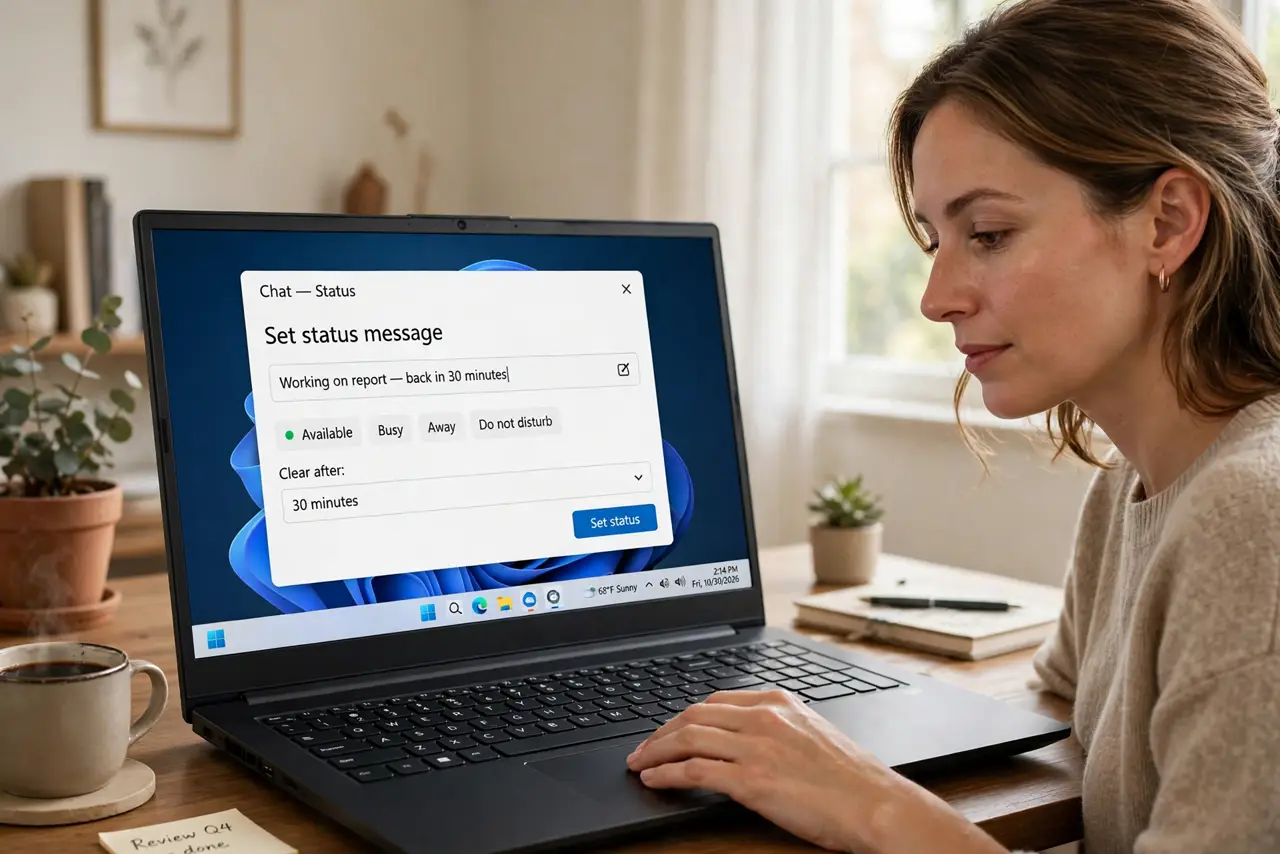
Quick fix: use status messages to deflect interruptions — set 'Focusing until 3, replies after' in chat and watch the pings drop. Update it when the state changes; a stale status is worse than none. Statuses work because they answer the question before it is asked.
Follow these steps
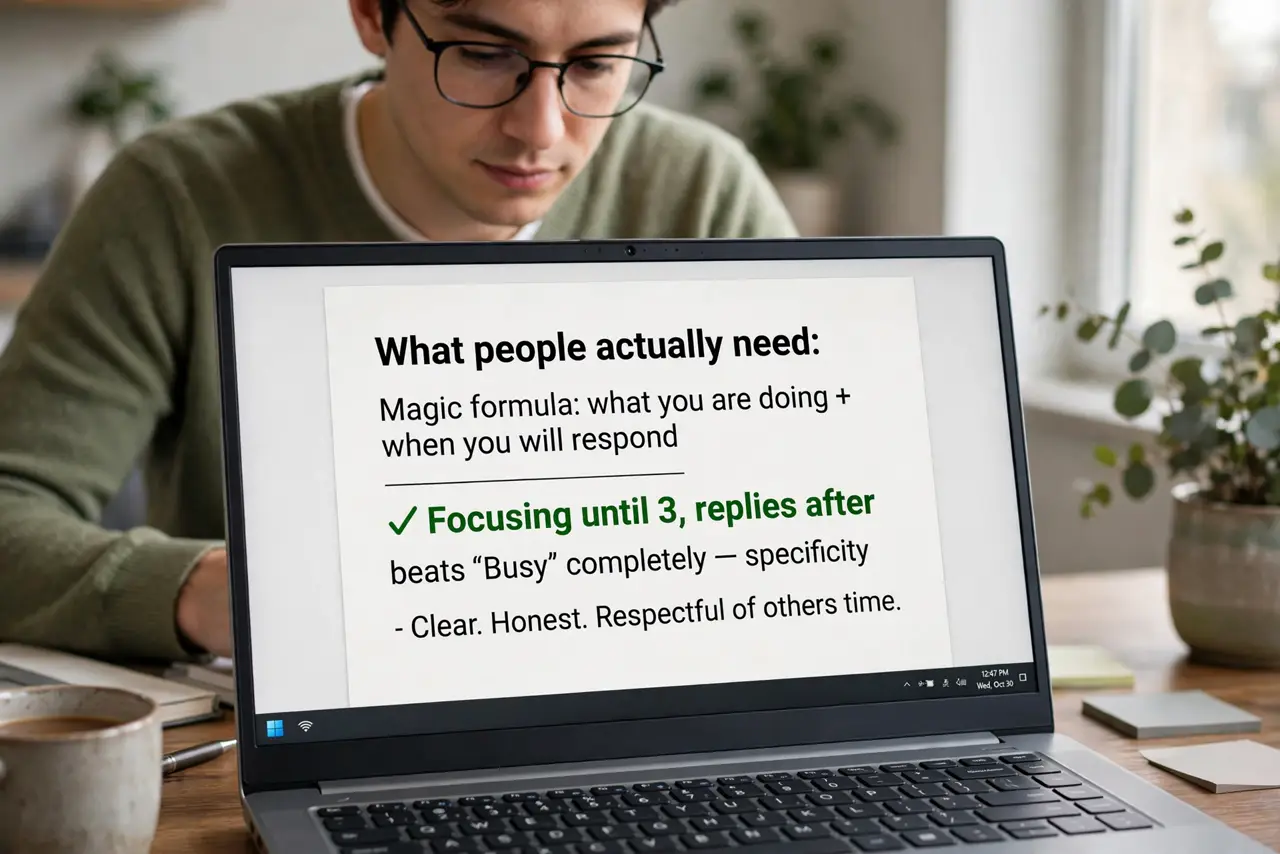
- Write what people actually need. The magic formula: what you are doing + when you will respond. 'Focusing until 3, replies after' beats 'Busy' completely — specificity is what deflects.
- Set it in every chat app you use. Slack, Teams, WhatsApp, Discord — each audience needs the message. Five minutes to update them all; the alternative is answering the same 'are you free?' everywhere.
- Update it when the state changes. A status is a live signal, not a tattoo. Meeting over? Clear it or set the next one. The two-second update is the entire discipline.
- Use the built-in timers. Most apps offer status durations — 'for one hour,' 'until tomorrow.' Timed statuses expire on their own, which solves the stale-status problem automatically.
- Make 'away' mean something. If you are truly offline, say so: 'Offline until Monday.' False 'away' statuses that still get instant replies teach people your statuses lie.
- Retire stale statuses ruthlessly. A status from last week actively misleads. When in doubt, clear it — no status beats a lying status.
What NOT to do
- Do not leave a 2019 status up. 'In a meeting' from three years ago is worse than blank — it teaches everyone to ignore your statuses.
- Do not write cryptic statuses. '🌙' means nothing — plain words about availability mean everything.
- Do not set a status and then reply instantly anyway. Instant replies under a 'focusing' status train people that the status is fiction.
- Do not overshare in statuses. 'At the dentist about the rash' is too much — availability info, not autobiography.
Frequently asked questions
Do status messages really reduce interruptions?
Noticeably — most pings come from uncertainty about when you will reply. A status that answers that question removes the motive for the nudge.
What about cultures where 'busy' seems rude?
Frame it as service: 'Heads down until 3 so I can finish your report.' The status serves them, not just you — politeness intact.
Should statuses sync with my calendar?
If your app offers it, yes — calendar-synced statuses stay fresh automatically. It is the lazy person's path to the same result.