A Video Call Background Reveals Home Details
Your camera shows more than your face: mail with your address, family photos, a window revealing your street. A quick background check before calls keeps your home from broadcasting itself.
TL;DR / Quick Fix
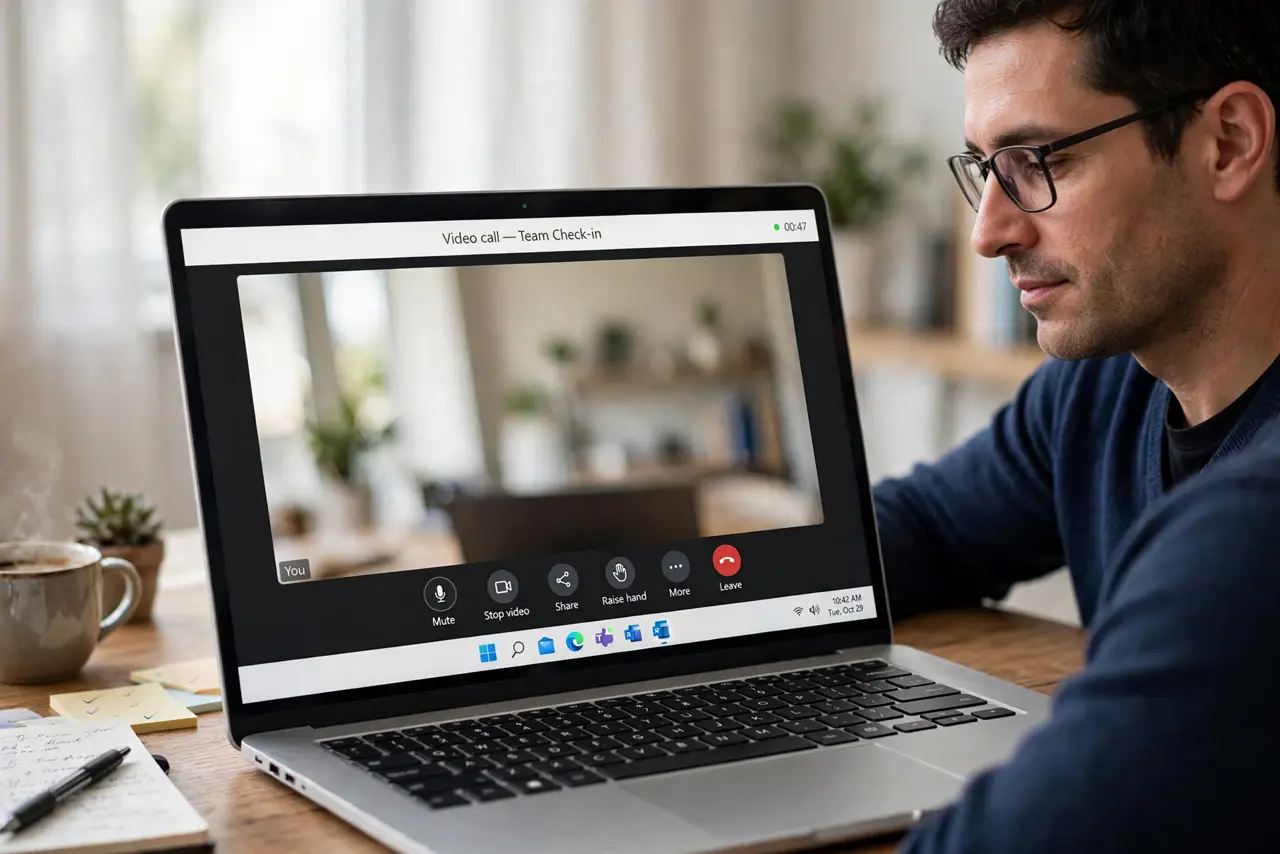
Quick fix: preview your camera before every call, turn on background blur or a neutral virtual background, and move sensitive items out of frame. Then check what is behind you from the camera's angle, and keep the setup every day.
Follow these steps
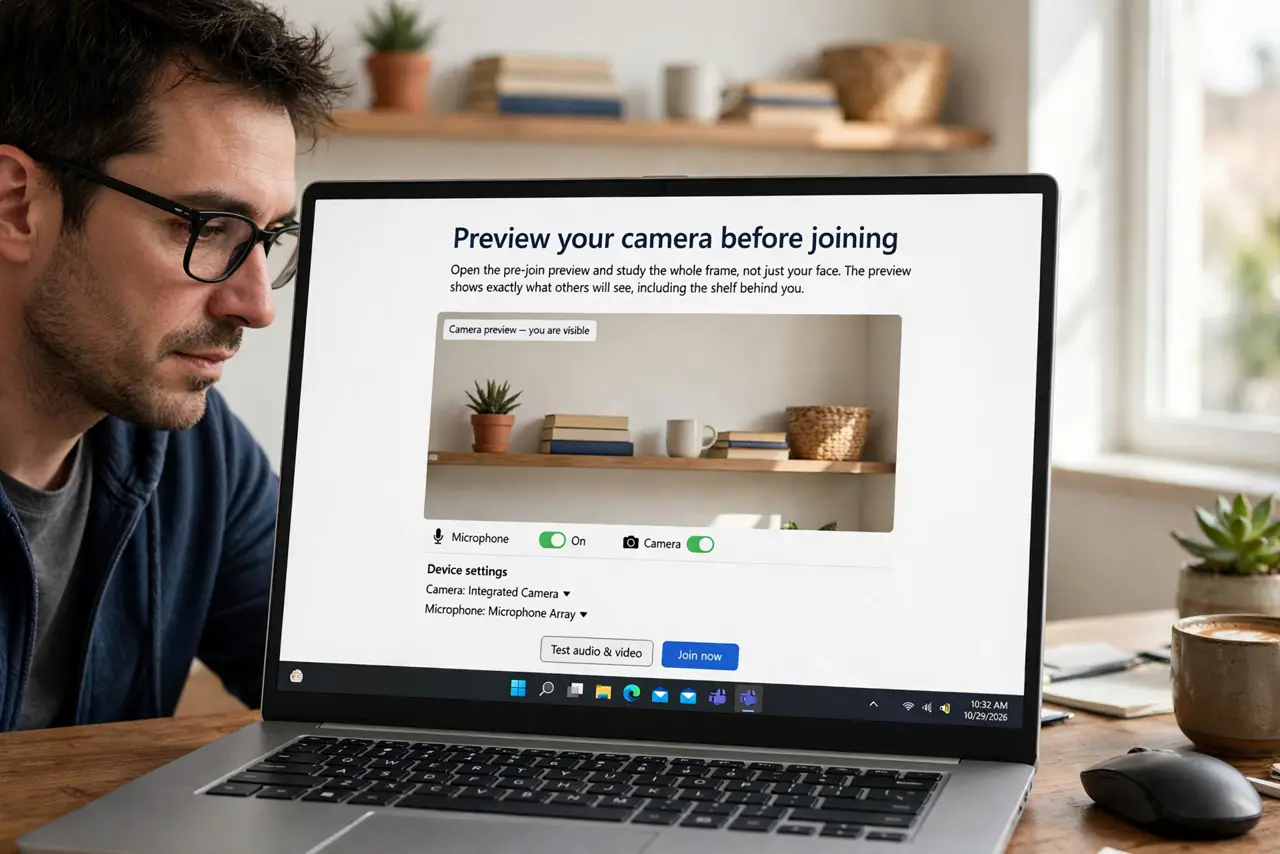
- Preview your camera before joining. Open the pre-join preview and study the whole frame, not just your face. The preview shows exactly what others will see, including the shelf behind you.
- Turn on background blur. Enable blur or a neutral virtual background in the meeting app. Blur hides details without needing a perfect room, and it works in most lighting.
- Move sensitive items out of frame. Relocate mail, documents, medication, and kids' school papers from behind you. The camera cannot leak what is not there.
- Check the view from the camera's angle. Sit where you sit on calls and look behind you. Things invisible from your chair — a whiteboard, a window view — are fully visible to the camera.
- Watch for reflections and windows. Check mirrors, glass doors, and windows in frame. A window can reveal your street, and a mirror can show parts of the room you thought were hidden.
- Pair it with safe screen sharing habits. Set up camera and screen sharing together before the meeting: one window shared, background blurred. Both habits guard the same call.
What NOT to do
- Do not assume nobody looks at your background. People do, and screenshots of interesting backgrounds travel further than you think.
- Do not use a virtual background with sensitive real items still visible. Edges glitch and reveal the real room, so tidy first and blur second.
- Do not leave the camera on when you step away. An empty chair invites snooping eyes to study your room undisturbed.
- Do not forget the background on quick calls. The rushed two-minute call is when the background check gets skipped and the leak happens.
Frequently asked questions
What do backgrounds reveal most often?
Mail with addresses, family photos, screens with personal content, and windows showing the street or neighbors.
Is blur enough?
For most cases, yes. Combine it with moving truly sensitive items, since blur can glitch at the edges.
Should I use a virtual background instead?
Either works. Blur looks more natural; a neutral virtual background hides everything but can glitch more.