Video Call Freezes but Chat Works? Fix It
Video freezes and stutters on a call, but chat messages still go through instantly. Video needs far more bandwidth than chat, so a weak or busy connection drops video first while chat survives.

TL;DR / Quick Fix
Quick fix: turn your camera off briefly or lower video quality, close streams and downloads on other devices, and move closer to the router. If video returns, bandwidth, not the app, was the limit. Test once more after a restart. Write down what worked for next time.
Follow these steps
- Turn the camera off briefly. Turn your camera off for a minute and see whether audio and the call stabilize. If they do, video bandwidth was the limit, and the connection itself works.
- Lower the video quality. In the call app, lower video quality or turn off high-definition video. A softer picture that moves beats a sharp picture that freezes.
- Close other streams and downloads. Pause video streams, downloads, backups, and updates on every device. Each one takes bandwidth the call needs to keep video moving.
- Move closer to the router or wire in. Move the laptop closer to the router, switch to 5 GHz nearby, or connect with a cable. A stronger link is the most direct fix for freezing video.
- Restart the call app and the device. Close the call app fully, reopen it, and rejoin the call. If freezing persists, restart the device, since a tired app state can freeze video alone.
- Update the call app. Check for an update to the call app and install it. Old app versions can freeze video on newer calls, even when the connection is fine.
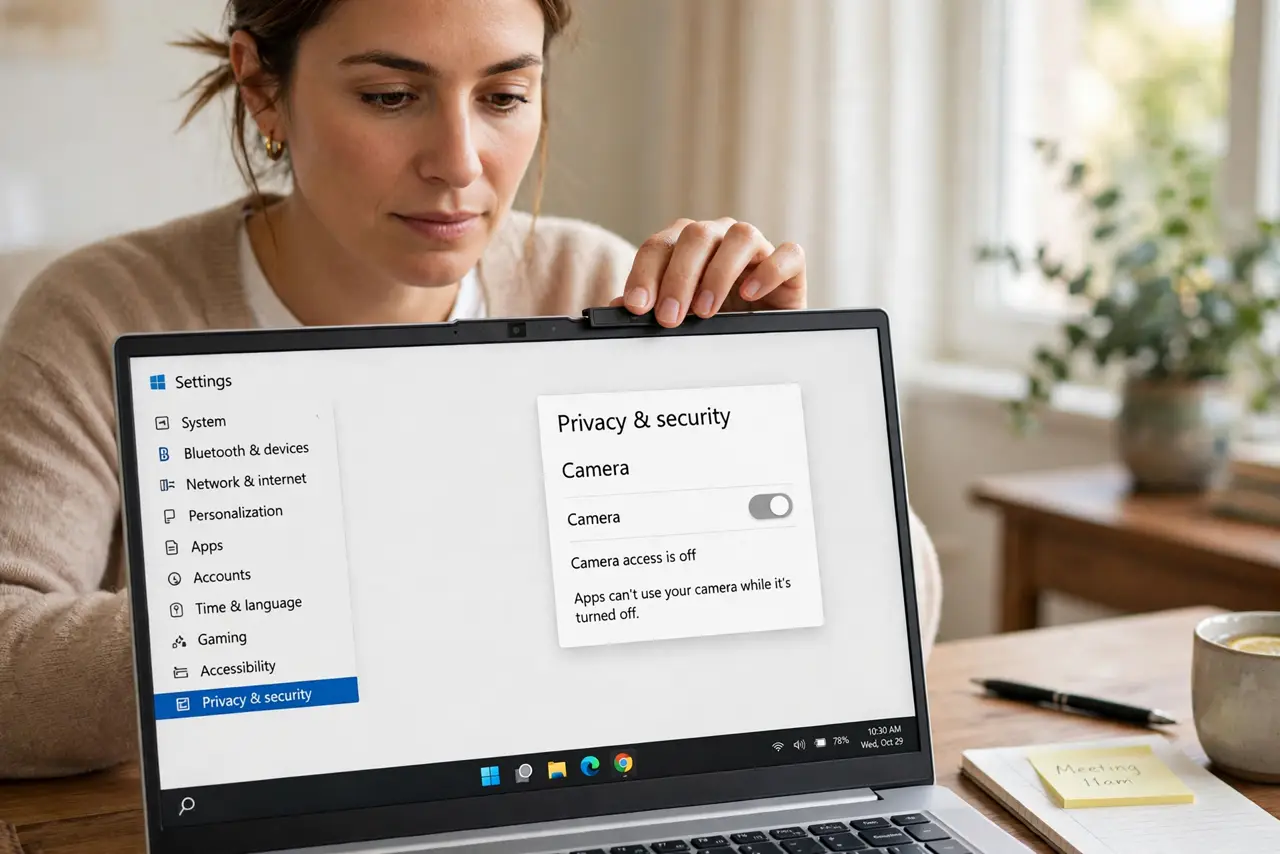
What NOT to do
- Do not keep rejoining the same call without changing anything. Rejoining on the same weak connection freezes again, so fix bandwidth first.
- Do not turn on every video effect during a weak call. Backgrounds and filters add load that a struggling connection cannot spare.
- Do not blame the other person first. If chat works and your video freezes, your own upload or connection is the likely limit, so test your side.
- Do not run a speed test during the call to prove a point. The test itself takes bandwidth and makes the call freeze worse.
Frequently asked questions
Why does video freeze but chat work?
Video needs far more bandwidth than chat. A weak or busy connection drops video first, while tiny chat messages still pass.
Does turning off my camera help?
Yes, for testing and for the call. It frees bandwidth and shows whether video load was the limit.
Is freezing always the connection?
Usually, but an old app version can freeze video too. Update the app if bandwidth fixes fail.