Video Doorbell Keeps Going Offline? Fix It
A video doorbell lives in the worst spot in the house for Wi-Fi: outside, behind a wall, far from the router, often on the 2.4 GHz band's edge. When it keeps going offline, the fix is about signal at the door — not the doorbell's battery or your internet plan.
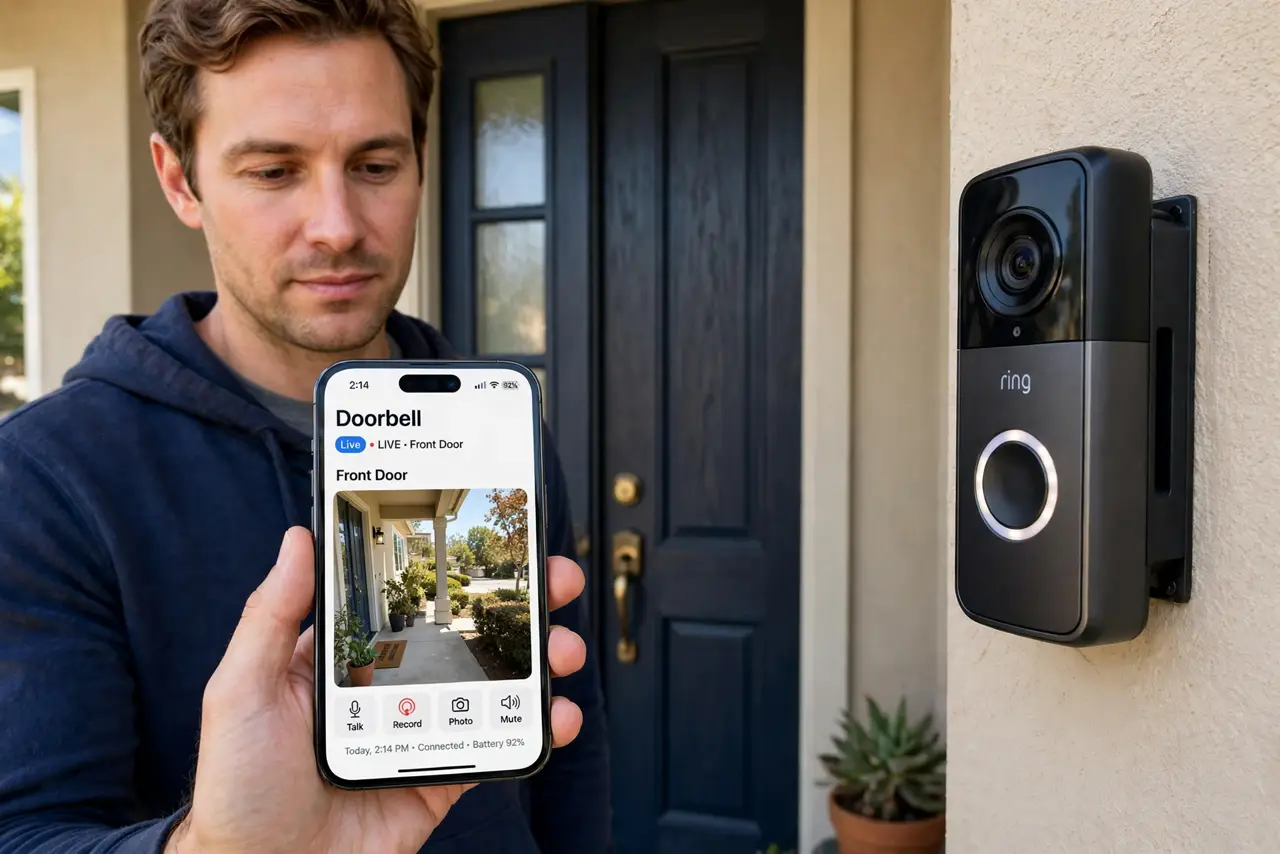
TL;DR / Quick Fix
Quick fix: check the signal strength in the doorbell's app — if it is weak, move a mesh node or access point to the nearest indoor outlet. Keep the doorbell on the [[2.4 GHz band|wifi-2-4-vs-5-ghz]] for range, and rule out [[night-vision glitches|doorbell-night-vision-whiteout]] separately.
Follow these steps
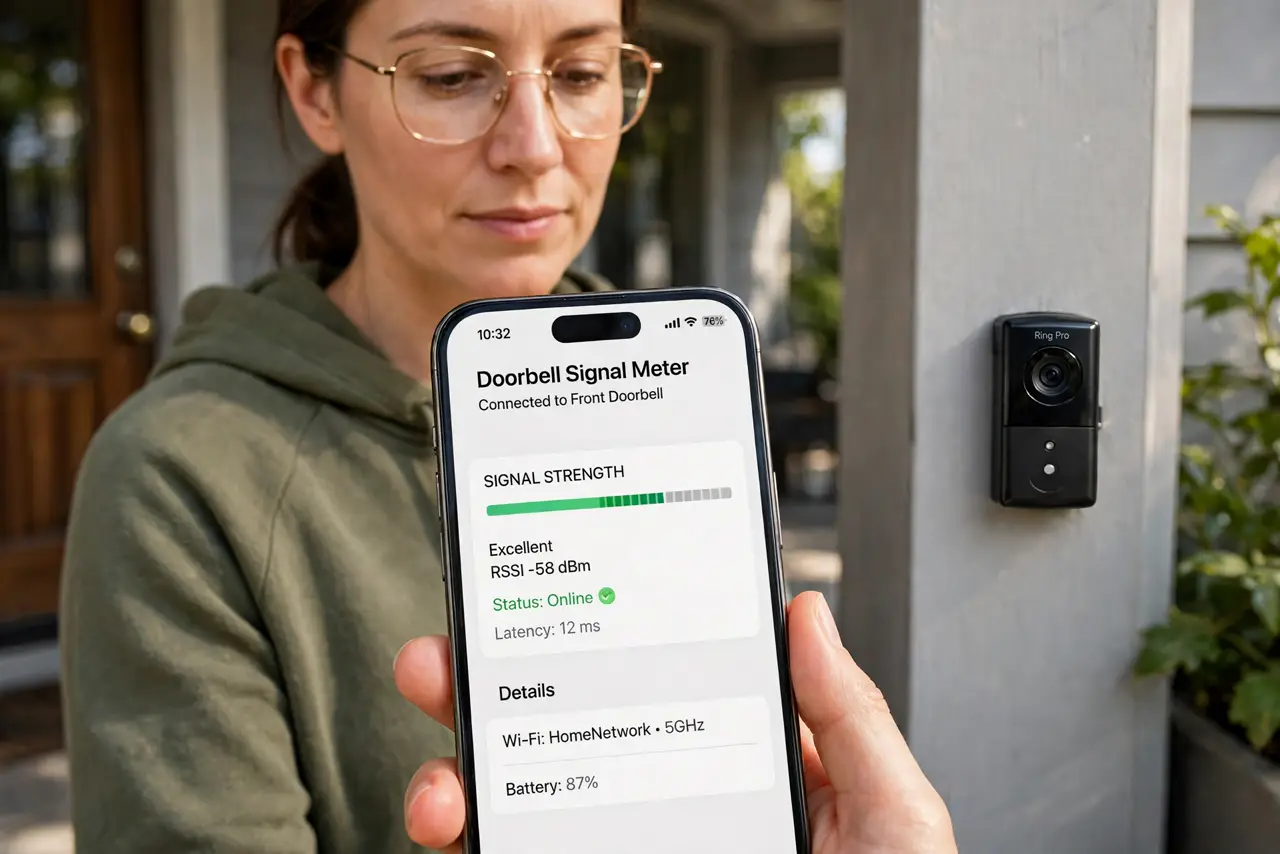
- Read the doorbell's signal meter. The app shows signal strength at the door. 'Poor' or one bar means the doorbell is shouting through a wall to reach the router — that is the diagnosis.
- Move a node to the nearest indoor spot. Place a mesh node or access point at the outlet closest to the front door, inside the house. A few meters closer transforms the doorbell's connection.
- Keep it on 2.4 GHz. The 2.4 GHz band reaches through the exterior wall far better than 5 GHz. Do not 'upgrade' the doorbell to 5 GHz — range beats speed here.
- Reduce the video quality one notch. Lower resolution needs less bandwidth and survives weak signal. The doorbell still identifies visitors fine at the middle setting.
- Check what's between the router and the door. Brick facades, metal doors, and mirrored entryways murder signal. Knowing the obstacle tells you where the helper node must go.
- Update the doorbell firmware. Manufacturers improve Wi-Fi reconnect behavior in updates. Check the app for firmware before you buy any new hardware.
What NOT to do
- Do not mount the chime or hub far from the door. Some doorbells pair through a hub — the hub belongs near the door, not next to the router.
- Do not crank the doorbell to maximum video quality on weak signal. 2K video over a one-bar connection guarantees offline episodes.
- Do not ignore a doorbell that dies only at night. Night vision plus cold can drain batteries faster — that is a power issue, not a Wi-Fi one.
- Do not put the helper node outside. Indoor nodes near the door beat outdoor gear for this job, and they stay dry and powered.
Frequently asked questions
Why does my doorbell go offline but the porch light camera works?
Different radios, different spots. The doorbell's tiny antenna and wall position give it the weakest link of any device you own.
Will a Wi-Fi extender fix my doorbell?
A mesh node near the door works better — extenders add lag that makes live view stutter even when 'connected'.
How much signal does a doorbell need?
Enough for a steady 2 Mbps upload. The app's signal meter matters more than any speed test run inside the house.