Doorbell Night Vision All White? Fix It
At night your doorbell camera shows a glowing white blob instead of your porch. Its own infrared LEDs are reflecting off something close — a wall, a decoration, or the door frame — and blinding the sensor. This guide finds the reflection and removes it.
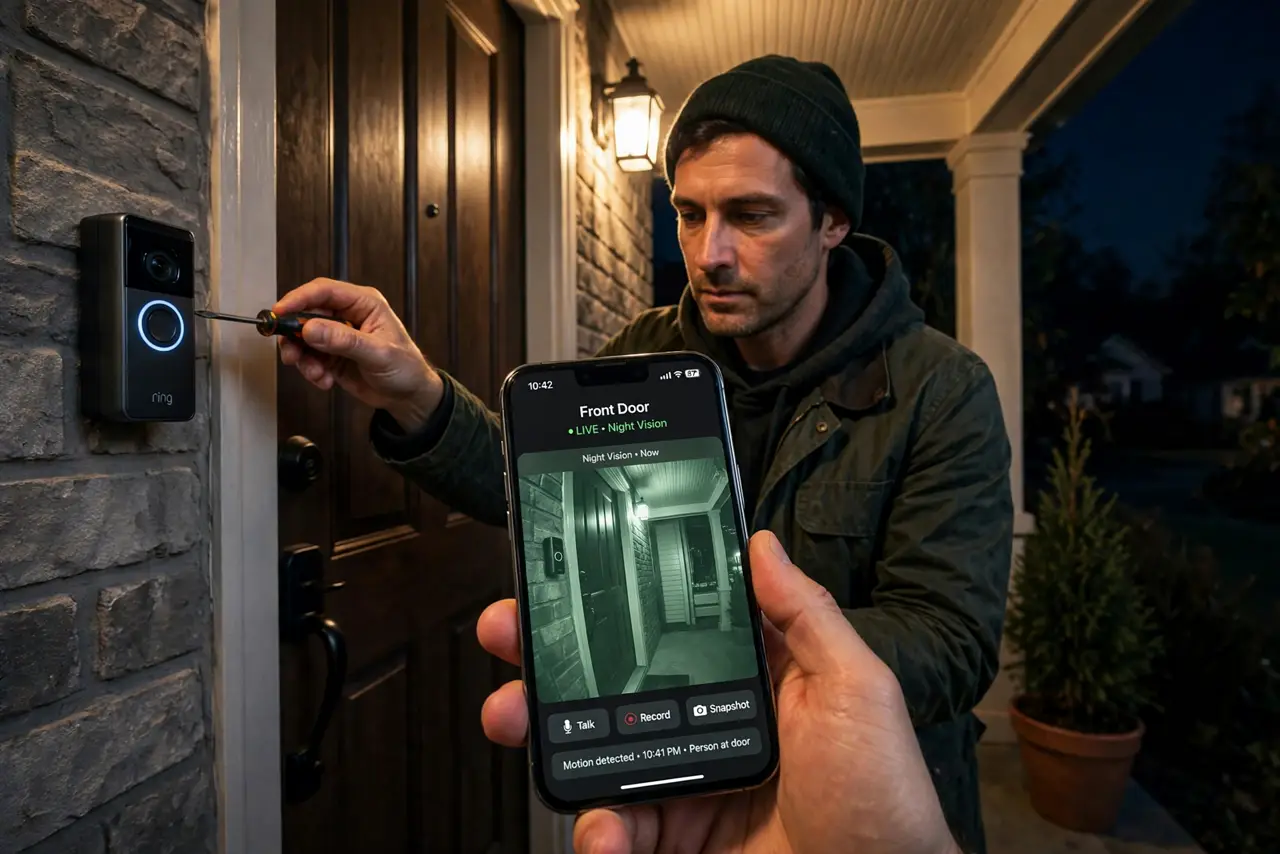
TL;DR / Quick Fix
Quick fix: look for anything reflective near the doorbell — white walls, glass, shiny decorations — and move or cover it. Angle the doorbell slightly away from the nearest surface. If the reflection is the wall itself, a wedge mount that tilts the camera outward usually solves it.
Follow these steps
- Find what the IR is bouncing off. At night, look at the doorbell from the front: white walls, glass panels, glossy paint, and decorations within a few feet reflect infrared straight back into the lens.
- Move or cover the reflector. Shift the decoration, add a matte cover, or reposition the doorbell. Even a few inches of separation can drop the reflection below blinding level.
- Angle the doorbell outward. Use a wedge or corner mount to tilt the camera away from the adjacent wall. A slight outward angle keeps the porch in frame while the wall leaves the IR field.
- Clean the lens and the IR window. Wipe the lens and the infrared LED window with a soft cloth. Haze and spiderwebs scatter IR light and create their own whiteout.
- Lower the IR intensity if the app allows. Some doorbells let you reduce night-vision brightness or switch to a spotlight mode. Less IR means less reflected glare.
- Add a separate light source. A small porch light lets the camera stay in color mode instead of switching to IR. Visible light eliminates IR reflection entirely — and check local rules on doorbell audio recording while you are at it.
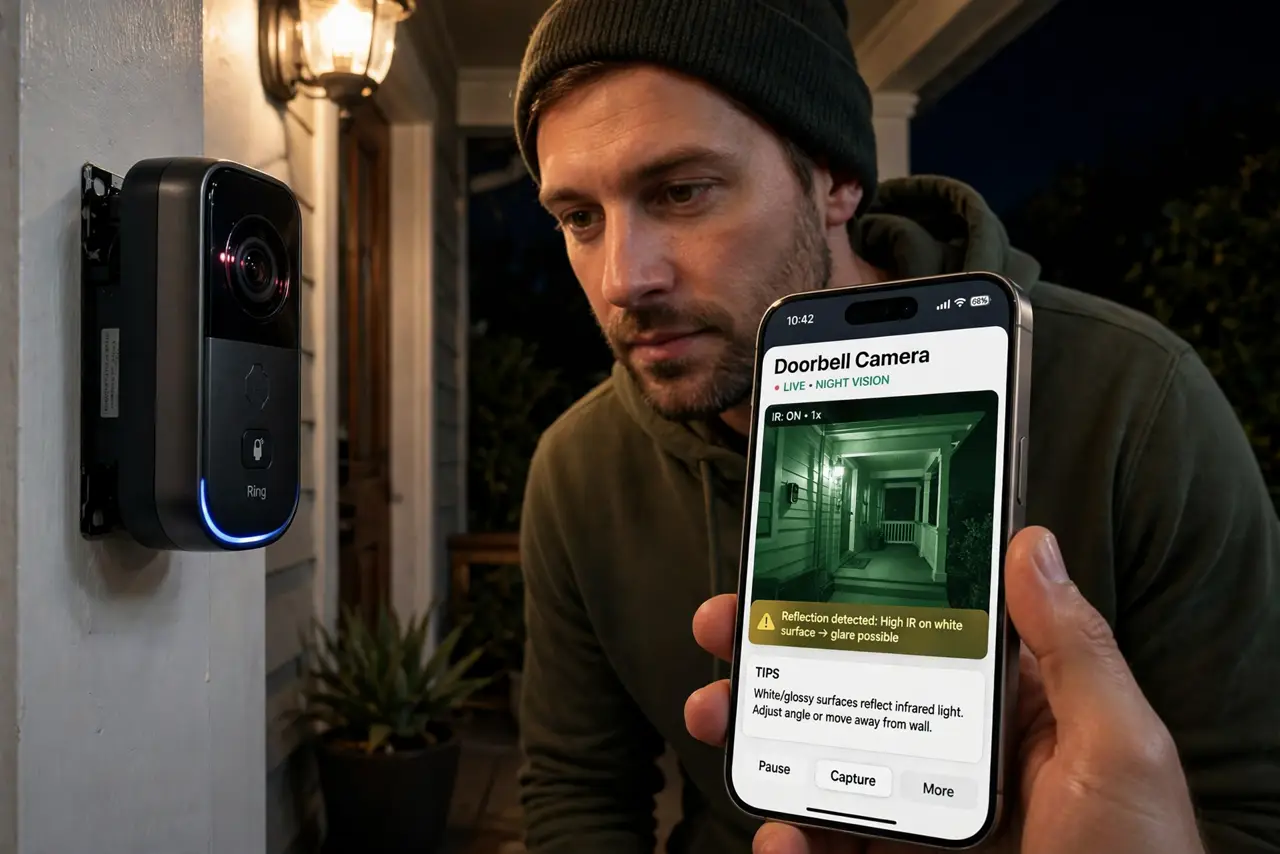
What NOT to do
- Do not point the doorbell straight at a white wall. The closer and brighter the surface, the worse the IR bounce — angle matters more than settings.
- Do not crank IR brightness to 'fix' a whiteout. More infrared on a reflective surface just makes a brighter blob.
- Do not ignore spiderwebs. A web across the lens is invisible by day and a glowing curtain under IR at night.
- Do not mount the doorbell recessed in a shiny frame. Recessed glossy surrounds trap and reflect IR right back at the sensor.
Frequently asked questions
Why is my doorbell camera white at night?
Its infrared LEDs are reflecting off a nearby surface — wall, glass, or decoration — and the reflection overwhelms the sensor.
Will a wedge mount really help?
Often yes. Tilting the camera even slightly away from the reflective surface moves the bounce out of the lens's view.
Should I just add a porch light?
It is the most reliable fix. Visible light keeps the camera in color mode, sidestepping IR reflection completely.